Adding a Printer
With one account, you can use the Canon Inkjet Cloud Printing Center services on multiple printers.
The procedure for adding a printer is as follows:
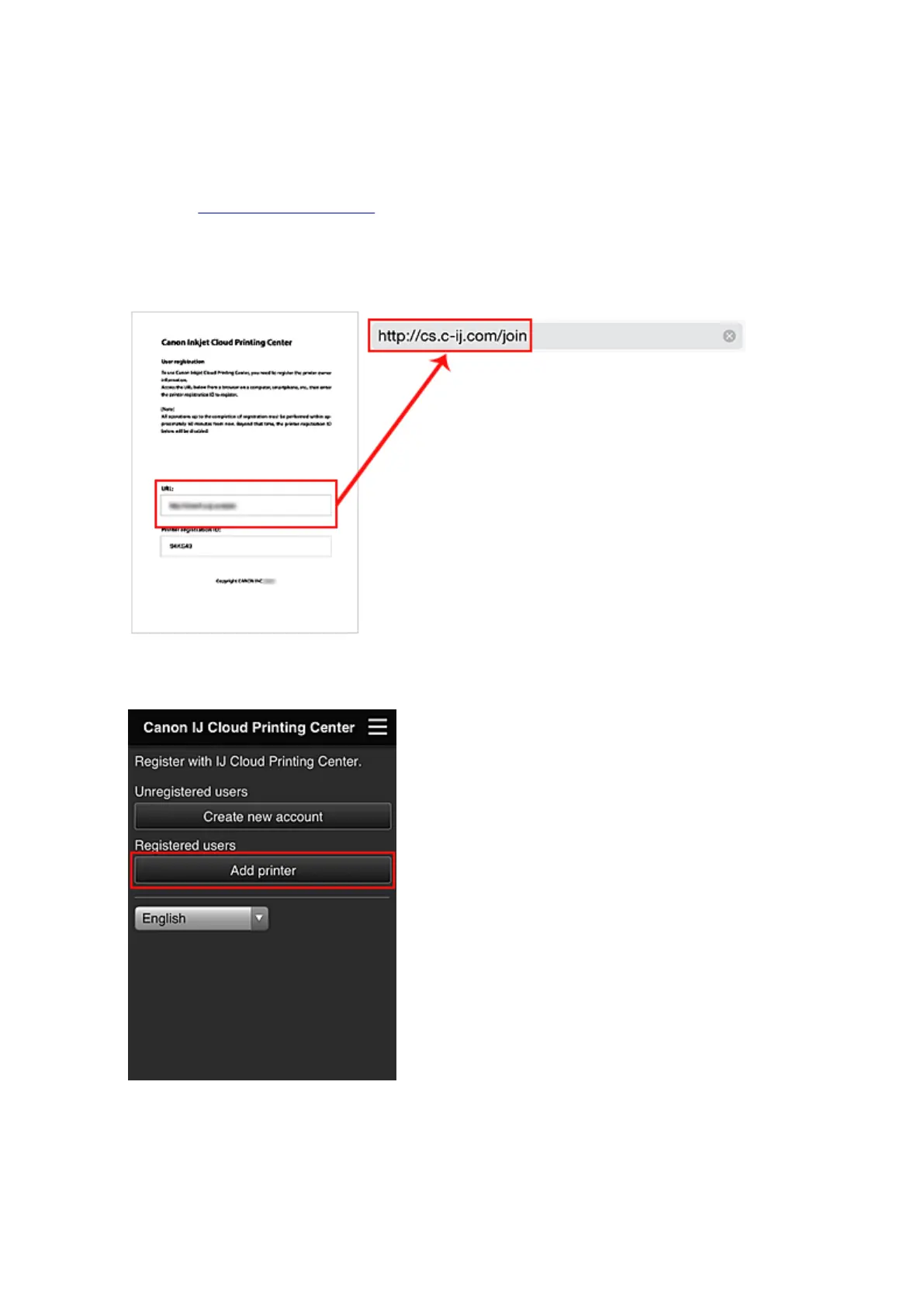
1. Print the registration information from the printer to be added
2.
From the browser on your smartphone, tablet, or computer, access the authentication site
URL
3.
When the printer registration screen is displayed, select Add printer
4. Enter the information according to the instructions on the authentication screen, and then
select Log in
5. Enter your Printer registration ID, and select OK
72














 To Next Page