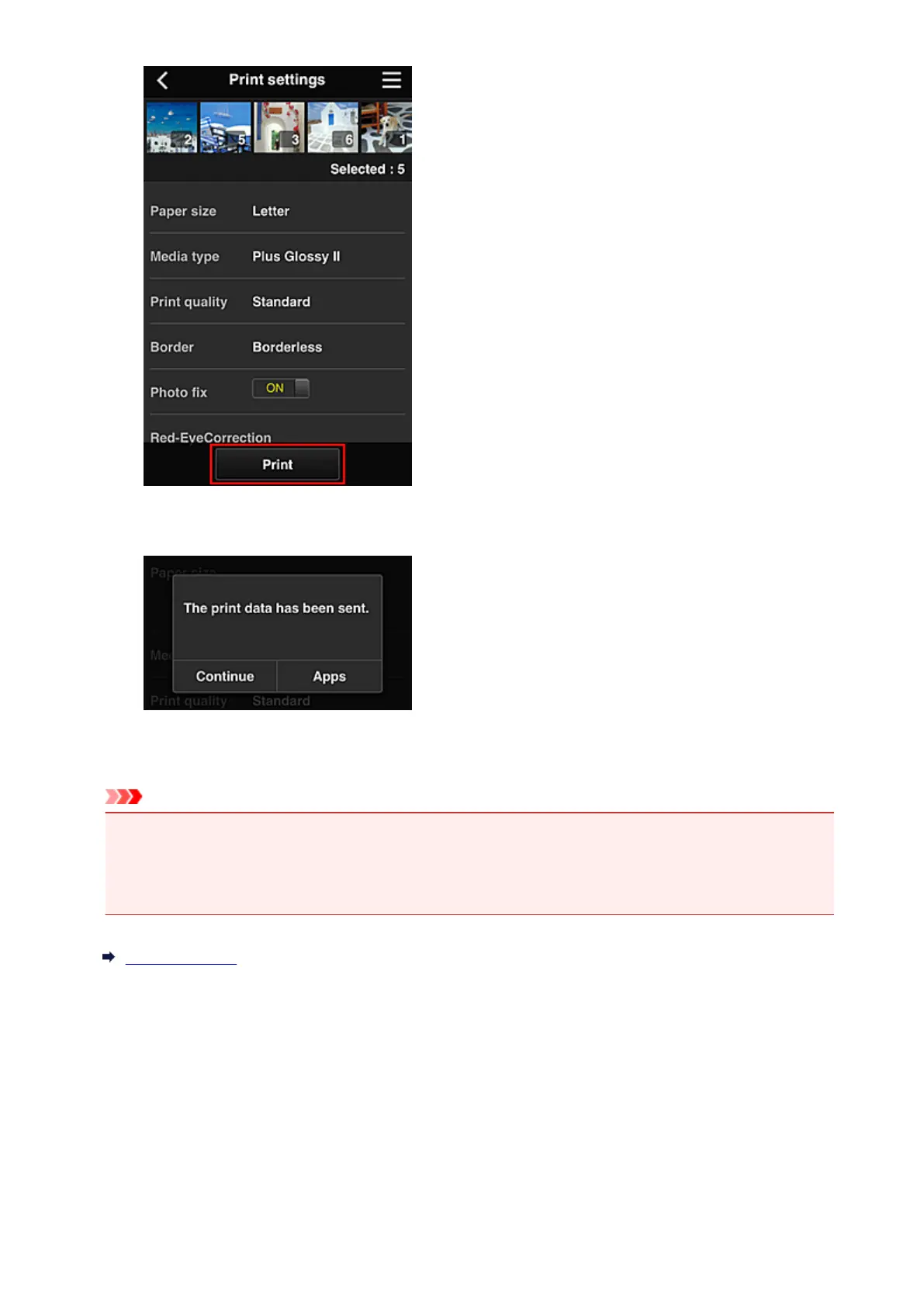
6.
A print job completion message appears, and printing starts
To continue printing, select Continue, and perform the operation from Step 3.
To end the printing, select Apps. The screen returns to the apps list screen.
Important
• If a print job is not printed within 24 hours after the print job is issued, the print job will expire and
cannot be printed.
• With premium apps that limit the number of print jobs, print jobs that expire and cannot be printed are
also included in the print count.
Adding a Printer
71














 To Next Page