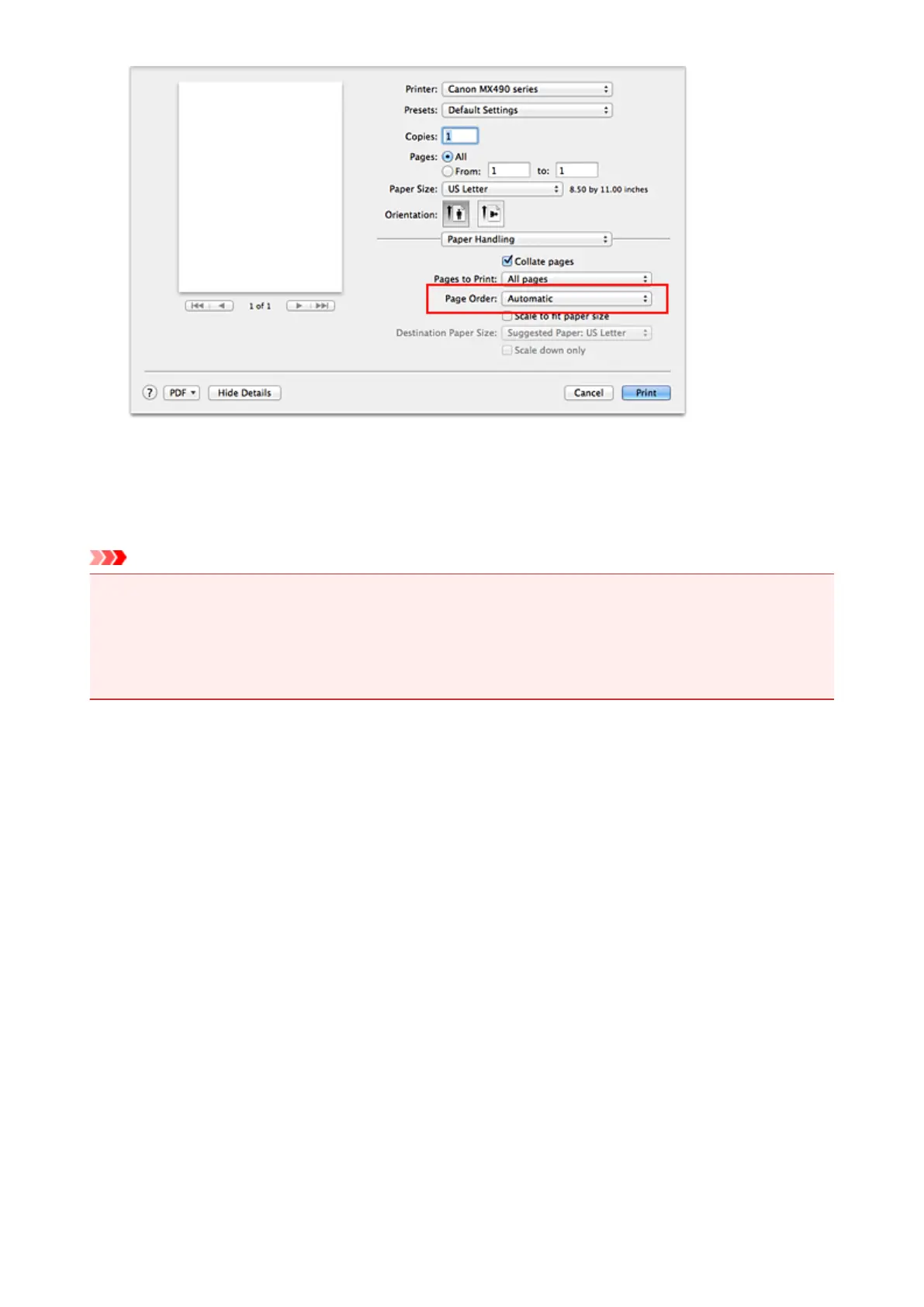
5.
Complete the setup
Click Print.
When you execute print, the specified number of copies will be printed with the specified printing order.
Important
• When the application software that you used to create the document has the same function, specify the
settings on the printer driver. However, if the print results are not acceptable, specify the function
settings on the application software. When you specify the number of copies and the printing order with
both the application software and this printer driver, the number of copies may be multiplied numbers of
the two settings or the specified printing order may not be enabled.
294














 To Next Page