3.
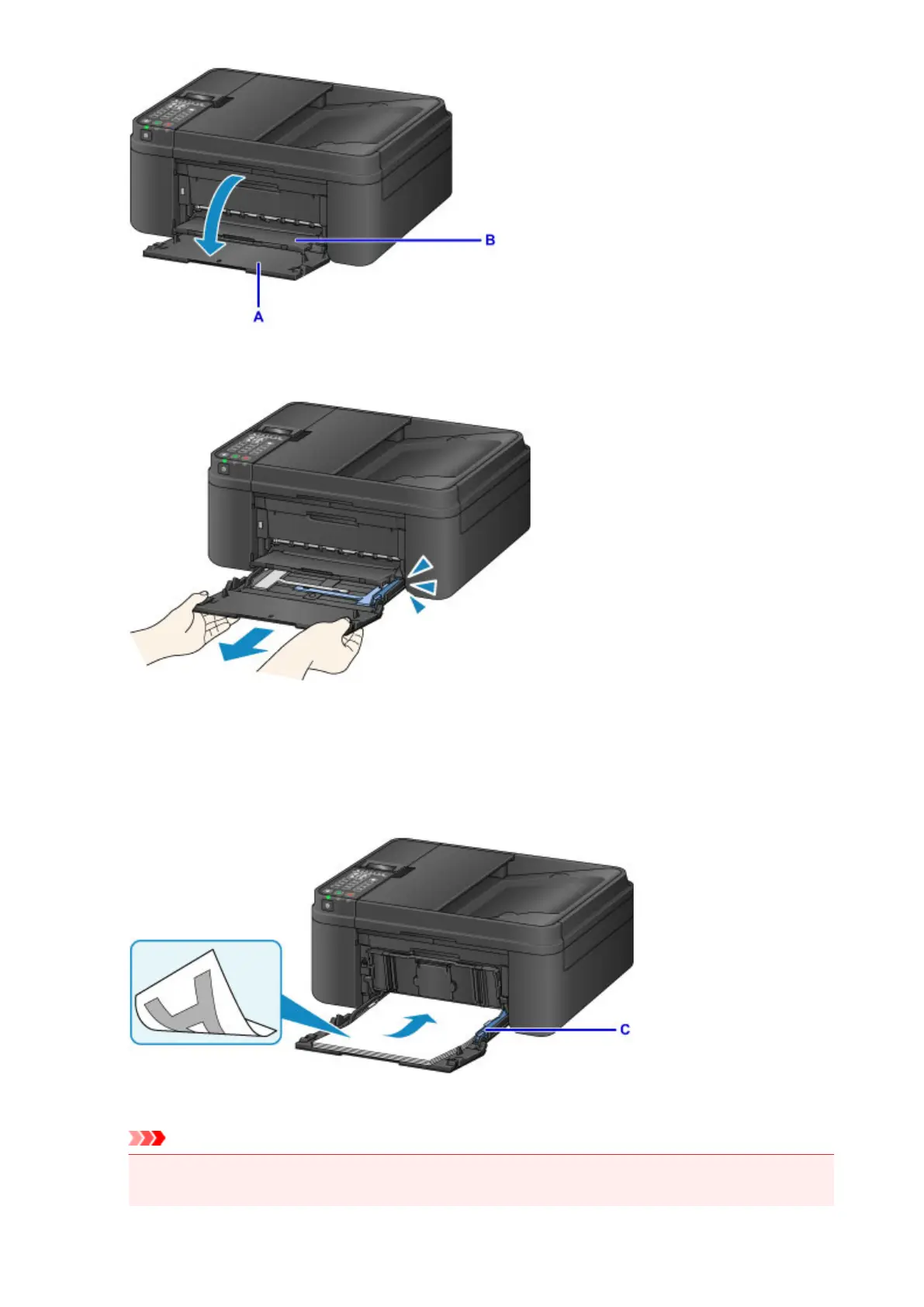
Grab the right and left sides of the front cover and pull out the cassette until it stops.
4.
Use the right paper guide (C) to slide both paper guides all the way out.
5.
Load the paper in the center of the cassette WITH THE PRINT SIDE FACING DOWN.
Push the paper stack all the way to the back of the cassette.
* The above figure shows the machine with the paper output tray raised.
Important
•
Always load paper in the portrait orientation (D). Loading paper in the landscape orientation (E)
can cause paper jams.
127














 To Next Page