Important
•
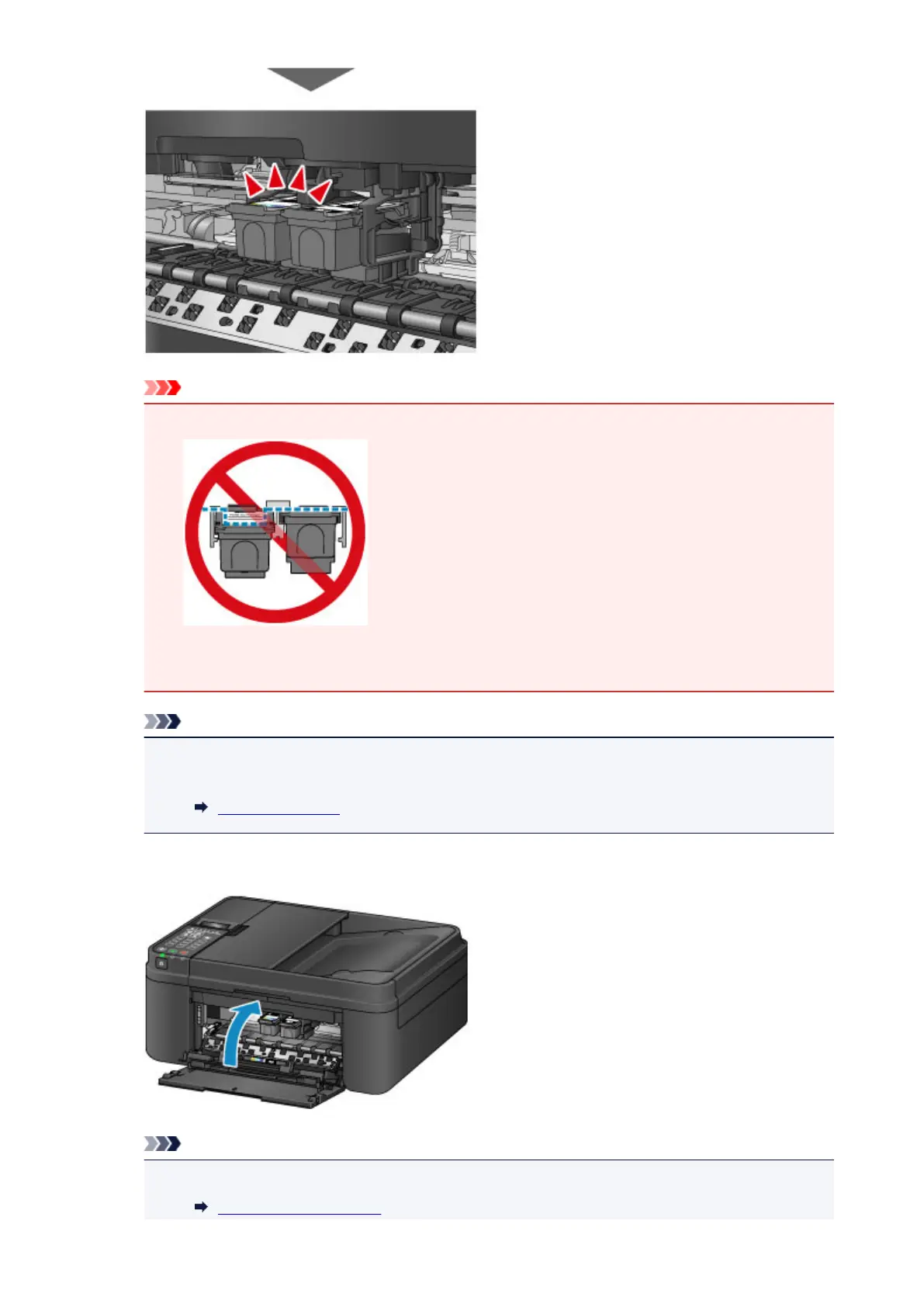
Check if the FINE cartridge is installed correctly.
• The machine cannot print unless both the color FINE cartridge and black FINE cartridge are
installed. Be sure to install both cartridges.
Note
•
When you set the alarm to be silent in Sound control of Dev. user settings, the alarm will not
beep even if the FINE cartridge is attached.
Dev. user settings
9.
Close the paper output cover.
Note
•
If the error message appears after the paper output cover is closed, take appropriate action.
A Message Is Displayed
159














 To Next Page