Important
• Do not touch any printed part on the print head alignment sheet. If the sheet is stained or wrinkled,
it may not be scanned properly.
•
If the print head alignment sheet was not printed correctly, press the Stop button, then redo this
procedure from the beginning.
6.
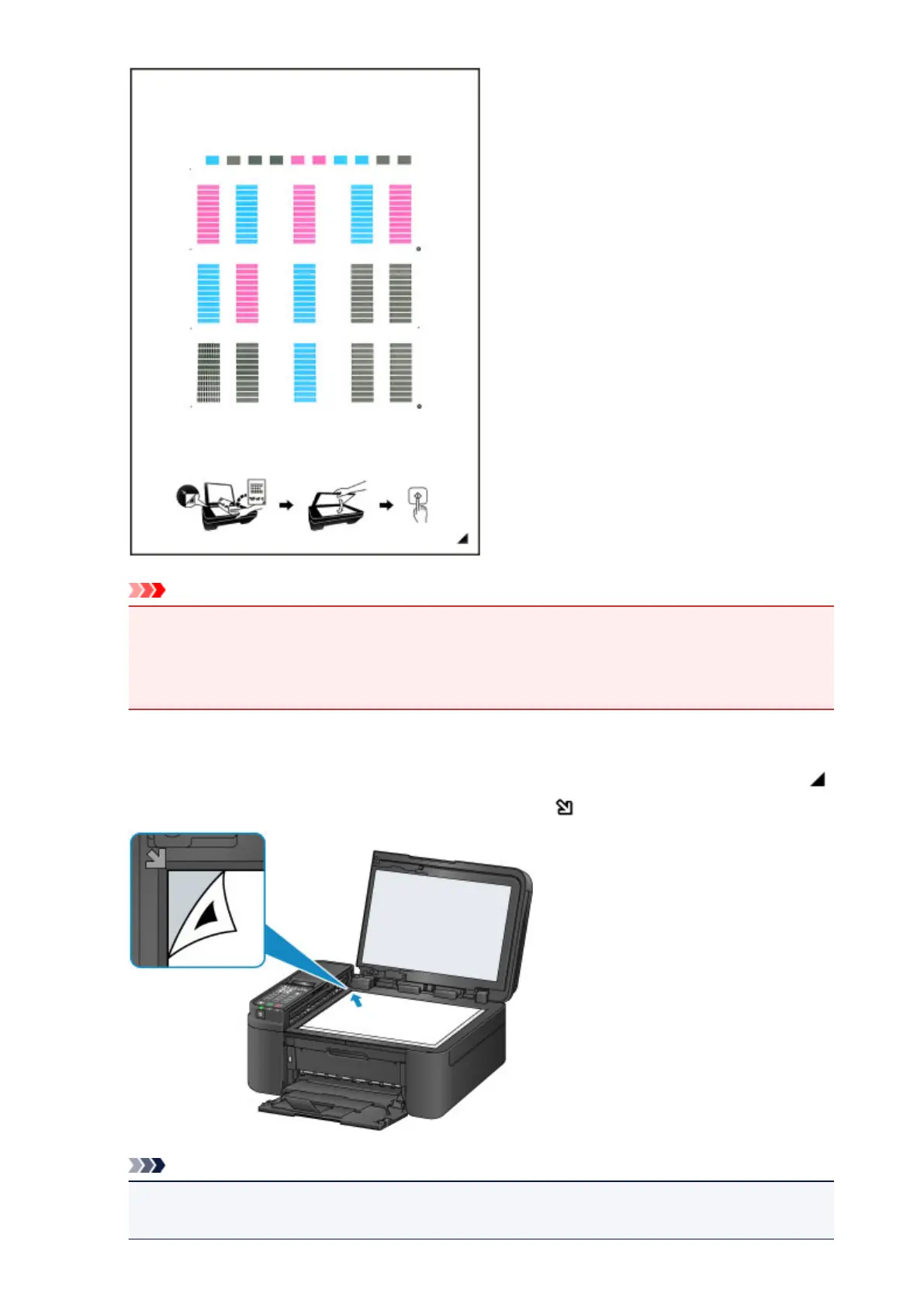
Confirm the message, then load the print head alignment sheet on the platen glass.
Load the print head alignment sheet WITH THE PRINTED SIDE FACING DOWN and align the mark
on the bottom right corner of the sheet with the alignment mark .
Note
•
The print head alignment sheet cannot be scanned if it is loaded in the ADF (Auto Document
Feeder).
172














 To Next Page