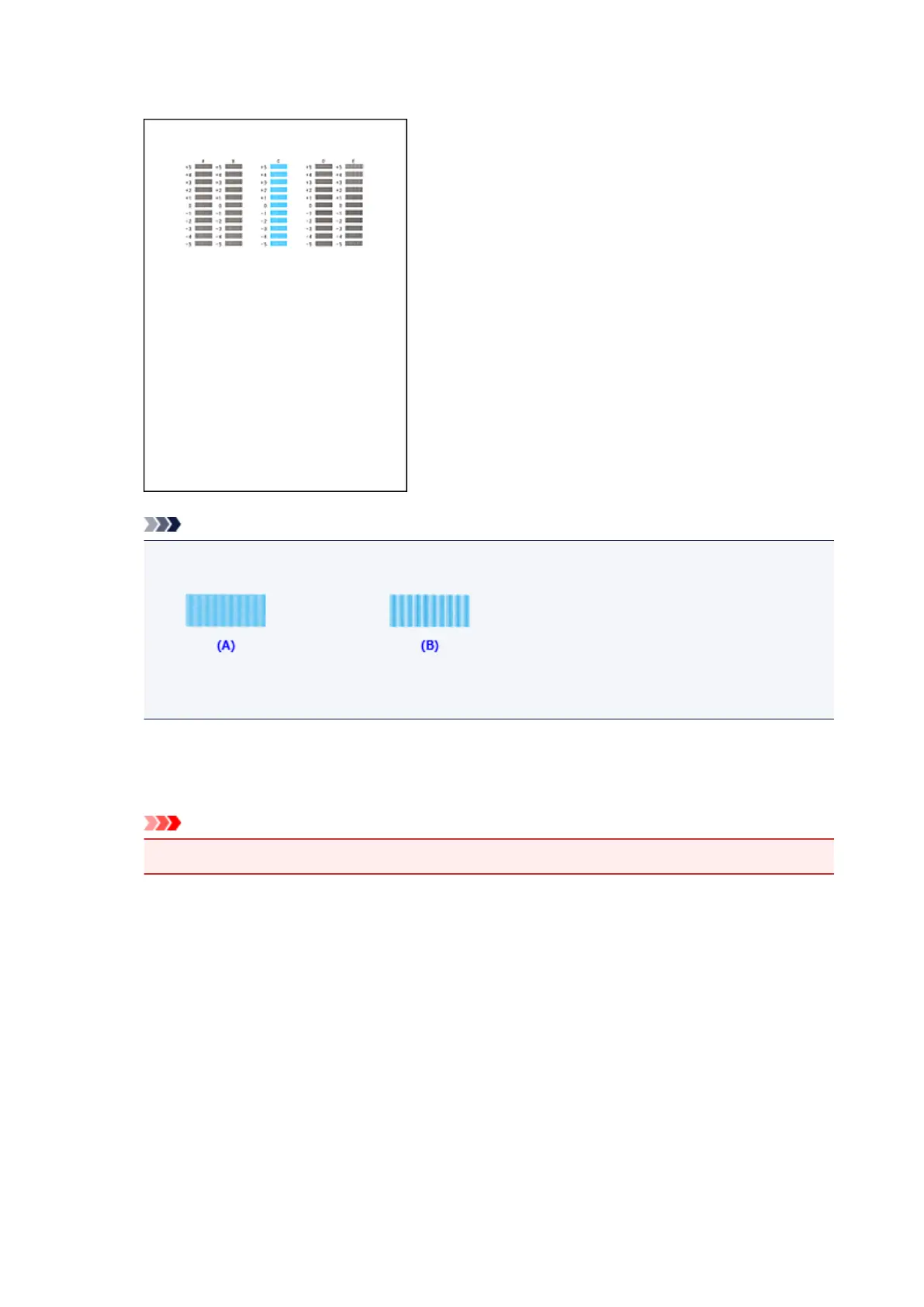
Enter the numbers of the patterns with the least noticeable streaks in the associated boxes, and click
OK.
Note
• If it is difficult to pick the best pattern, pick the setting that produces the least noticeable vertical
streaks.
(A) Least noticeable vertical streaks
(B) Most noticeable vertical streaks
9.
Confirm the displayed message and click OK
The second pattern is printed.
Important
• Do not open the paper output cover while printing is in progress.
10. Check the printed pattern
Enter the numbers of the patterns with the least noticeable streaks in the associated boxes, and click
OK.
180














 To Next Page