Note
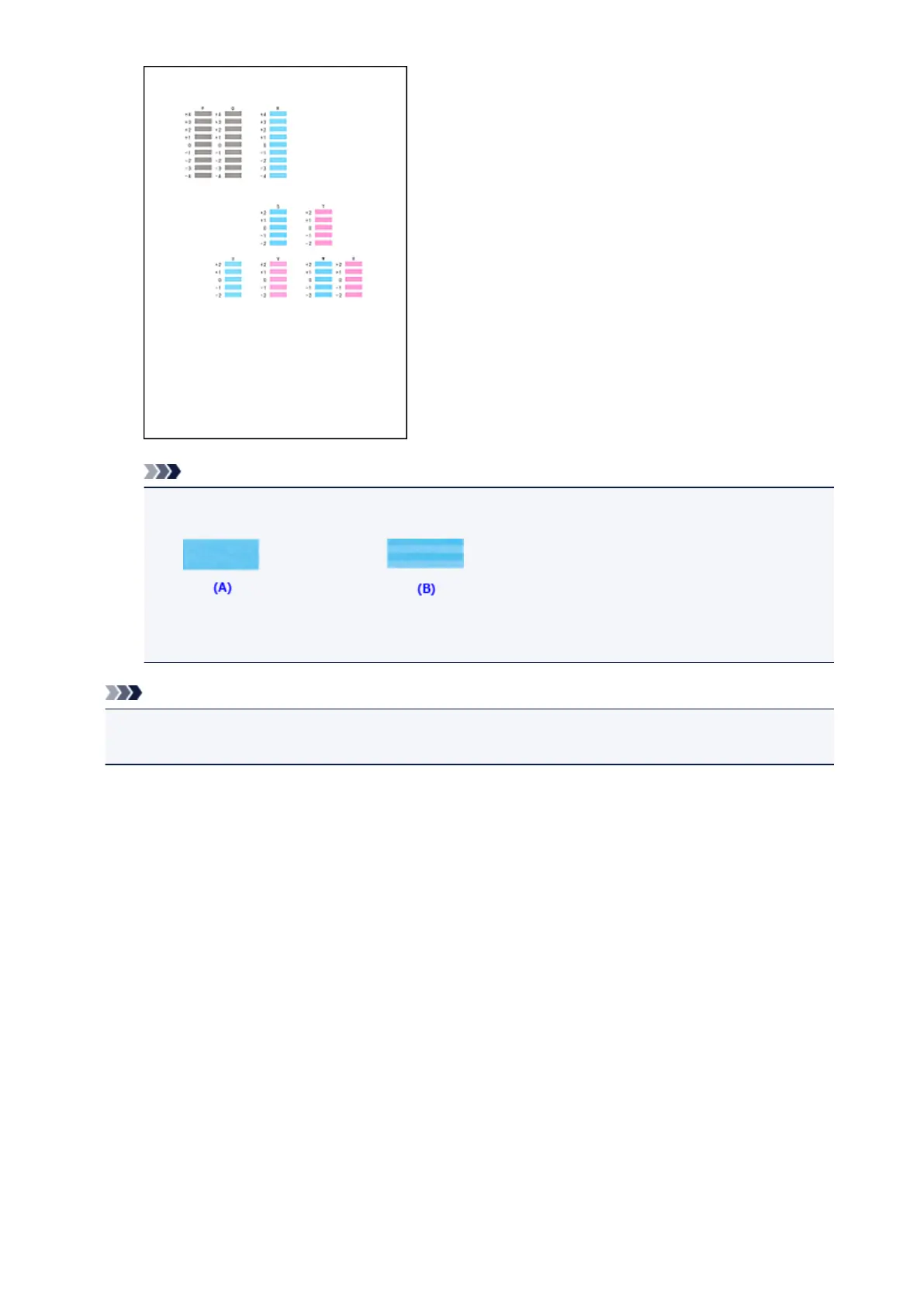
• If it is difficult to pick the best pattern, pick the setting that produces the least noticeable
horizontal stripes.
(A) Least noticeable horizontal stripes
(B) Most noticeable horizontal stripes
Note
• After head alignment is completed, you can print and check the current setting. To do so, click the
Print Head Alignment icon and when the message is displayed, click Print Alignment Value.
182














 To Next Page