3.
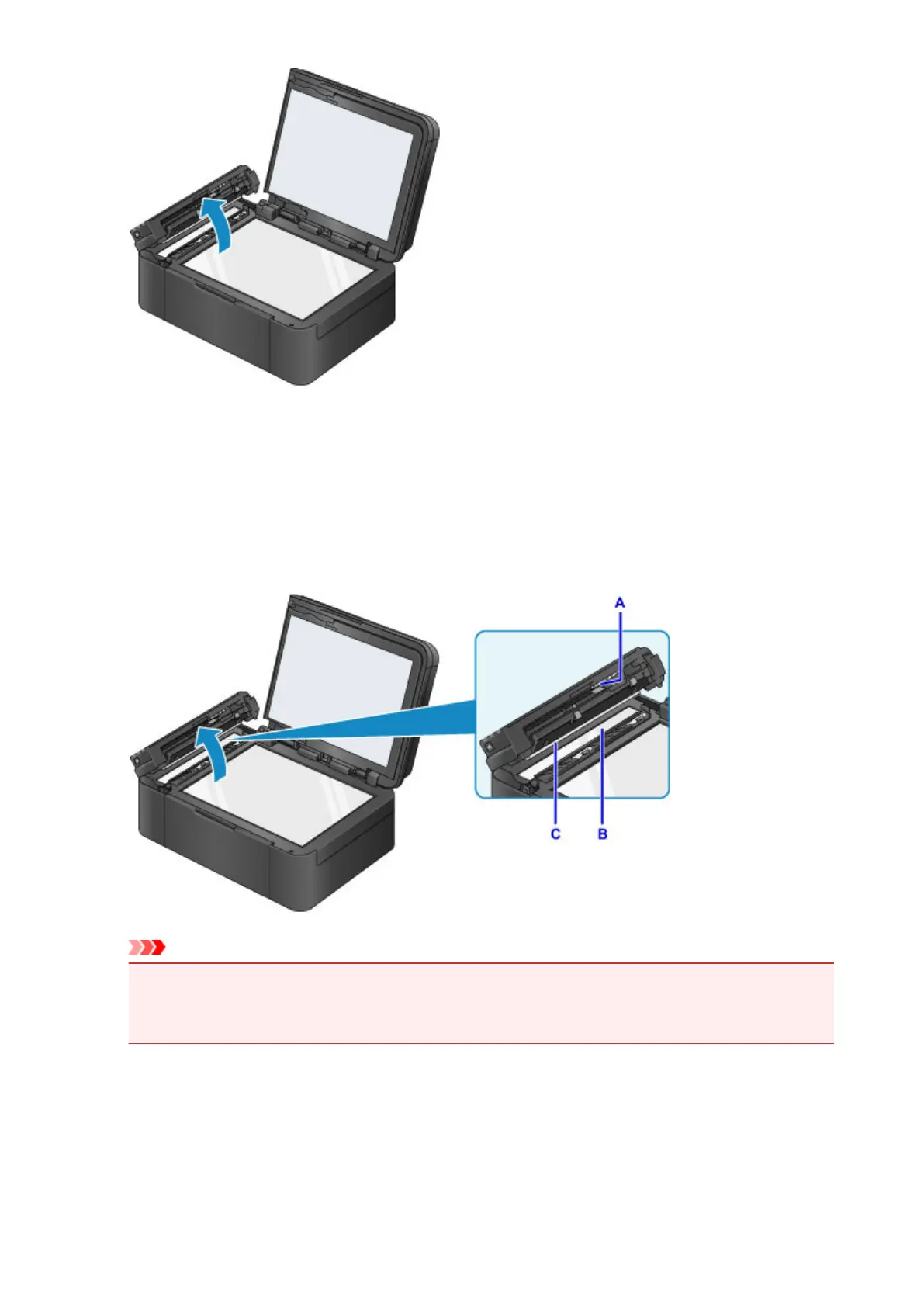
With the clean cloth, wipe off any paper dust from the inside of the document feeder cover
(A).
4.
Wipe the glass of the ADF (B) and the inner side of the document feeder cover (white area)
(C) gently.
Make sure not to leave any residue, especially on the glass surface.
Important
•
If any foreign substances such as glue, ink or correction fluid are adhered to the glass of the ADF
(B) as shown in the figure above, some black streaks will appear on the scanned image. In this
case, wipe the dirt off gently.
5. After wiping, close the document feeder cover by pushing it until it clicks into place.
6. Close the document cover gently.
189














 To Next Page