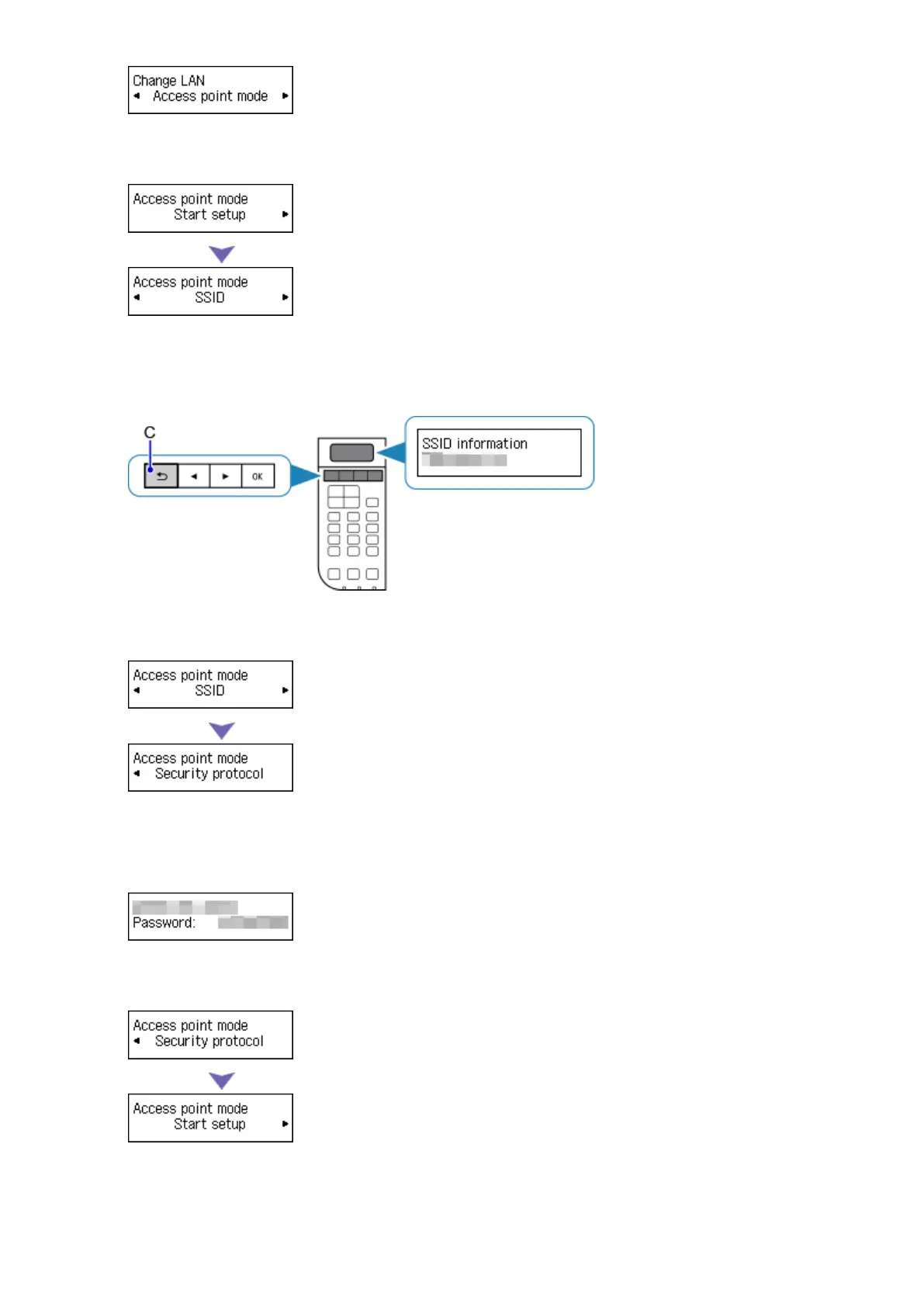
6. Select SSID, then press the OK button.
7.
Check SSID information in the printer screen, then press the Back button (C).
You will use the SSID information in the subsequent steps.
8.
Select Security protocol, then press the OK button.
9.
Check the Password (network key), then press the Back button.
You will use the Password (network key) in the subsequent steps.
10. Select Start setup, then press the OK button.
11. Right-click the Wireless Network Connection icon in the notification area of the taskbar on
the computer, then select View Available Wireless Networks.
34














 To Next Page