Settings (Auto Scan) Dialog
Settings (Document Scan) Dialog
Settings (Photo Scan) Dialog
Settings (Custom Scan) Dialog
Settings (Driver) Dialog
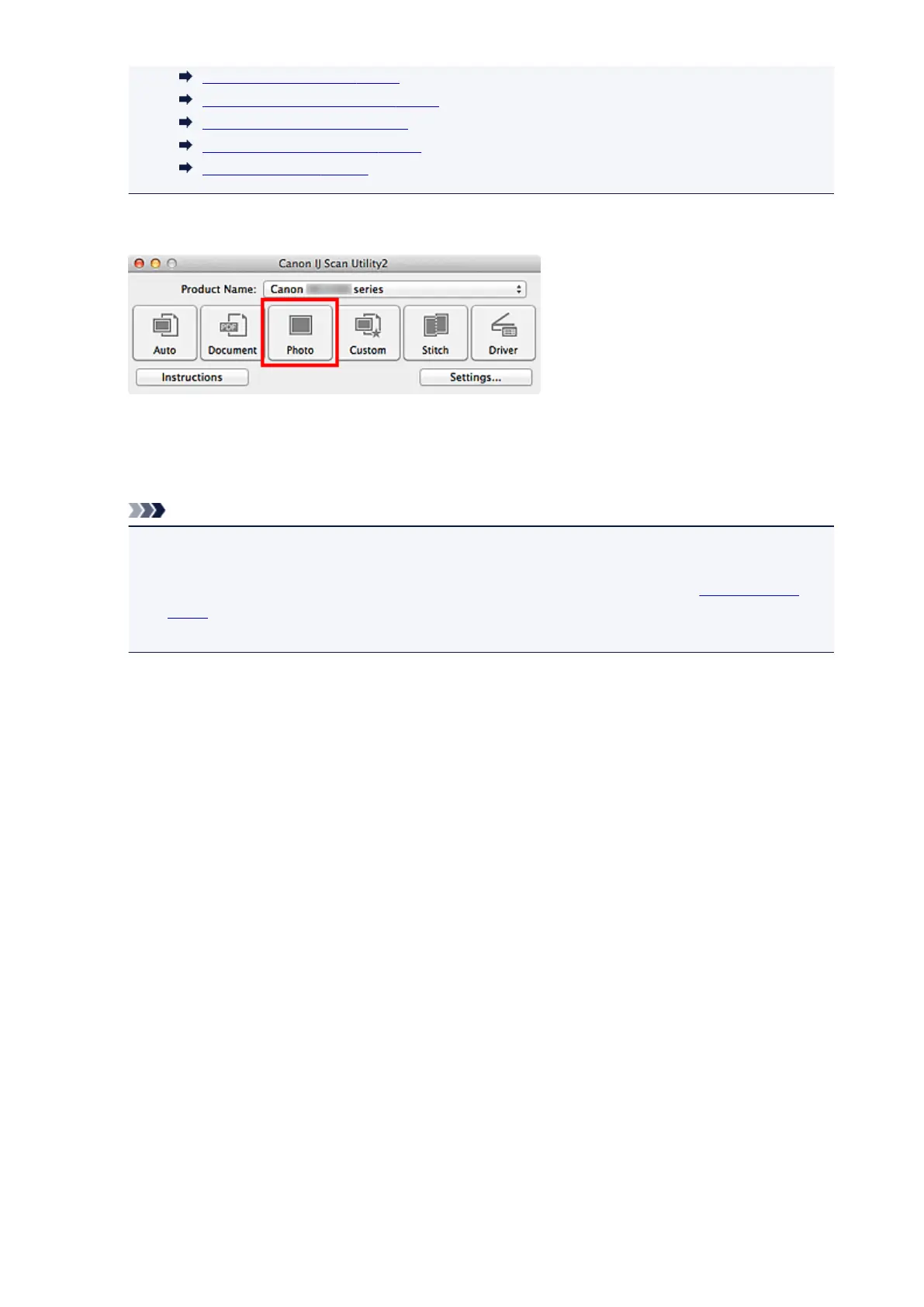
6. Click Photo.
Scanning starts.
When scanning is completed, the specified e-mail client starts and the images will be attached to a new
message.
Note
• Click Cancel to cancel the scan.
• The scanned images are saved according to the settings made in the Settings dialog.
•
When the Check scan results checkbox is selected in the Settings dialog, the Save Settings
dialog appears. After you set the save options and click OK, the scanned images are saved and
automatically attached to a new message of the specified e-mail client.
7.
Specify the recipient, enter the subject and message, then send e-mail.
Refer to the manual of your e-mail client for e-mail settings.
398














 To Next Page