Note
• If a compatible application is not installed, the text in the image is extracted and appears in your
text editor.
Text to be displayed is based on Document Language in the Settings (General Settings)
dialog. Select the language you want to extract in Document Language and scan.
• You can add the application from the pop-up menu.
5.
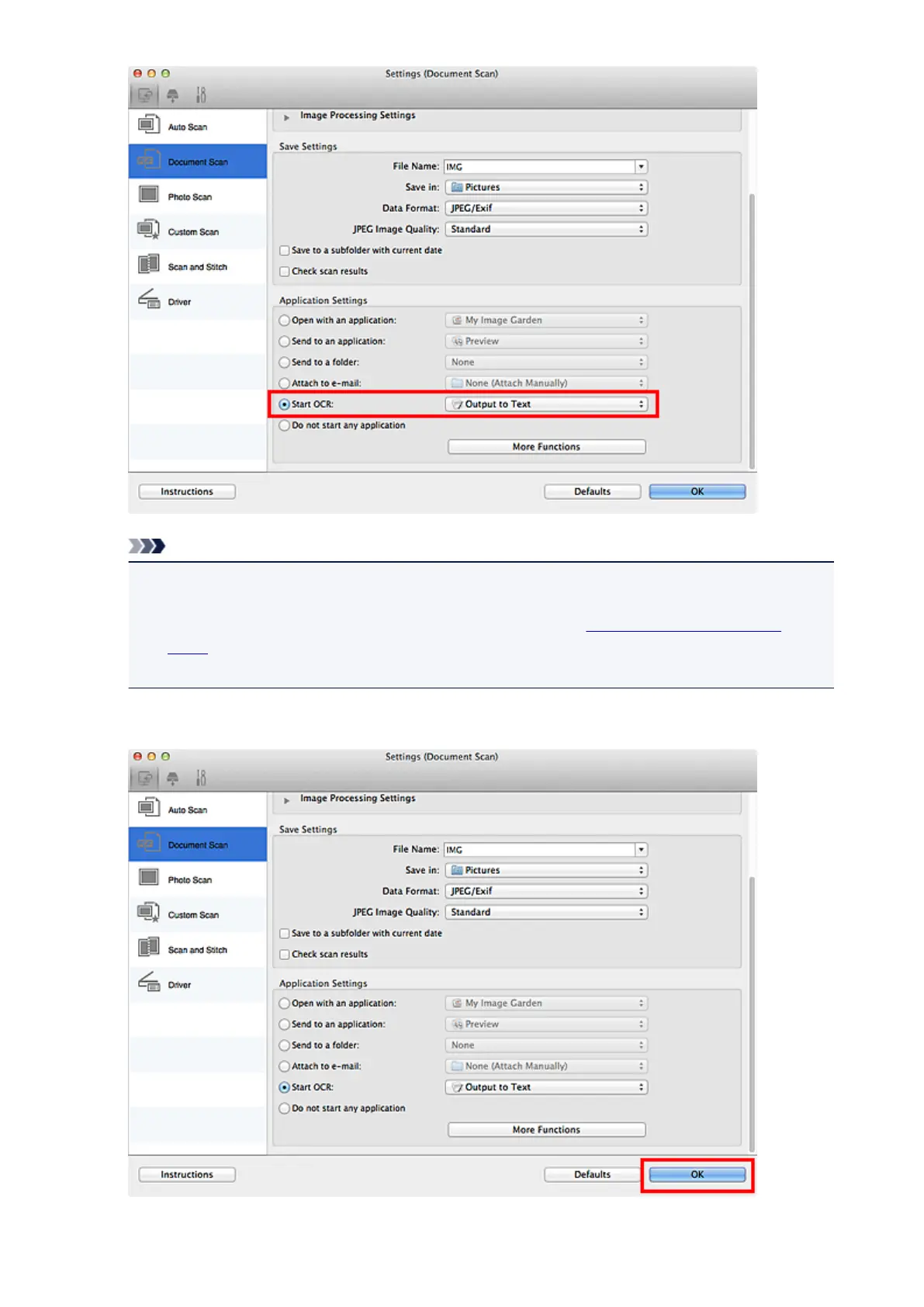
Click OK.
The IJ Scan Utility main screen appears.
400














 To Next Page