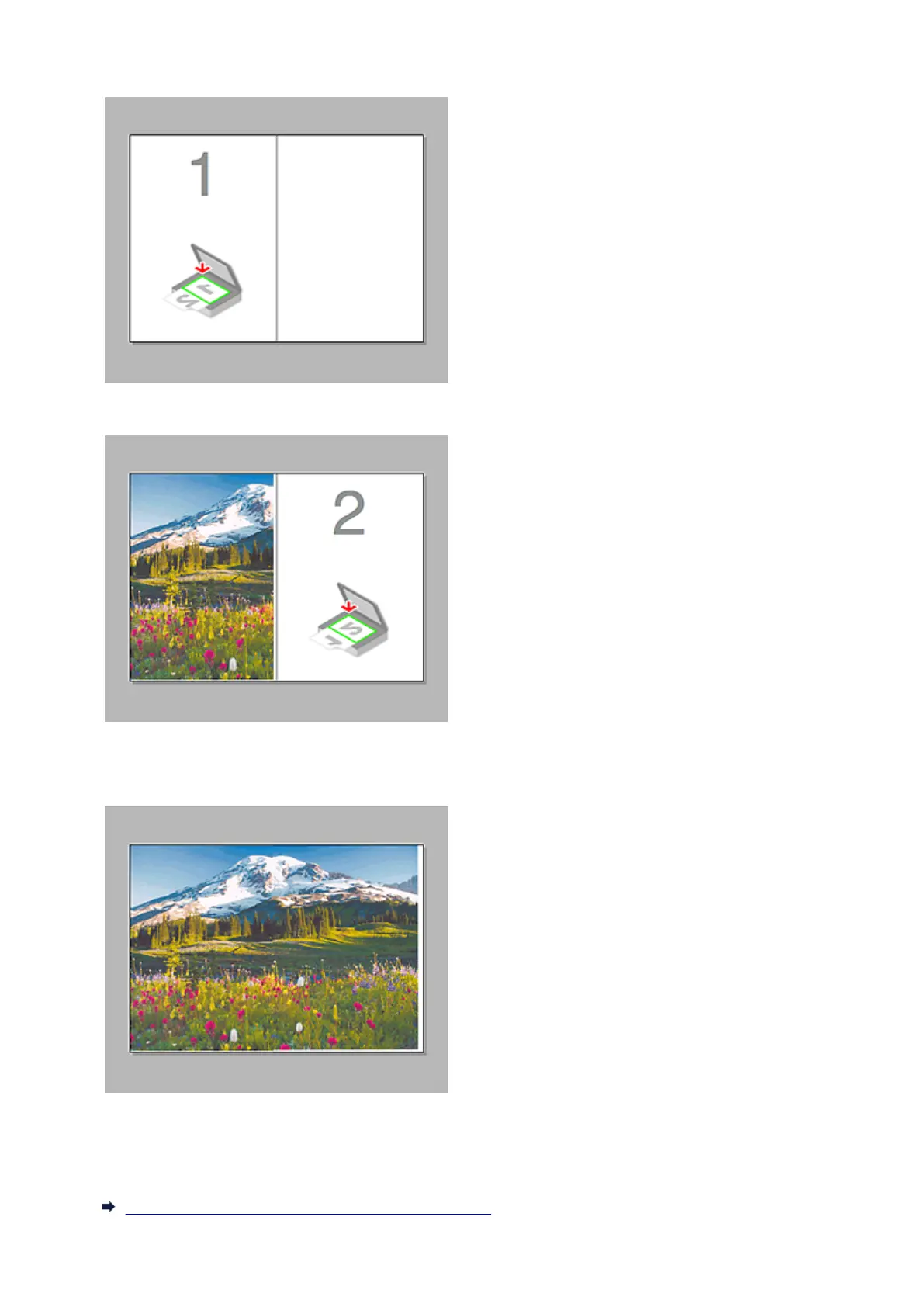
When no image has been scanned:
After scanning the first item by clicking Start Scanning Image 1:
The image is scanned in the direction specified in Scan Direction, and 2 appears next to it.
After scanning the second item by clicking Start Scanning Image 2:
The two scanned images appear.
Related Topic
Scanning Items Larger than the Platen (Image Stitch)
454














 To Next Page