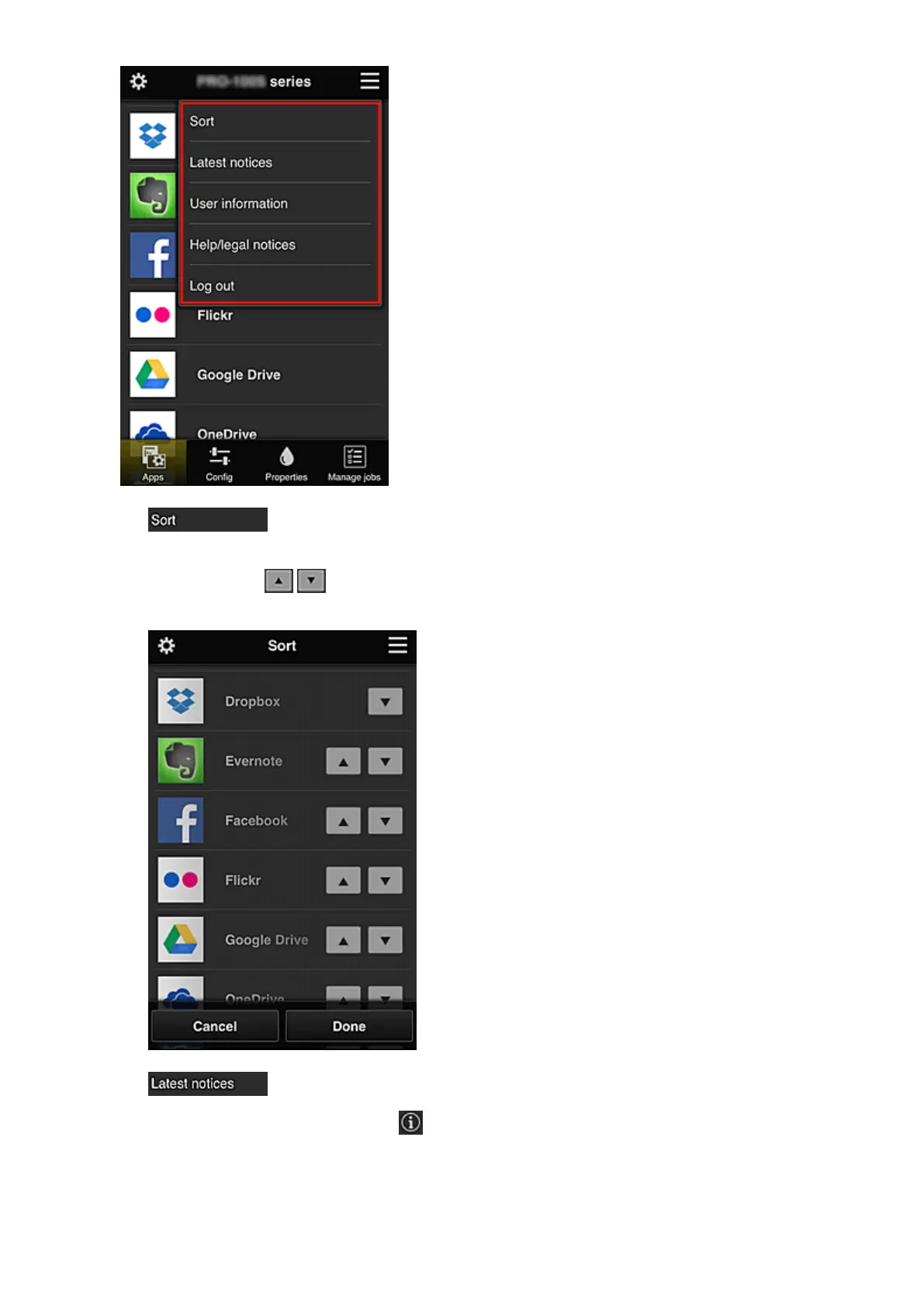
• Sort (Administrator only)
This displays the screen to sort registered apps.
You can use the buttons to change the display order of apps. When you finish sorting,
press the Done button to confirm the order.
• Latest notices*
This displays the latest notices. The symbol indicates that there is a new unread notice.
57














 To Next Page