1871
Cause
The cassette is not inserted.
Action
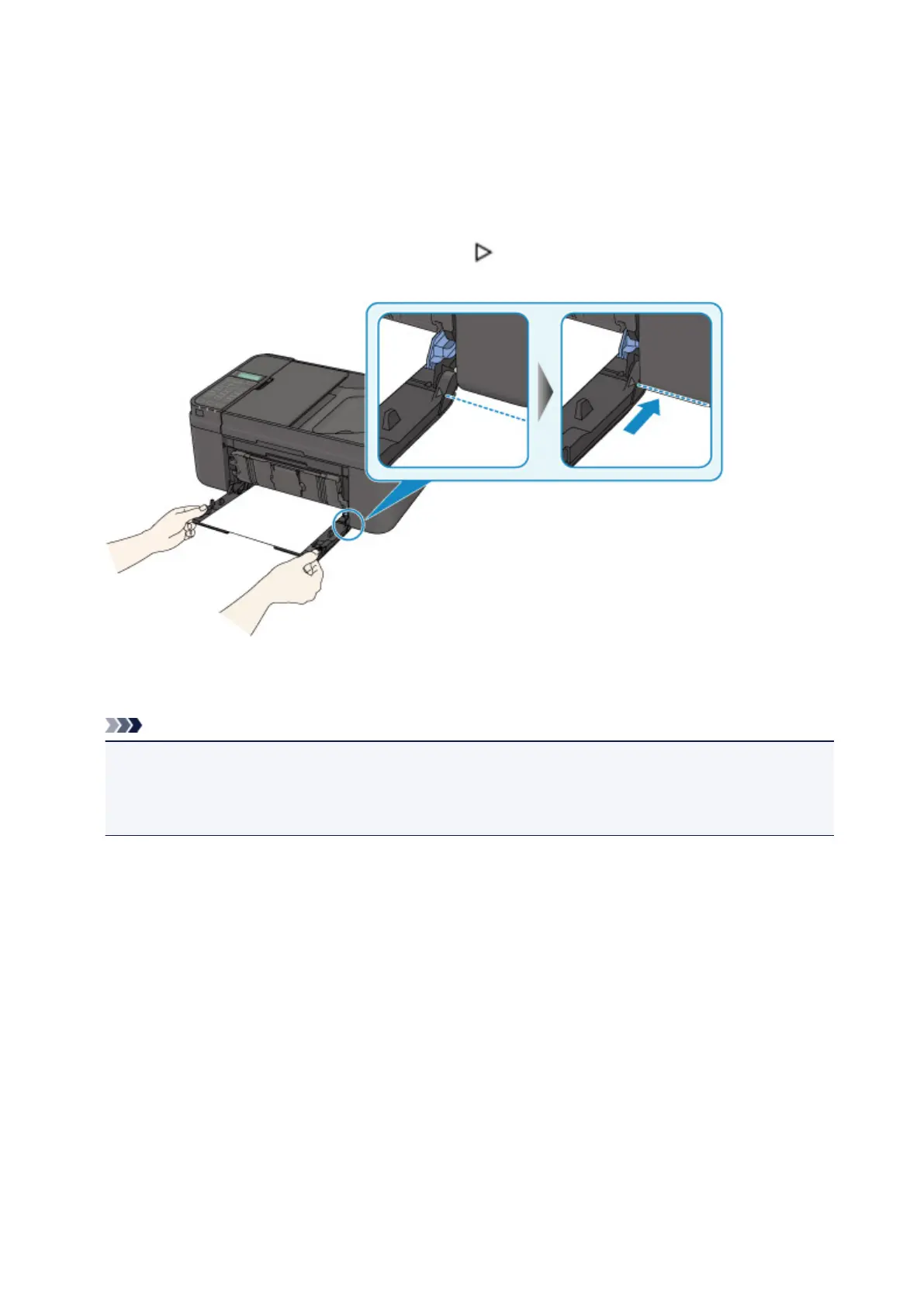
After loading the paper, push the cassette so that the mark on the cassette aligns with the front panel
as illustrated below.
When the cassette is inserted properly, you hear an electric sound once.
Open the paper output tray, then press the machine's OK button.
Note
• The cassette paper information registration screen is displayed after inserting the cassette. Register
the cassette paper information according to the paper you loaded in the cassette.
• If you want to cancel printing, press the machine's Stop button.
718














 To Next Page