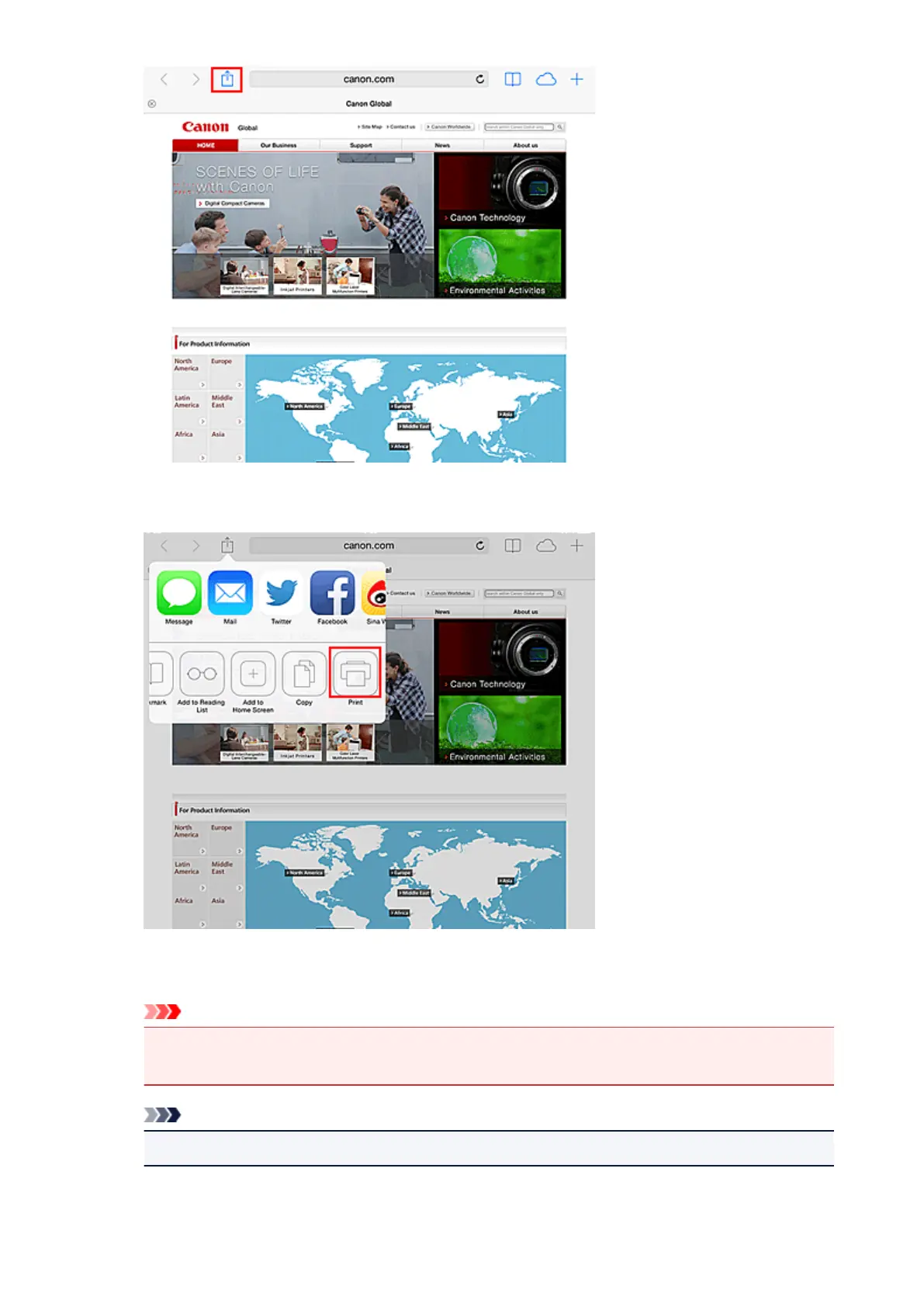
3.
From the menu options, tap Print.
4. From Printer Options, select the model that you are using.
Important
•
Because some app does not support AirPrint, Printer Options may not be displayed. If an app
does not let you use printer options, you cannot print from that app.
Note
•
The Printer Options differ depending on the app and model you are using.
89














 To Next Page