19
(8) Configure the Camera's Video Flip Setting
Configure the video flip setting according to the condition in which the camera is installed.
1
Suspended from the ceiling
→ Enable video flip
Placed on a desk
→ Disable video flip
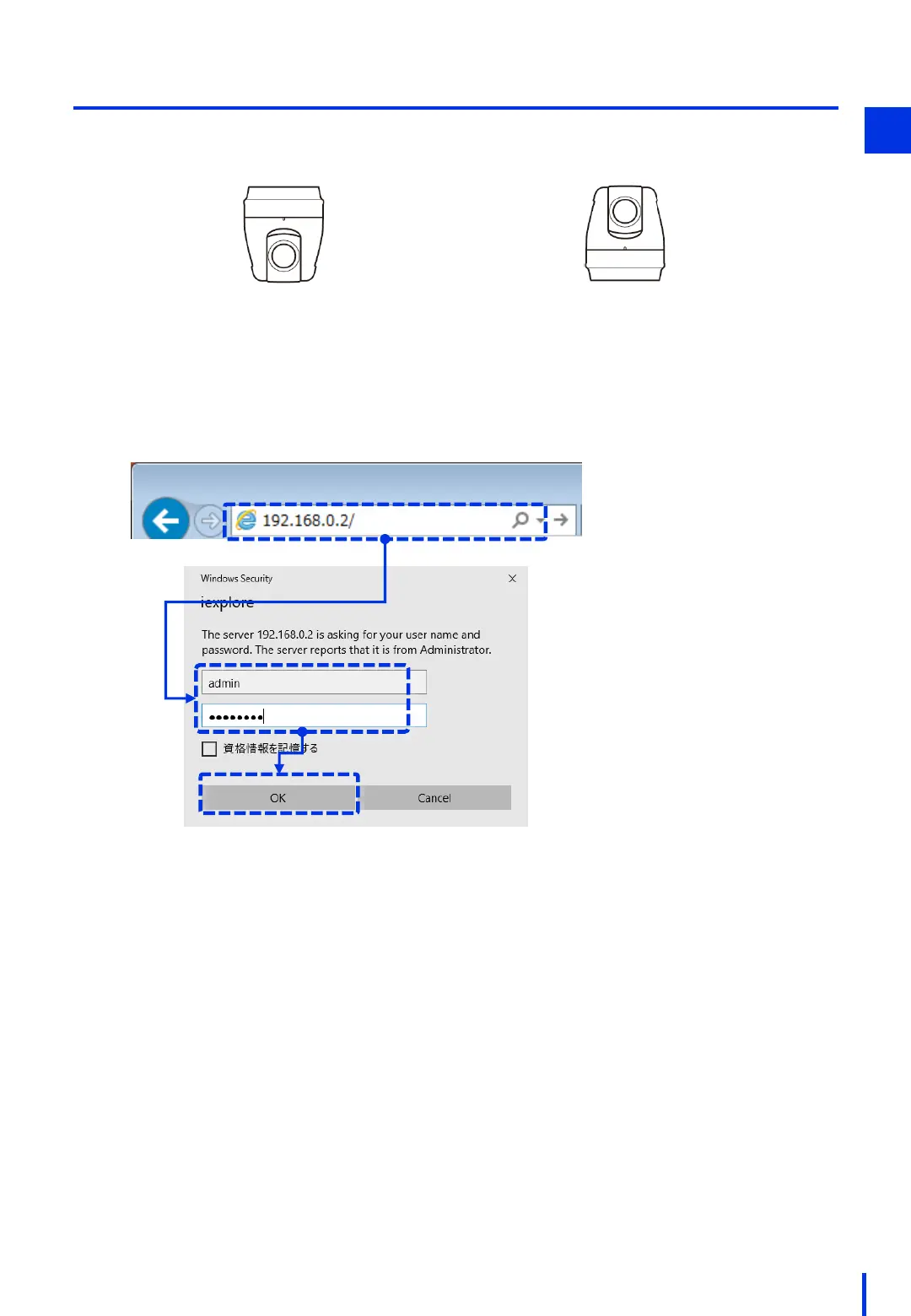
Open a browser, and enter the camera's IP address "192.168.0.2" in the address bar.
Enter the user name (example: admin) and the password (example: password), and
then click [OK].
1



 To Next Page