44
(6) Configure the Display Options
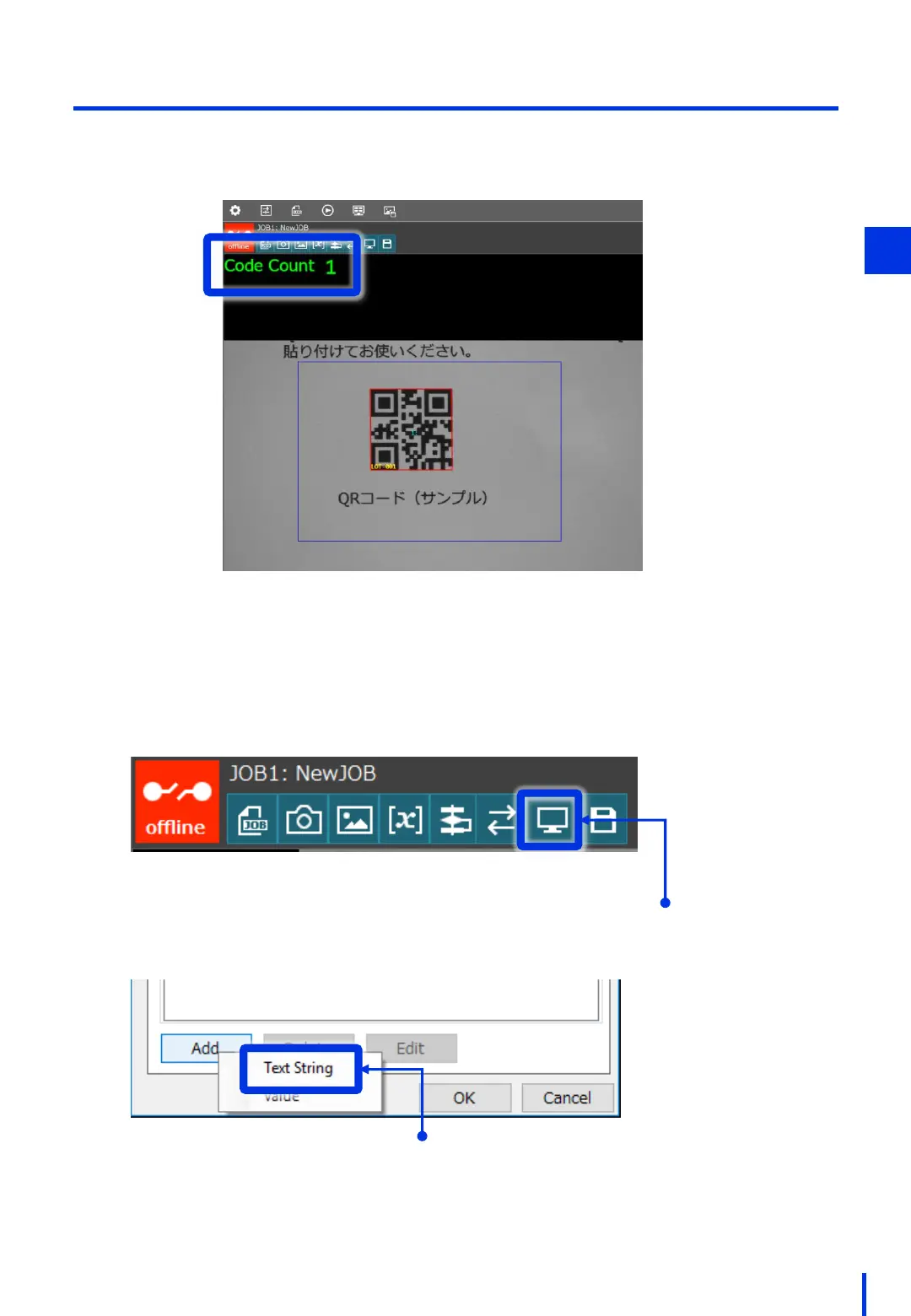
Configure the display options, such as showing the recognition results.
This section describes how to display the number of QR codes that are recognized on the
window.
Configure the onscreen information settings.
1
Click [Onscreen Info Settings].
Click [Add] → [Text String].
3



 To Next Page