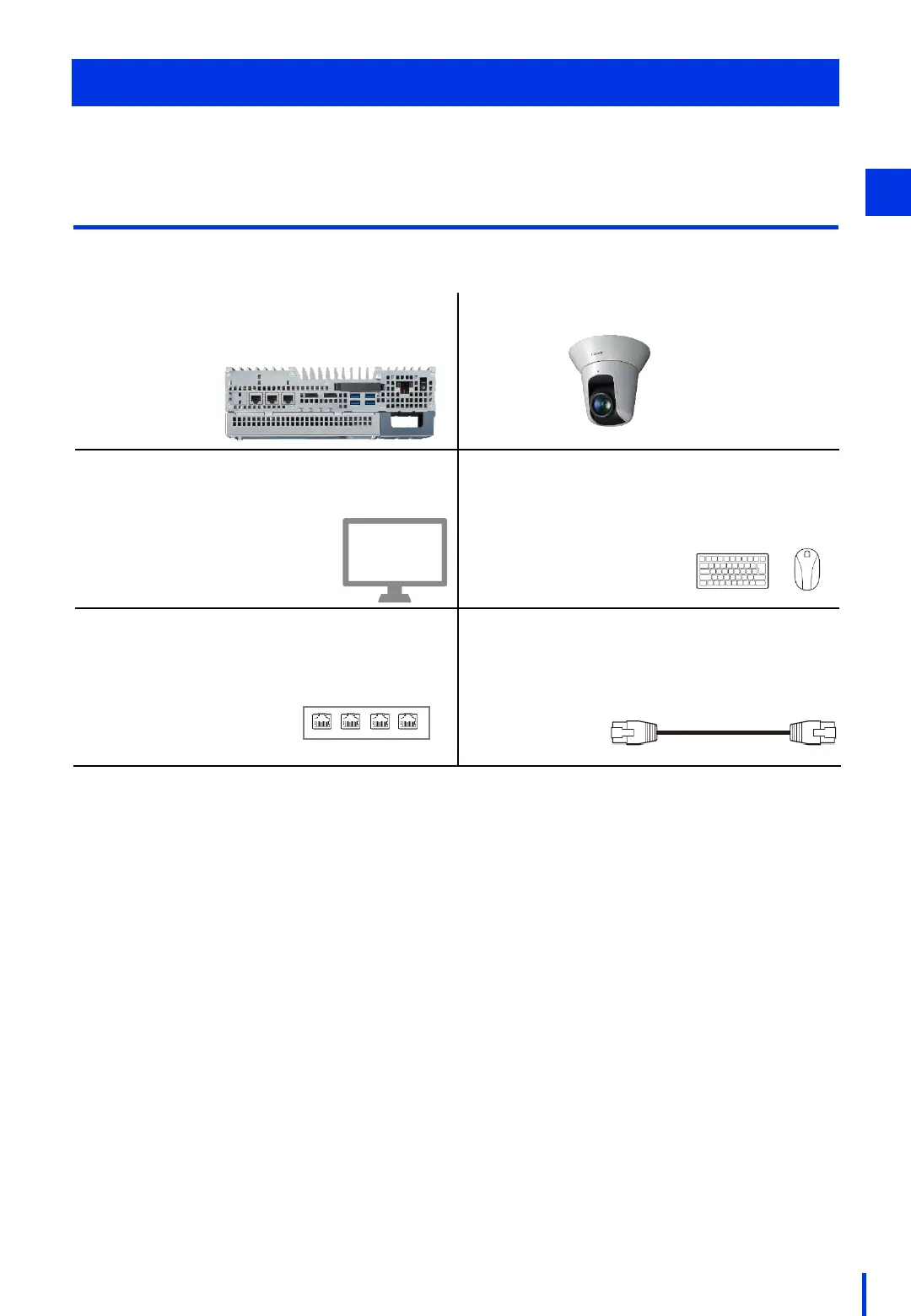
1. Image processing controller (IPC427E)
* Canon Vision Edition installed
2. Network camera (VB-H45)
3. Display (no specific model)
* 1. For connecting an industrial
computer
* Screen resolution
1024 x 768 or greater
4. Mouse / Keyboard (no specific models)
* USB type
5. PoE Hub (no specific model)
* Power supply to optional cameras
required
* Hub with 2 or more ports required
6. LAN cable (no specific model)
* Straight, Cat 6 or better recommended
* Minimum 2 cables required
Device Connections
This chapter describes how to connect the image processing controller to the network camera.
The devices that are required for this operation are shown below.
Required Devices
Make sure the following devices are available.
22
2



 To Next Page