30
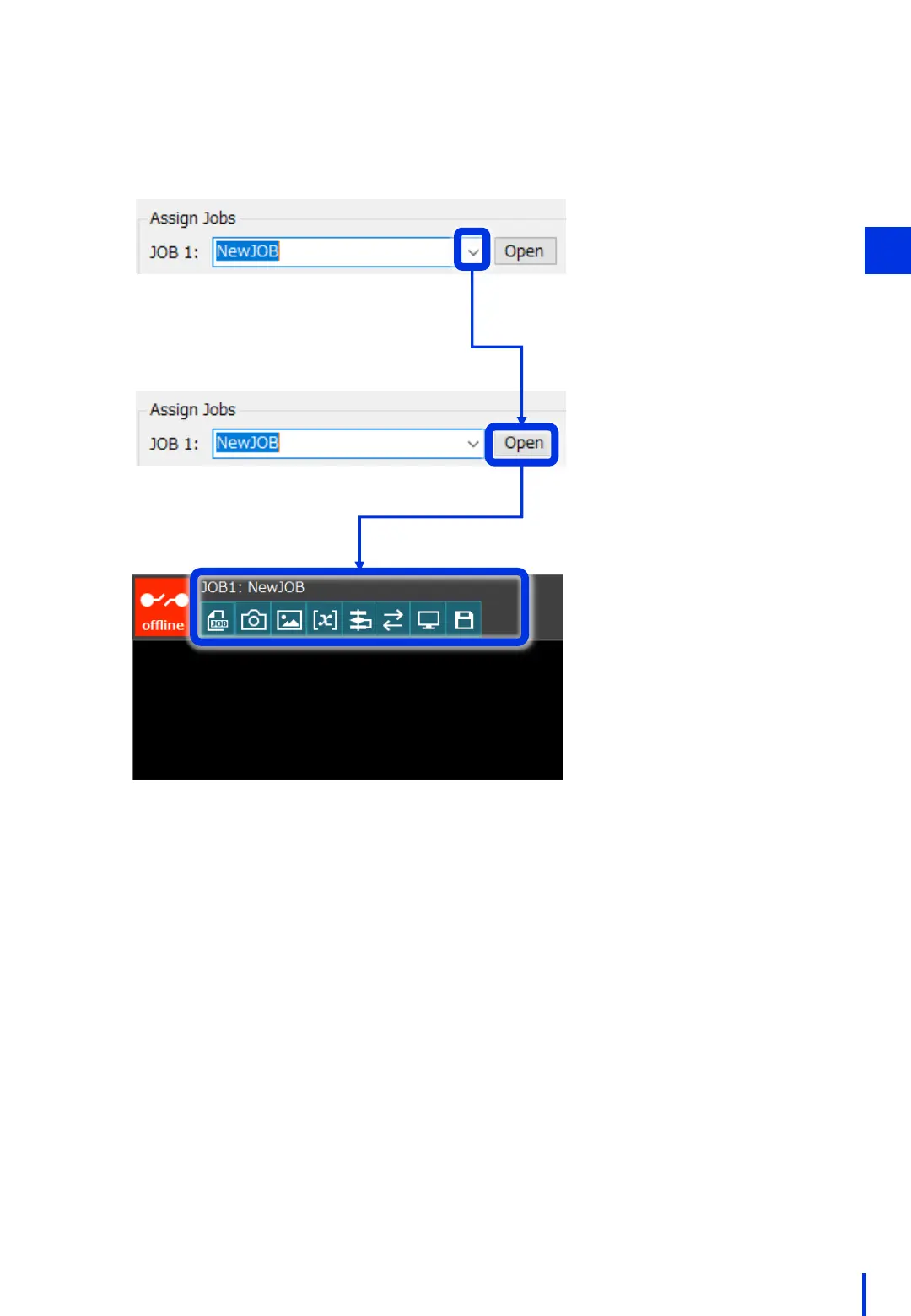
In the [Assign Jobs] section, press the [▼] button next to JOB 1, select the JOB that
was created above, and then press [Open].
3
If the specified JOB file name
is displayed as shown in the
figure on the left and each
button is enabled,
preparation is complete.
3



 To Next Page