Playback via Bluetooth
®
wireless technology
Requirements
•
Bluetooth® must be activated on the (mobile) device.
•
The (mobile) device must support at least the Bluetooth® standard 2.0.
•
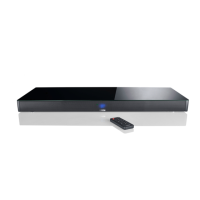
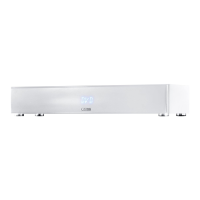
The (mobile) device must be within range of the Soundbox 3 (max. 10 m).
Mating process
1
Select BT input.
2
Start the search function on your (mobile) device.
3
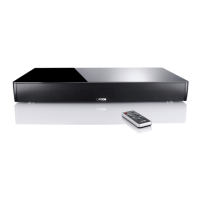
Select Soundbox 3 as the playback device.
4
Once confirmed, the connection will be made automatically and will appear as [CON] in the display.
5
If the connection fails the message [FAI] will appear.
6
I
f the mobile device requires an access code, please enter 0000.
7
If [DIS] appears in the display, your (mobile) device is out of range or logged out.
2
Start Spotify Music and register or login to your Spotify account.
3
Create a free-based Spotify Premium Account in order to use Spotify Connect to its full extent and without advertising interruptions.
4
Please tap on “Available Devices”, the field at the bottom in the app "Spotify", to route music playback to the Soundbox. Select Soundbox 3
(or "family room") as the playback device.The Soundbox 3 can store a currently playing playlist on each of the three preset buttons If you recall the
preset at a later time,the tracks in the stored playlist will be automatically played back. With the playlist, all other settings of the Soundbox 3 (volume,
sound settings, etc.) are also stored.
•
To store a playlist, press and hold the relating preset button 1, 2 or 3 until the corresponding number is shown in the display and no longer
flashes.
•
To recall this preset, press the corresponding button.
Note: To use Spotify Connect, you must be online. As long as you are offline, it is not possible to select a Spotify Connect device.


 To Next Page
 Loading...