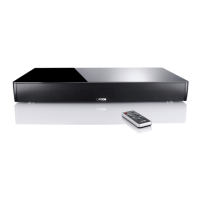
Setting up the remote control
(available accessory)
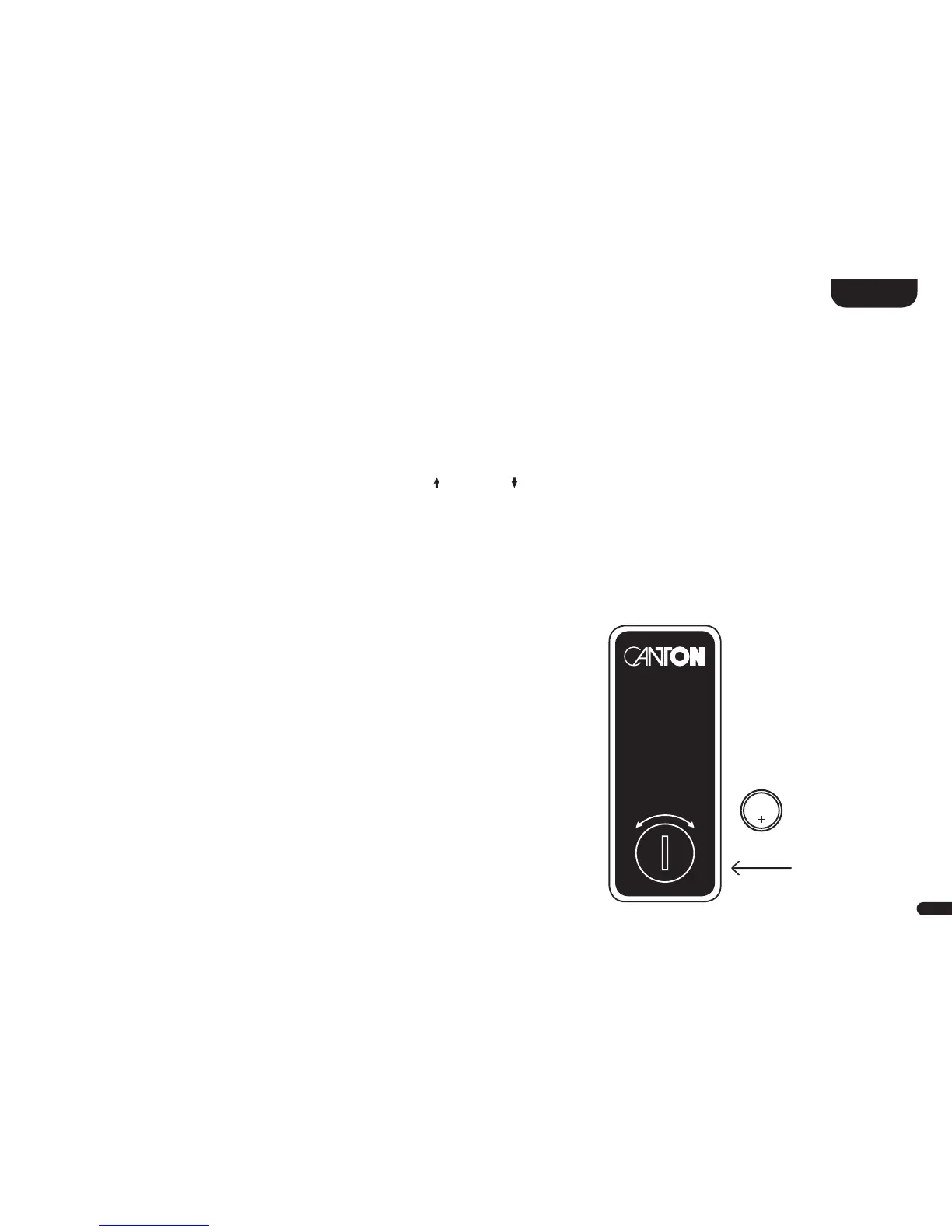
The remote control comes with a battery already installed. Simply
remove the protective film to
activate. When replacing the battery ensure that it is correctly
inserted according to the polarity markings (+/–).
Only use the battery specified for this system (CR 2032).
Note: A remote control is
optionally available as an
accessory. Please see
www.canton.de/en
CR 2032
OPEN CLOSE
Below you find an overview how to navigate through the menu:
• To enter the menu, press the "M" button.
• To enter the next menu level, press the "OK" button.
• To navigate upwards or downwards in the menu, press the Up "
" or Down " " key.
• To change the value of a parameter, press the "+" or "–" button.
• To enter the previous menu level, press the "M" button.
• To exit the menu:
a) Either press and hold the "M" button until the selected input (e.g. NET) is displayed, or
b) wait for 30sec without pressing any button.
Using the remote control
(available accessory)



 To Next Page
 Loading...