25
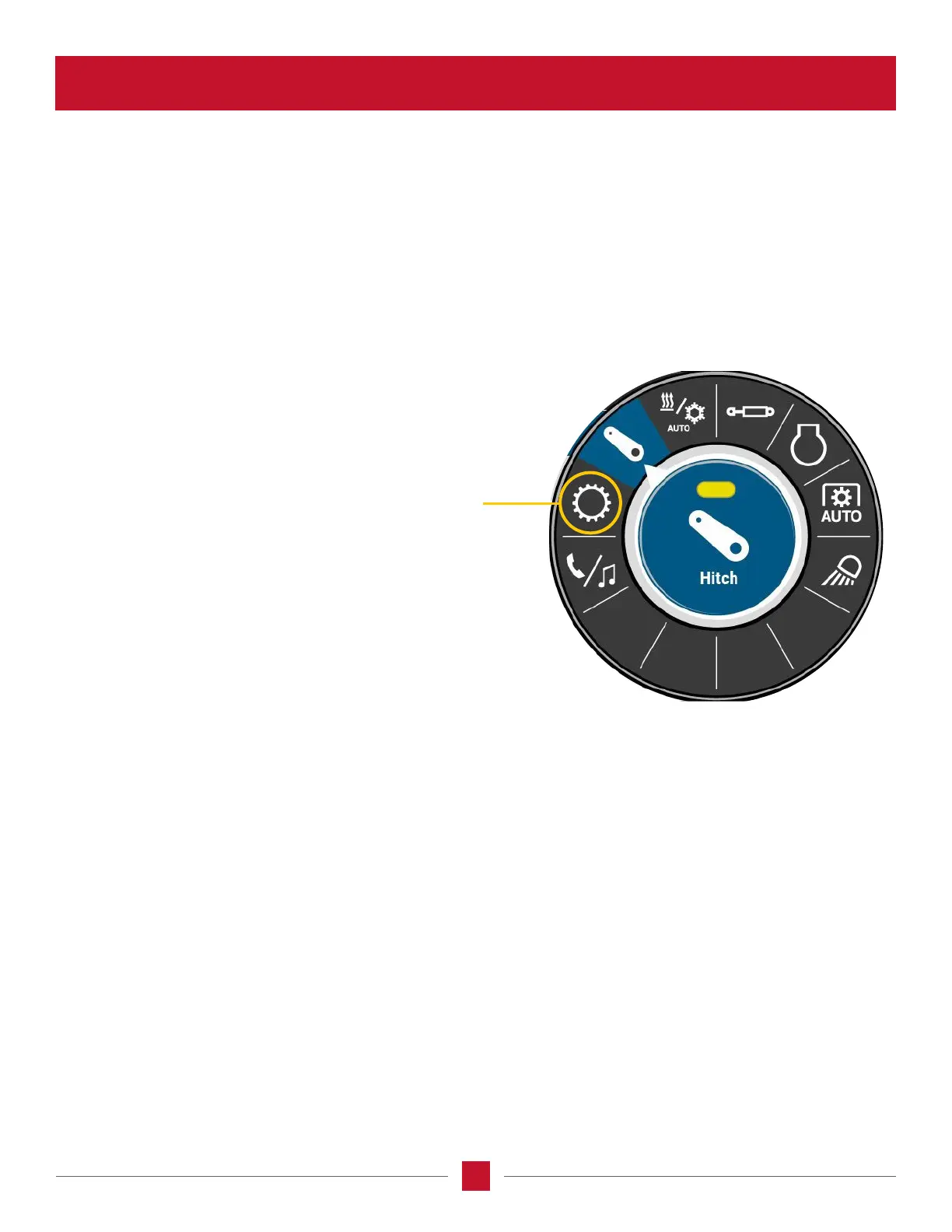
NOTE: The layout of the system dial changes between tractors with a PowerDrive transmission and tractors with a
CVXDrive™ transmission. The dial for the CVXDrive™ tractor does not have a transmission icon, and the location of the
lighting and phone/media icons are swapped. The layout for the PowerDrive tractor is shown in this information, but how it
operates is the same for both transmissions.
Transmission Control – Use the transmission control icon on
tractors equipped with a PowerDrive transmission (not on a
CVXDrive transmission) to adjust eld or road sensitivity when
using Automatic Productivity Management (APM), to select
the lowest gear used during APM road operation, the default
start up forward or reverse gear, or to select the lowest gear
which the transmission can use when speed matching.








 To Next Page