20070201
After setting all the parameters, use c to move the highlighting to “Execute” and then press
the function key shown below to perform the calculation.
• 1(CALC) ... Performs the calculation.
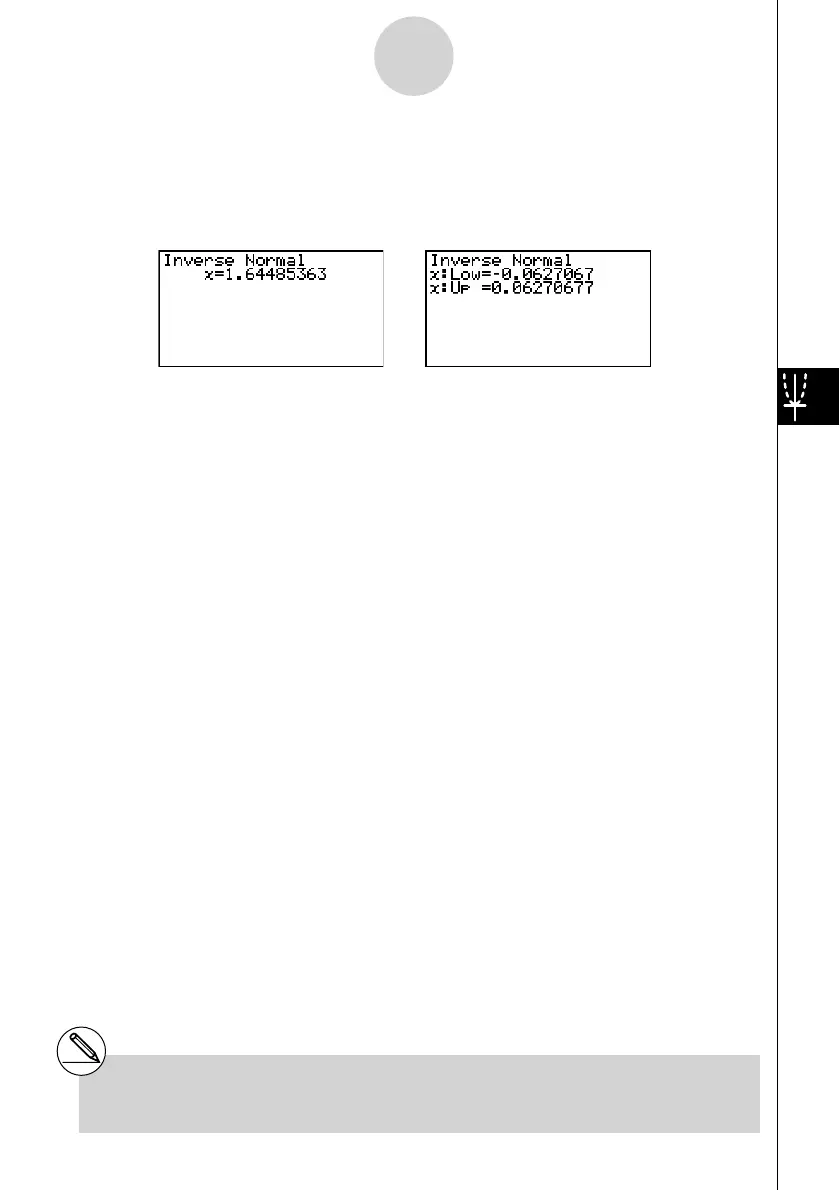
Calculation Result Output Examples
x .................................. inverse cumulative normal distribution
• When [Left] is selected for [Tail] :
upper boundary of integration interval.
• When [Right] is selected for [Tail] :
lower boundary of integration interval.
• When [Central] is selected for [Tail] :
upper and lower boundaries of integration interval.
# There is no graphing for inverse cumulative
normal distribution.
6-7-6
Distribution


 To Next Page
 Loading...









