20070201
k Editing Example
In this example, we show how to edit the graph function (Y1 = −X
2
+ 1) that is input at the
end of the operation under “To create an n-key operation” (page 10-6-3).
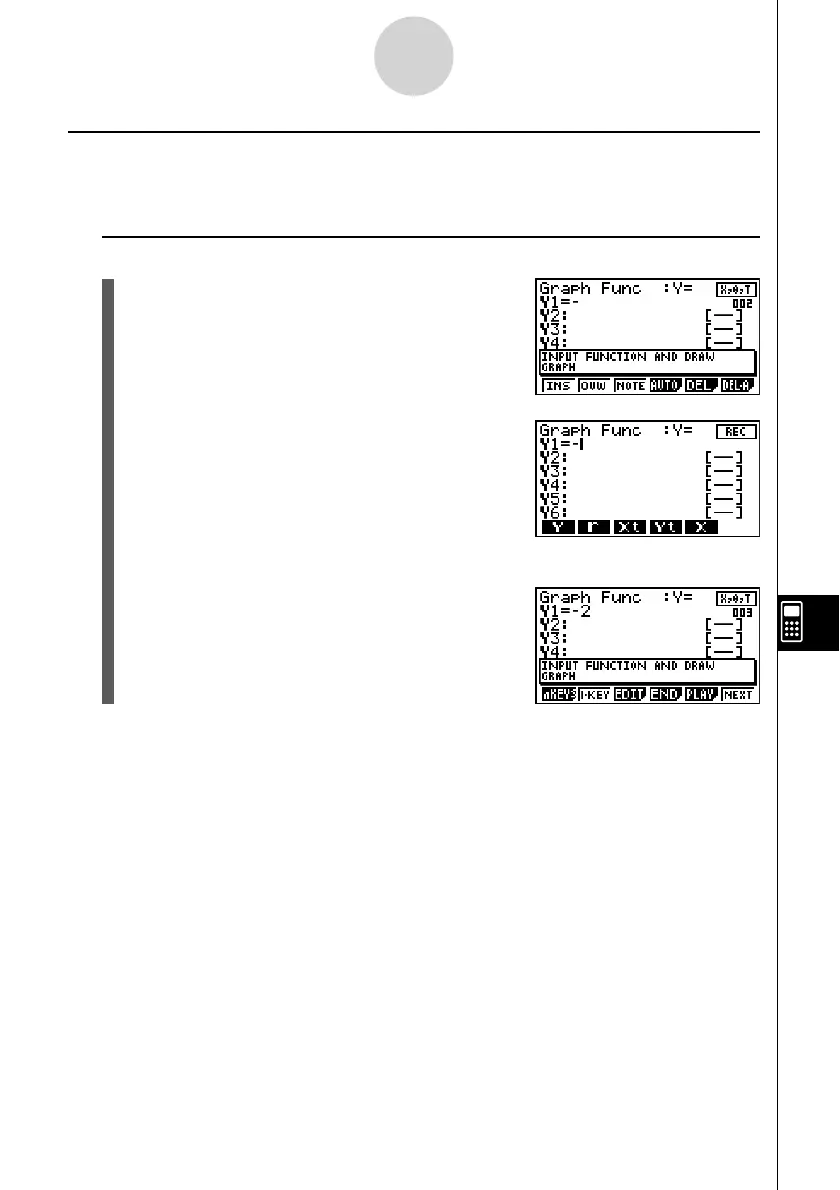
u To change −X
2
+ 1 to −2X
2
+ 1 (by inserting a c key before the v key)
1. This will display the v key editing screen.
2. Press 1(INS).
3. Press c.
• This inputs a c key before the v key and
displays the guide creation screen from the v
key.
10-6-11
eActivity Guide



 To Next Page
 Loading...









