20070201
u To create an n-key operation
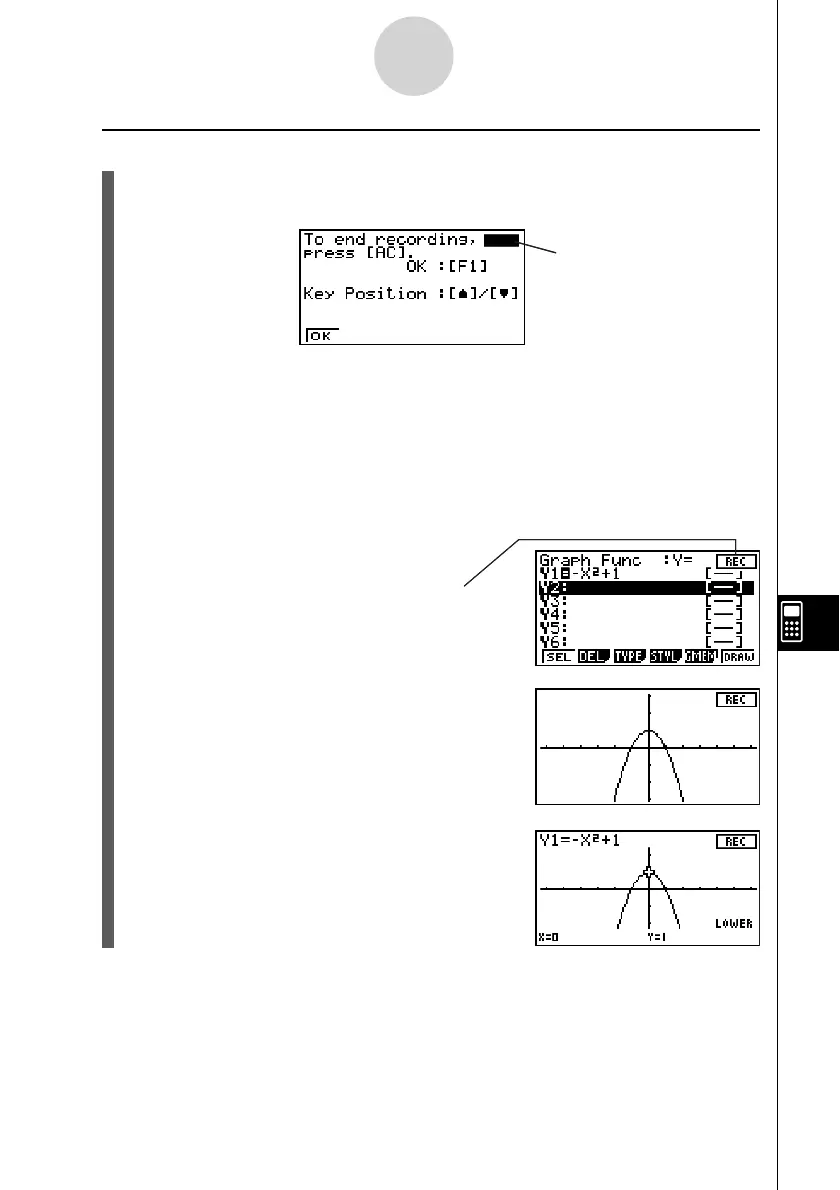
1. On the operation pattern selection screen, press 1(nKEYS).
• This will display the dialog box shown below.
Key indicator
• 1(OK) ... Starts key input recording.
• f ... Displays the key indicator in the upper right corner.
• c ... Displays the key indicator in the lower right corner.
2. Press 1(OK).
3. Input the key operation sequence.
• In this example, we will input a graphing key sequence.
-vx+bw
(Inputs the graph function.)
Indicates that recording is
in progress.
6(DRAW)
(Draws the graph.)
!5(G-SLV)6(g)3(∫
dx)
(Selects the integration command.)
10-6-3
eActivity Guide



 To Next Page
 Loading...









