20070201
k Using Table & Graph Functions in a Program
Table & Graph functions in a program can generate numeric tables and perform graphing
operations. The following shows various types of syntax you need to use when programming
with Table & Graph functions.
• Table range setting
1 → F Start_
5 → F End_
1 → F pitch_
• Numeric table generation
DispF-Tbl_
• Graph draw operation
Connect type: DrawFTG-Con_
Plot type: DrawFTG-Plt_
Example Program
ClrGraph_
ClrText_
View Window 0, 6, 1, –20, 106, 10_
Y = Type_
”3X
2
– 2” → Y1_
1
T SelOn 1_
1
4611
0 →
2
F Start_
2
J611
6 →
3
F End_
3
2
1 →
4
F pitch_
4
3
5
DispF-Tbl^
5
!J6241
6
DrawFTG-Con
6
!J6242
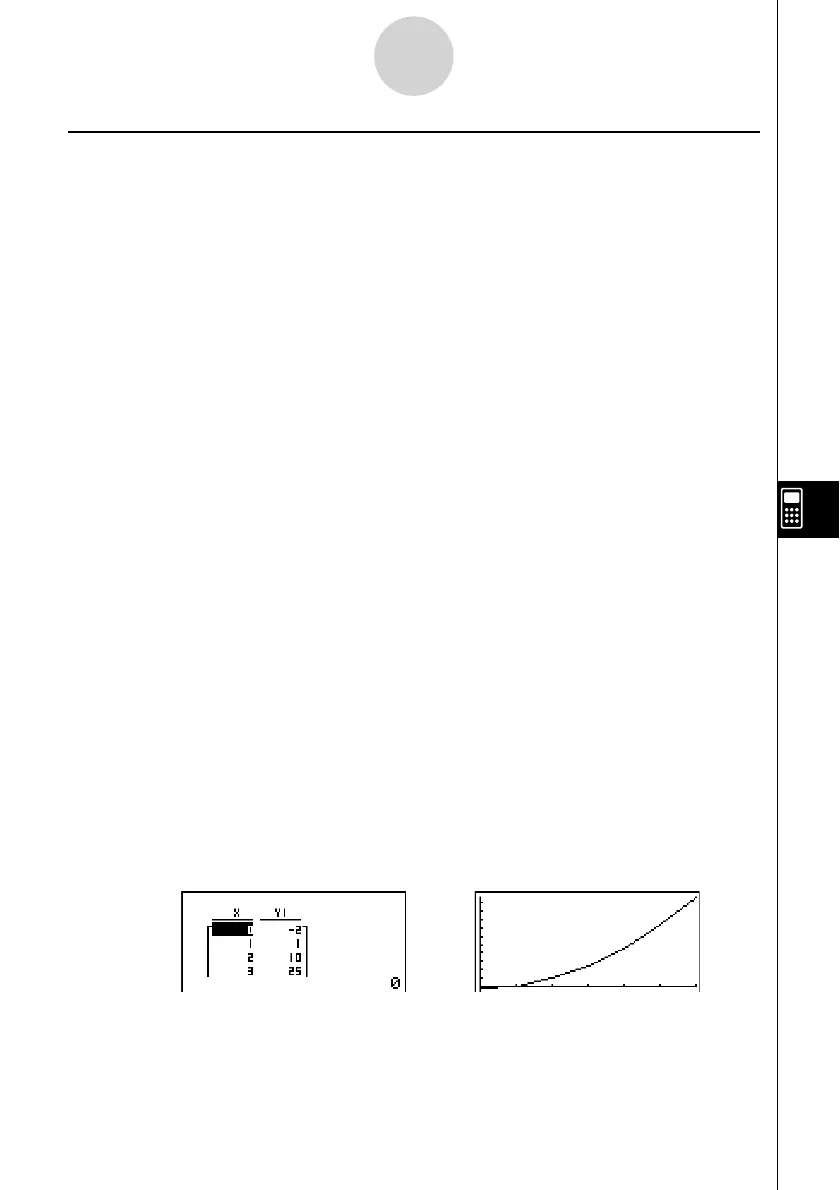
Executing this program produces the results shown here.
Numeric Table Graph
8-6-6
Using Calculator Functions in Programs



 To Next Page
 Loading...









