20070201
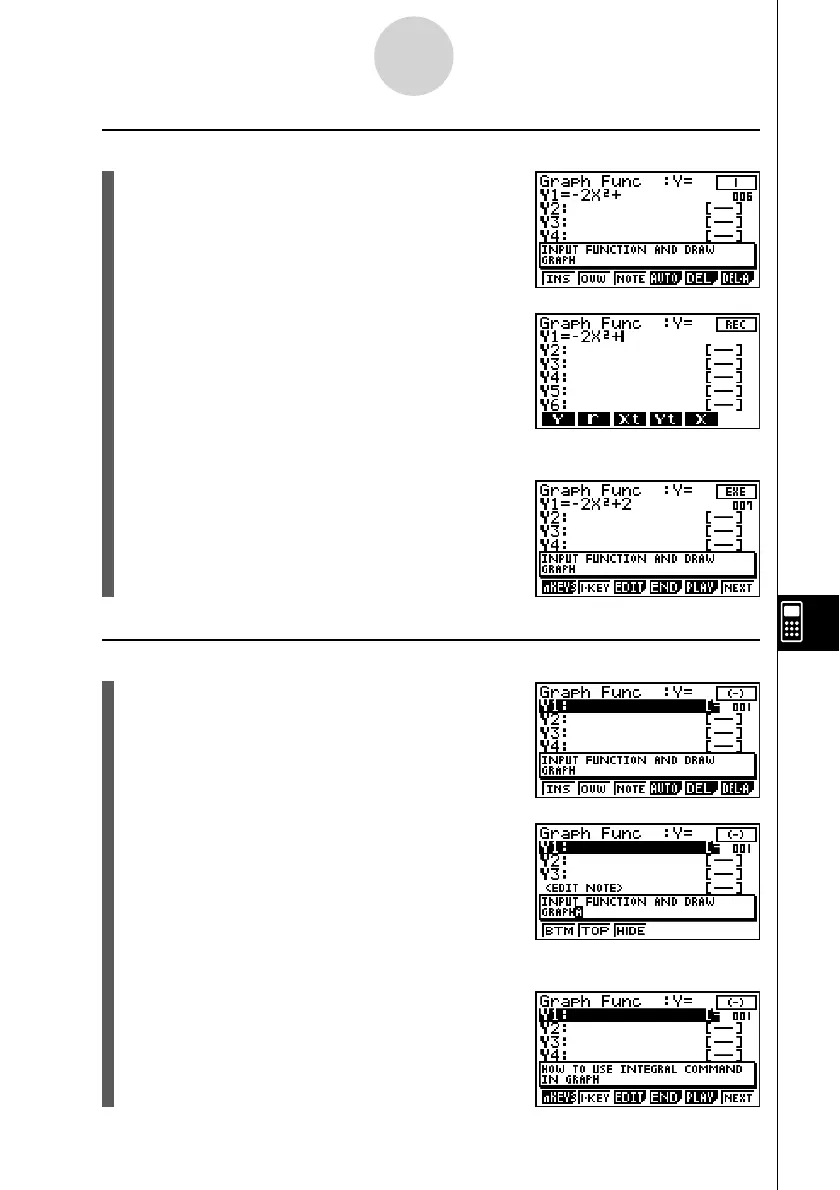
u To change −2X
2
+ 1 to −2X
2
+ 2 (by overwriting the b key with the c key)
1. This will display the b key editing screen.
2. Press 2(OVW).
3. Press c.
• This will overwrite the b key with the c key
and display the guide creation screen from the
next key (w key).
u To edit an n-key operation comment
1. This will display the - key editing screen.
2. Press 3(NOTE).
3. Edit the comment and then press w.
• This will display the guide creation screen from
the - key.
10-6-12
eActivity Guide



 To Next Page
 Loading...









