90
Other Settings (Set Up)
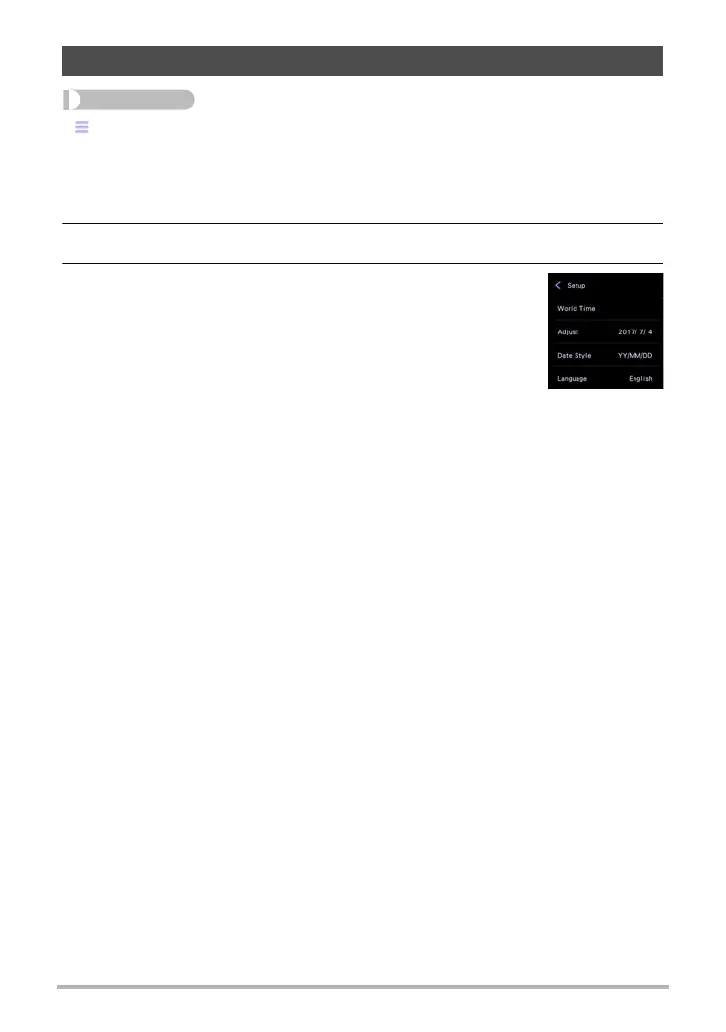
“” (Menu) * Setup * Language
. Specify the display language you want.
1. On the menu screen, touch “Setup”.
2. Touch “Language”.
3. Drag upwards and downwards until you find the
language you want, and then touch to select it.
• Camera models sold in certain geographic areas may not
support display language selection.
Specifying the Display Language (Language)










 To Next Page