2.3. Configure AC Time
Please skip this step if the AC is running on the cloud, e.g. Azure or AWS because the time of
the host server is always correct.
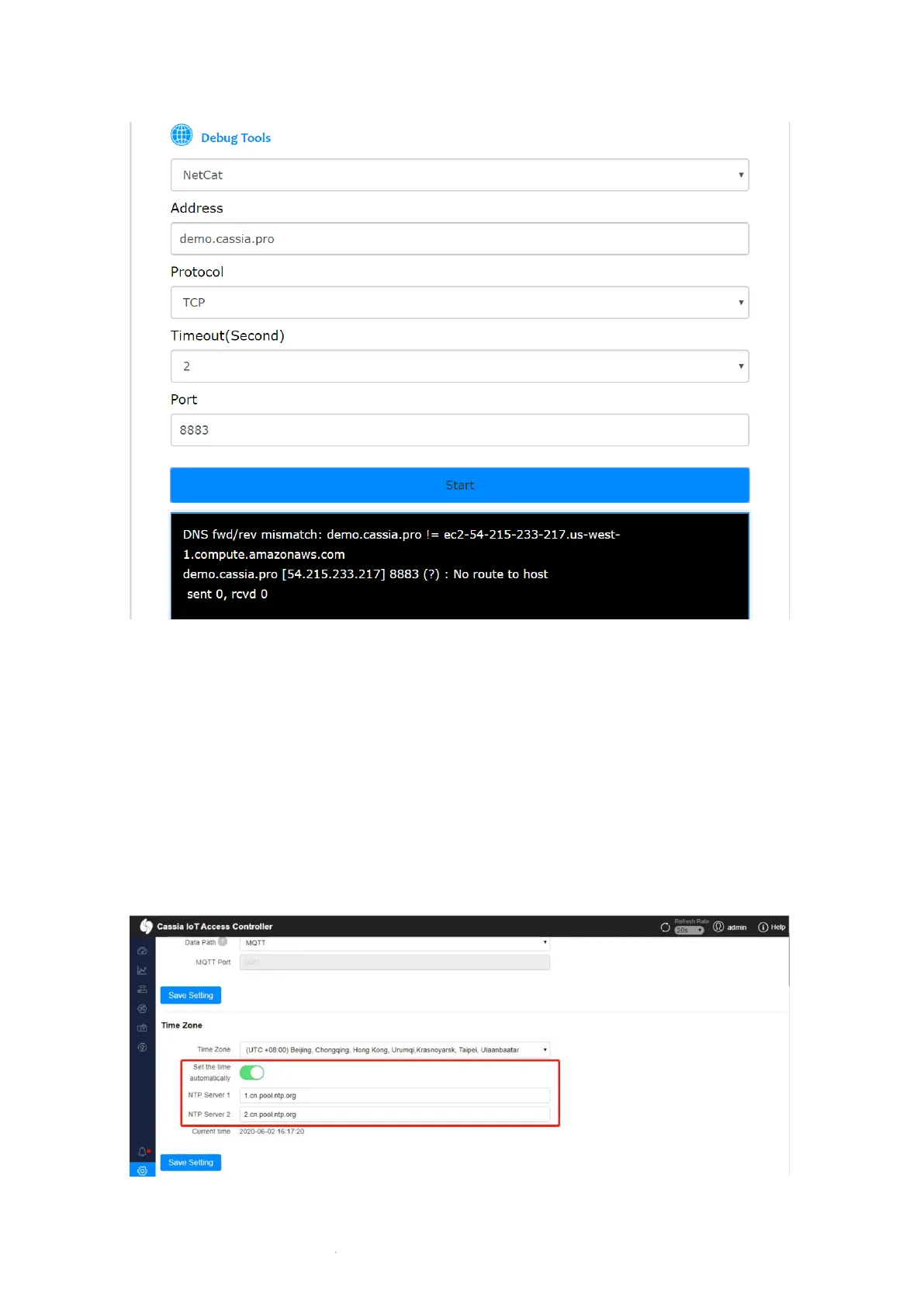
If the AC is not running on the cloud, it is recommended to switch on “Set the time
automatically” and set your own NTP time servers on the AC setting page.
The AC time will be used for certificate validation. If the AC time is not configured correctly,
the gateway can’t connect to the AC.



 To Next Page