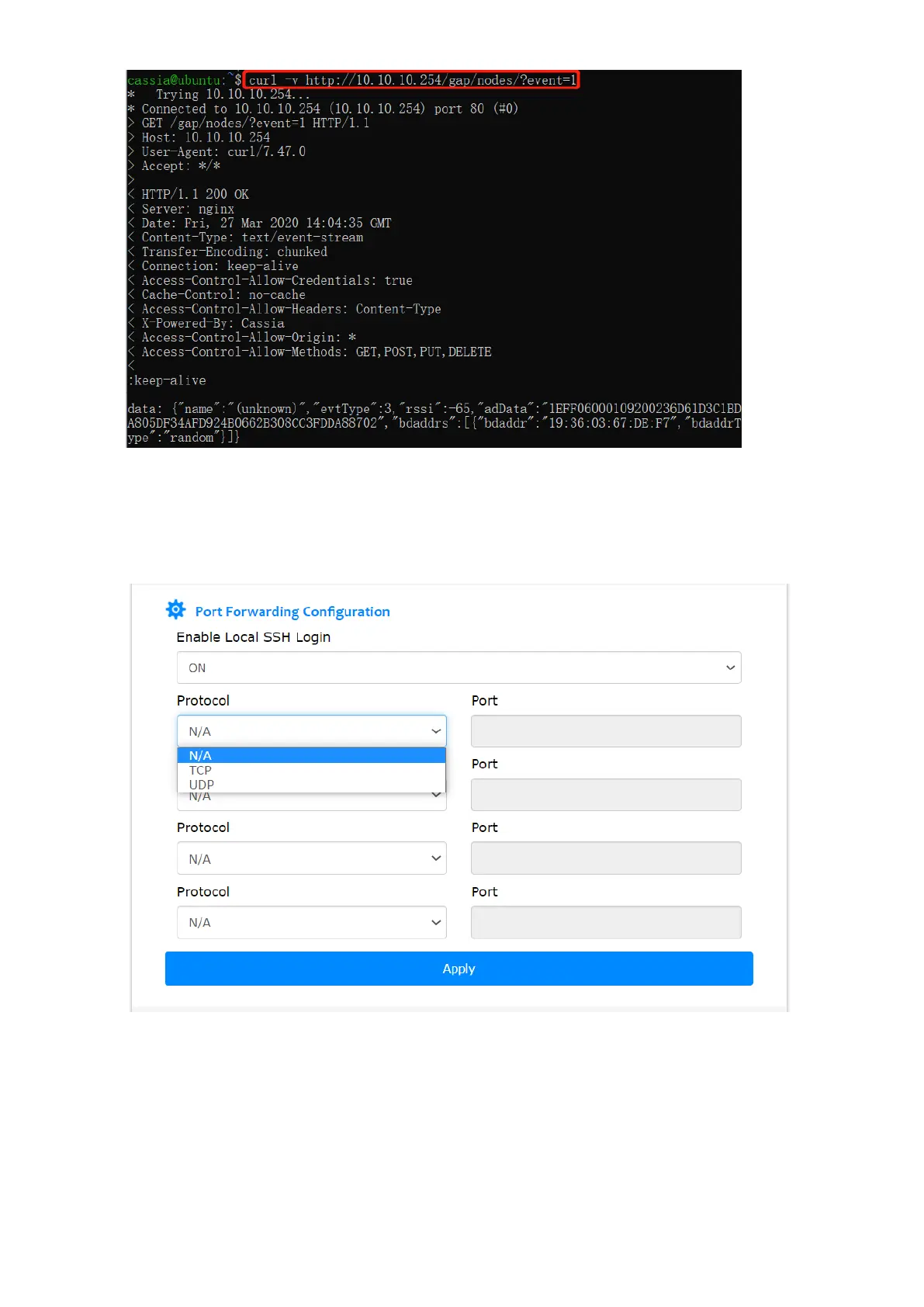
From firmware 1.4.1, the user can configure a maximum of four TCP or UDP ports for
container port forwarding. By using this functionality, the user can set up a server (e.g. a
web server) in the container and access it via the gateway’s private IP address and the
configured port. The port range is [60000, 65525]. N/A means the port is closed.
Cassia gateway configuration page – container continued
From firmware 1.4.1, the user can add their own APP configuration console in Cassia
gateway’s local console and AC’s console.
First, please add meta.json (defines the configuration items) in the APP package. After that,
the user can find their APP configuration console on the gateway local console and AC



 To Next Page