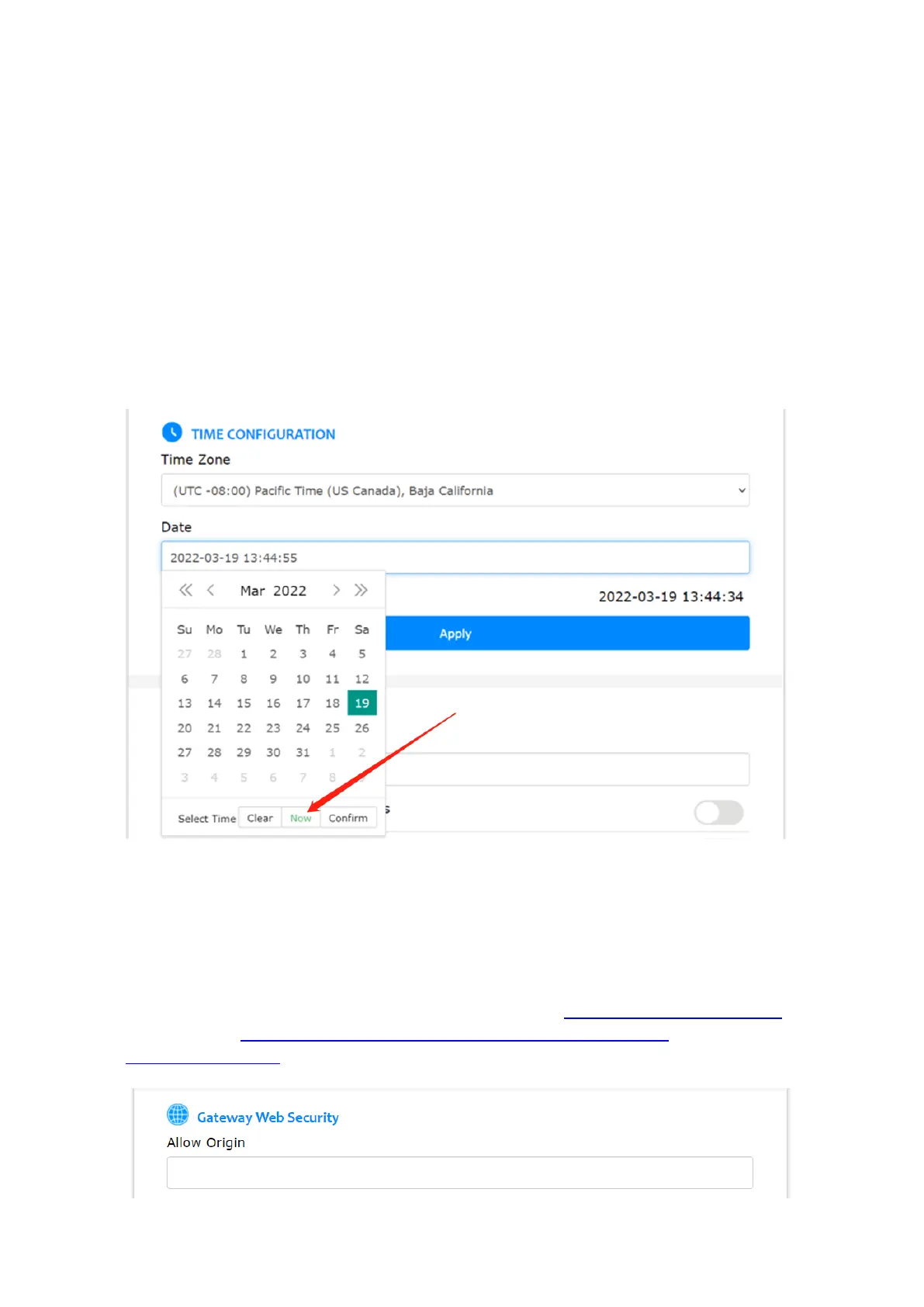
You can set the gateway’s local time zone and local time.
The gateway will always use its local time zone, because the gateway and AC might be in
different time zone. The gateway’s default local time zone is UTC +08:00. From firmware
2.1.1, in order to support day saving time, the time zone setting on AC and gateway is
changed from zone based to location (country or city) based.
The gateway’s default local time is 1970-01-02, 00:00:00. Customer can set the gateway’s
local time when necessary, for example before filling in the SSL certificates in gateway (see
Appendix E, 3.1). After connecting to AC, the gateway will synch its time with the AC
automatically.
Below is an example.
From firmware v2.0.3, CORS is disabled by default on AC and Router due to security
reasons. Client-side scripts (e.g. JavaScript) are prevented from accessing the AC webpage
and gateway local webpage, unless “Access Control Allow Origin” in AC settings and “Allow
Origin” in gateway webpage is set.
For example, when using the Bluetooth debug tool, please set “Access Control Allow Origin”
and “Allow Origin” to * or the URL of the requesting page http://www.bluetooth.tech.
Please refer to http://www.bluetooth.tech/debugger2/dist/Debugger2-
Troubleshooting.pdf for detailed instruction.



 To Next Page