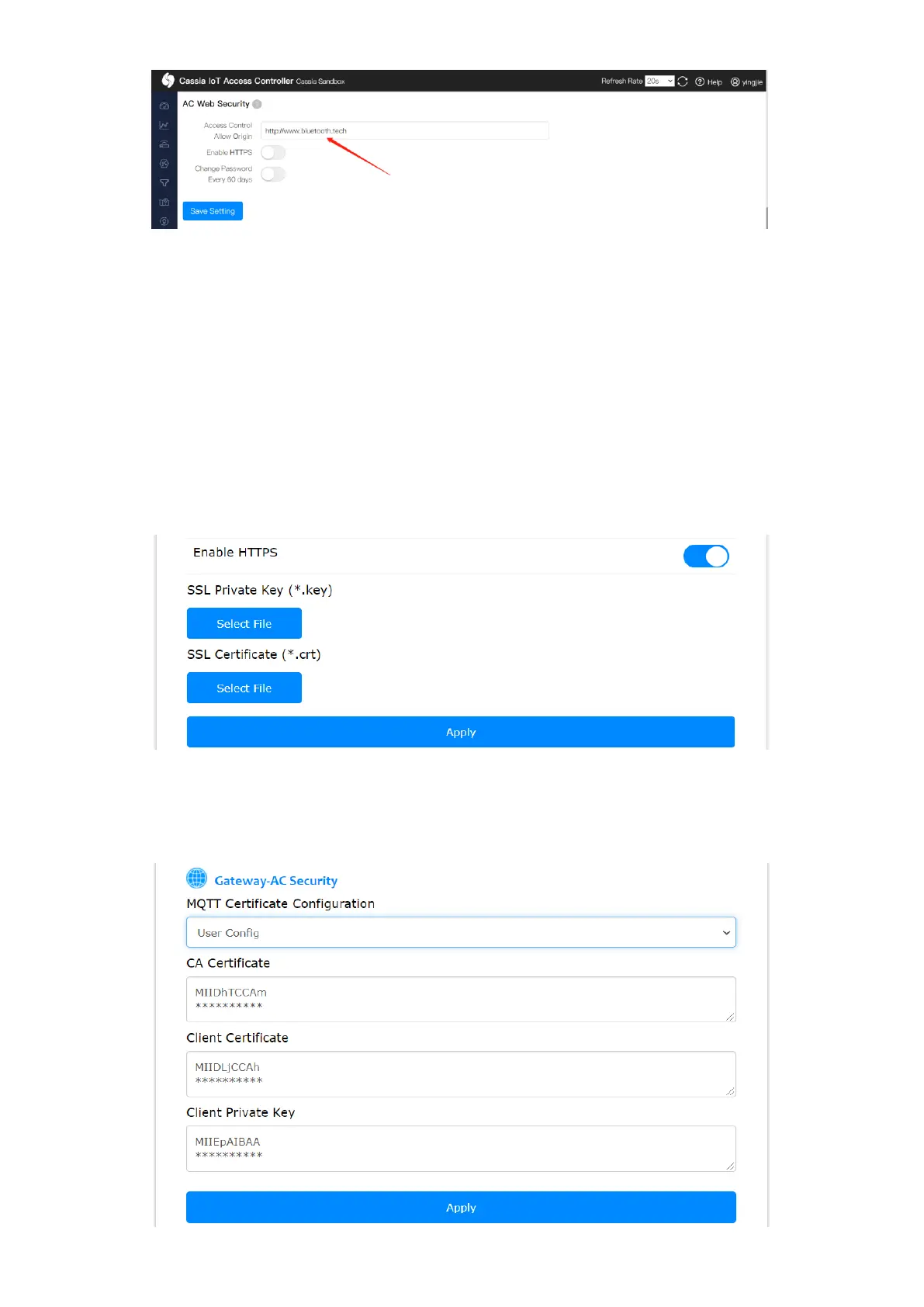
If you want to use HTTPS to access the gateway web or call local RESTful API, please switch
on “Enable HTTPS” and provide the SSL Private Key and SSL Certificate files.
Below is an example for generating a self-signed certificate. It is suggested to use CA-signed
certificates to secure security.
openssl genrsa -des3 -out ca.key 2048
openssl req -new -x509 -key ca.key -out ca.crt -days 3650
openssl genrsa -out server.key 2048
openssl req -new -key server.key -out server.csr
openssl x509 -req -days 3650 -in server.csr -CA ca.crt -CAkey ca.key -CAcreateserial -out
server.crt
The user can import a dedicated SSL Private Key and SSL Certificate for the secure
communication between gateway and AC. Cassia gateway always uses secured CAPWAP
and MQTT to communicate with AC, no matter if default or custom certificates are used.



 To Next Page