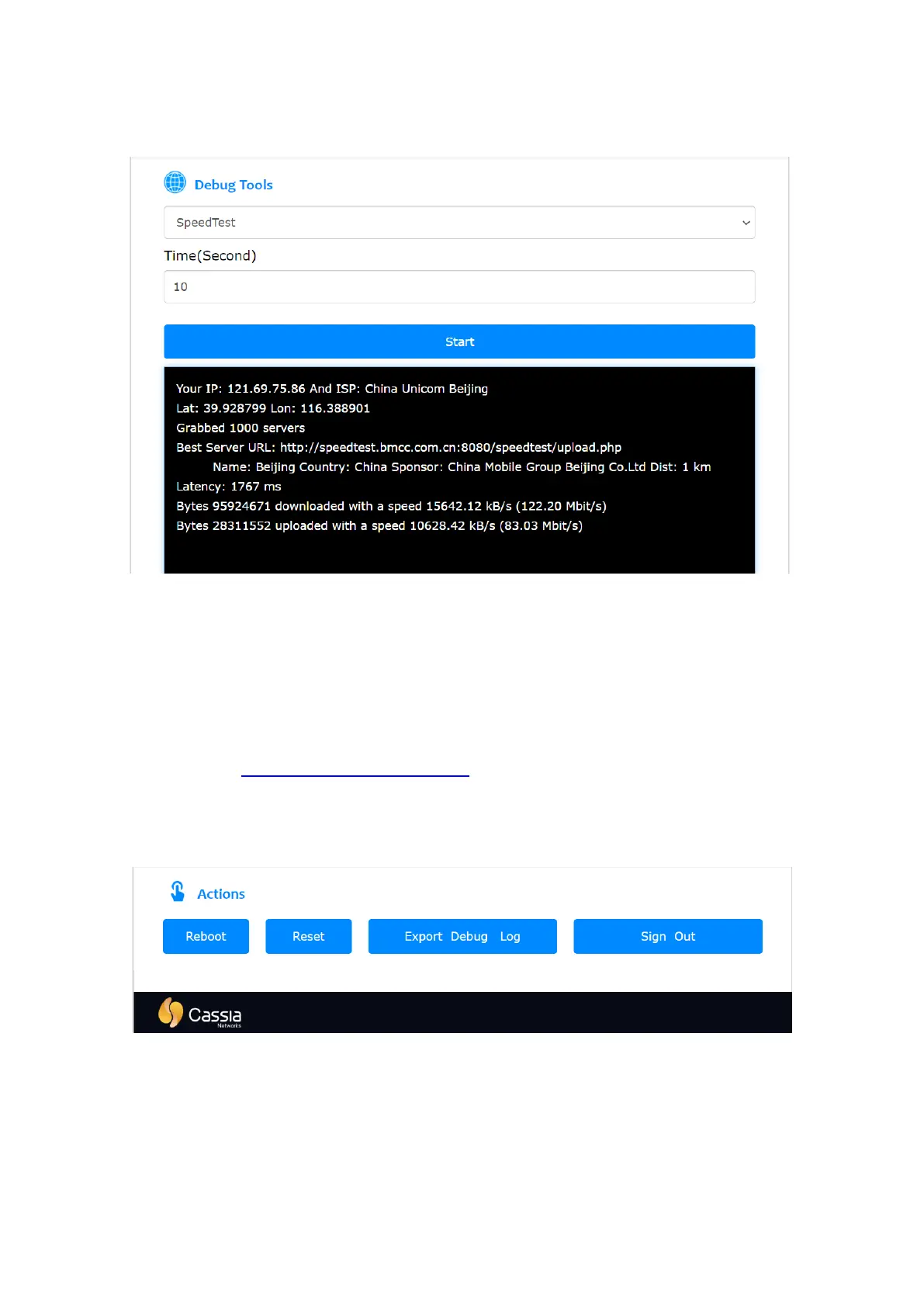
Example 3: Check the download and upload speed of the uplink connection (Ethernet, Wi-Fi,
or cellular).
The user can click the Reboot button to perform a restart of the gateway. The user can also
click the Reset button to reset the gateway’s configuration to the default profile settings
and enable a Wi-Fi hotspot (2.4GHz only). The country code, container, and customer APP
will not be impacted. Please check chapter 4.5 for more information.
When the user clicks the Export Debug Log button, the gateway’s debug log can be
downloaded for troubleshooting. This log is not readable to end-users. Please email it to
Cassia Support support@cassianetworks.com for further analysis.
To minimize cybersecurity risks, please remember to click the Sign Out button after the
gateway configuration.
Cassia gateway configuration page – other continued
From firmware 2.0.3, the user can download the gateway debug log from AC too (see below
screenshot). Only one gateway’s debug log can be downloaded from AC at the same time. It
may take 2-5 minutes (time out in 10 min) to download one gateway debug log. Please
don’t touch the AC console and wait until the download is finished, otherwise, the
download may be interrupted.



 To Next Page