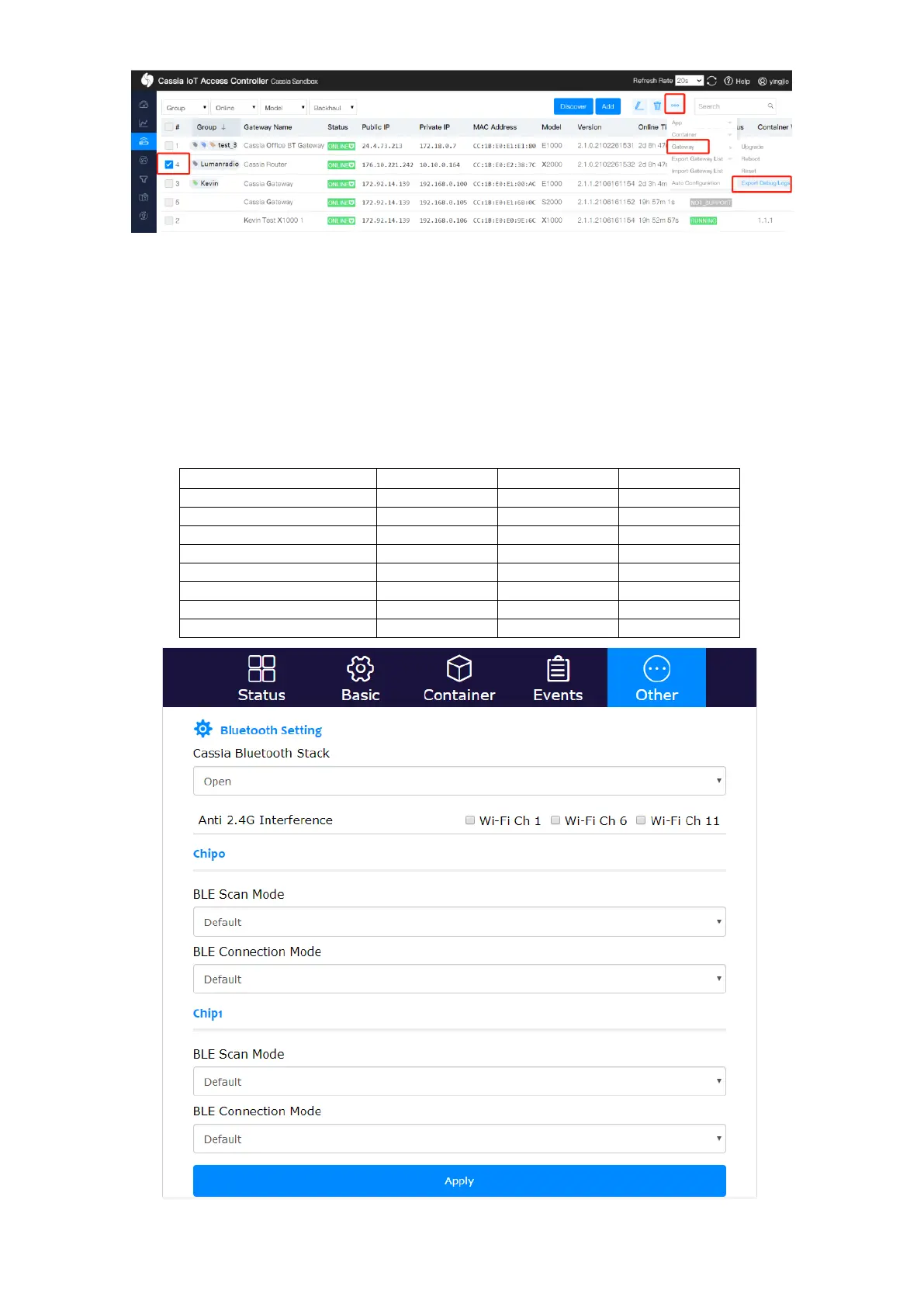
If the gateway is configured as standalone mode (in the Basic tab), the user can configure
below Bluetooth parameters on the gateway’s local console. If the gateway is configured as
AC managed mode, the user can only set these parameters on the AC server console.
One Bluetooth chip can support scan and connection at the same time. If Default is
selected, the gateway will use a set of pre-defined parameters. If Custom is selected, the
user can define the Cassia gateway’s Bluetooth Low Energy parameters, e.g. connection
interval. The table below shows the default, maximum and minimum values of each
parameter.



 To Next Page