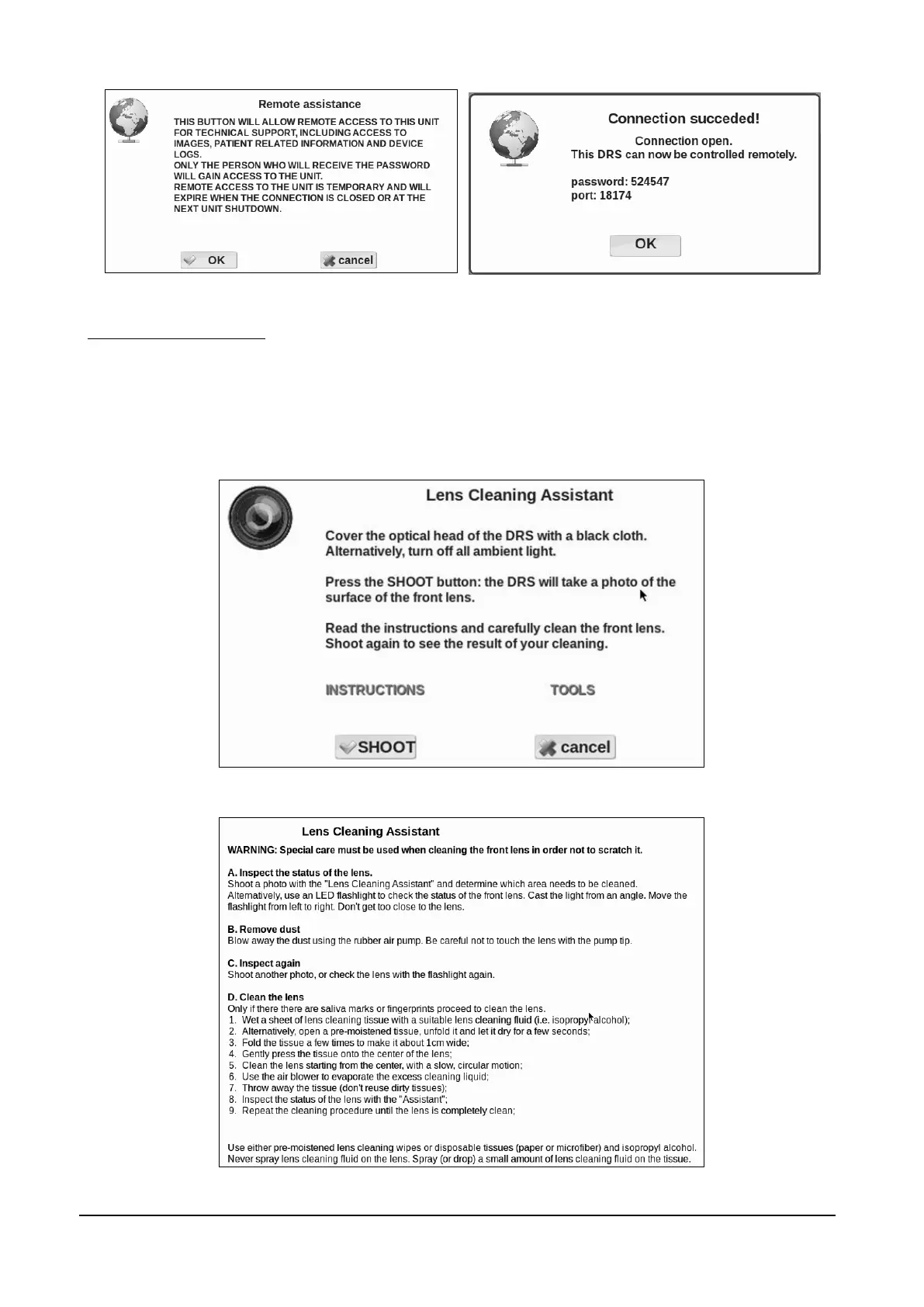
Figure 54 - Remote Assistance, steps 1 and 2
Lens cleaning assistant
Clicking the Lens Cleaning Assistant button opens the box shown in Figure 55.
Clicking on Instructions opens the instructions box shown in Figure 56.
Clicking on Tools opens a box describing the tools to be used for cleaning the lens.
Clicking on SHOOT captures an image which should be mostly black: white particles indicate
presence of residual dirt on the outer surface of the lens.
Figure 55 – Lens cleaning Assistant information dialog
Figure 56 – Lens cleaning instructions



 To Next Page