EasyManua.ls Logo

Chamberlain Elite SL3000UL - User Manual

Chamberlain Elite SL3000UL
52 pages
Print Icon
To Next Page IconTo Next Page
Loading...
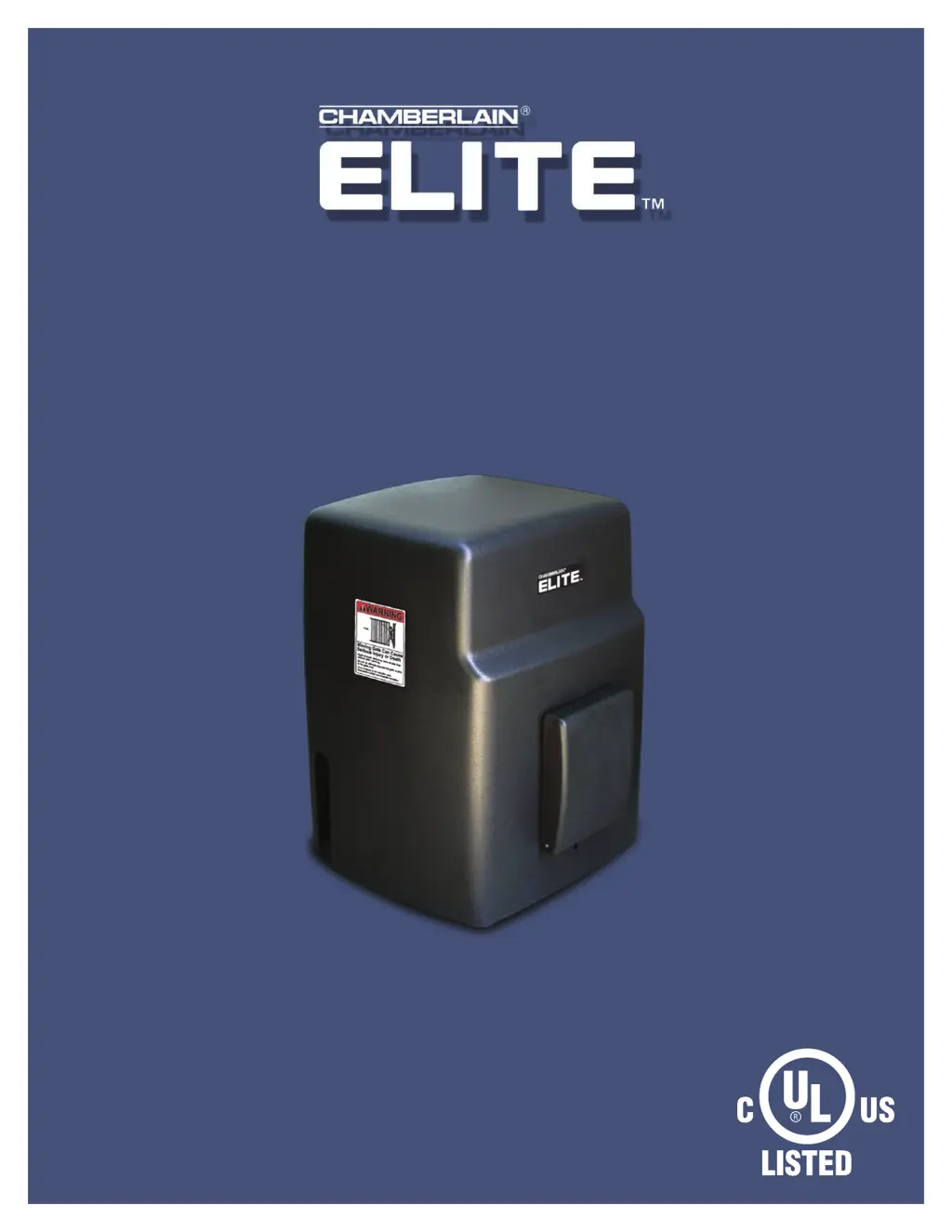
O W N E R ’ S M A N U A L
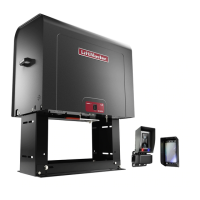
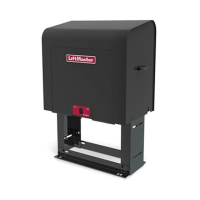
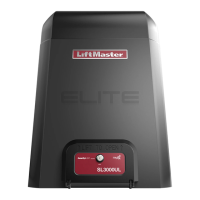
SL3000UL™
VEHICULAR SLIDE GATE OPERATOR
THE SL3000UL™ IS FOR USE ON VEHICULAR PASSAGE GATES ONLY
AND NOT INTENDED FOR USE ON PEDESTRIAN PASSAGE GATES.
UL325
compliant
UL991
compliant
INTENDED FOR PROFESSIONAL INSTALLATION ONLY.

Questions and Answers

  • D
    David LoweSep 6, 2025
    Why is the radio receiver LED always ON on my Chamberlain Gate Opener?
    • S
      Sierra Moore MDSep 6, 2025
      If the radio receiver LED on the control board of your Chamberlain Gate Opener stays “ON” when using the remote control, it could be due to: 1. A stuck remote control button. Try to unstick the button. 2. The radio receiver malfunctioning in the “ON” position. Cycle the power to the radio receiver.
  • R
    Rachel WilsonAug 22, 2025
    How to fix blown surge suppressor on Chamberlain Elite SL3000UL?
    • Y
      ywaltonAug 22, 2025
      To address a blown surge suppressor on your Chamberlain Gate Opener, measure the resistance between pin 12 and 13 on the surge suppressor. If the circuit “closes” when the radio receiver is transmitting, replace the surge suppressor.
  • P
    Philip FitzpatrickSep 3, 2025
    Why is the Loop LED ON when there is no vehicle in the sensing area on my Chamberlain Gate Opener?
    • F
      Frank BennettSep 4, 2025
      If any Loop LED is ON and there's no vehicle in the sensing area for your Chamberlain Gate Opener, it could be because: 1. The loop detector needs a reset. If you're using Elite Plug-in Loop detectors, try changing the sensitivity setting and then reverting to your original setting. 2. The wire loop has been disrupted. Check and fix the connections. 3. The loop detector needs a different frequency. Set a different working frequency. 4. The loop detector is too sensitive. Decrease the sensitivity.
  • T
    Tracy DennisSep 2, 2025
    Why are Timer, Command Processed LEDs blinking and Reverse Sensor LED is ON on my Chamberlain Elite SL3000UL?
    • L
      Logan RamirezSep 2, 2025
      If the Timer LED and Command Processed LED are blinking, and the Reverse Sensor LED is ON on your Chamberlain Gate Opener, it means the gate reopened because it encountered an obstruction while closing. A new command will resume normal operation. Check for obstructions.
  • W
    William MartinezAug 31, 2025
    Why are Timer and Command Processed LEDs blinking on my Chamberlain Elite SL3000UL Gate Opener?
    • L
      Lawrence WillisSep 1, 2025
      If the Timer LED and Command Processed LED are blinking on your Chamberlain Gate Opener, it's likely a normal response indicating a command is holding the gate open. Check the inputs for any commands.
  • B
    Brian TaylorAug 30, 2025
    What to do if Overload LED is ON and Power LED is OFF on Chamberlain Gate Opener?
    • W
      watkinsaaronAug 31, 2025
      If the Overload LED is ON and the Power LED is OFF on your Chamberlain Gate Opener, it could be due to: 1. A short circuit at terminals 11 and 13. Remove the short circuit. 2. A short circuit in any of the loop detectors. Remove the defective loop detector. 3. A short circuit in the control board. Send the board in for repair.
  • K
    Karen LeonardAug 29, 2025
    Why is the Alarm Sensor LED ON on my Chamberlain Gate Opener?
    • K
      Kathleen SmithAug 29, 2025
      If the Chamberlain Gate Opener's Alarm Sensor LED is ON, it means: 1. The gate hit something while moving. Remove the obstruction. 2. The alarm sensor is too sensitive. Turn the alarm sensor switch counter-clockwise a bit more and try again.
  • D
    Diamond MoyerAug 27, 2025
    What does it mean when Overload and Power LEDs are ON on my Chamberlain Elite SL3000UL?
    • B
      briveraAug 27, 2025
      If the Overload LED is ON and the Power LED is also ON on your Chamberlain Gate Opener, it indicates: 1. Too much current is being drawn at terminal 13. Reduce the load from surge suppressor terminal 13. 2. There's too much voltage at the 120 Vac line input. Check your electrical power.
  • P
    Paula PetersonAug 27, 2025
    What does it mean when the Reverse Sensor LED is ON on my Chamberlain Elite SL3000UL?
    • S
      sarahjohnsonAug 27, 2025
      If the Chamberlain Gate Opener's Reverse Sensor LED is ON, it means: 1. The gate hit something while moving. Remove the obstruction. 2. The reverse sensor is too sensitive. Turn the reverse sensor switch counter-clockwise a bit and try again.
  • J
    Jeremy BraunAug 25, 2025
    Why is the System On LED flashing on my Chamberlain Gate Opener?
    • A
      Adam StewartAug 25, 2025
      If the Chamberlain Gate Opener's System On LED is flashing, it indicates: 1. A faulty limit switch (rapid flashing). Test the limit switches and wire connections, and fix any faults. 2. The motor thermal fuse has popped out (slow flashing). Reset the motor.

Summary

SL3000 ULTM Model Specifications

Single Motor Models

Description of single motor variants.

Dual Motor and 1 HP Models

Description of dual motor and 1 HP variants.

UL325 Classifications and Safety

UL325 Model Classifications

Class definitions for gate operators.

Entrapment Protection Requirements

Defines protection needs per UL class.

Gate Construction and Installation Safety

Gate Construction Standards

General and specific gate construction rules.

Installation Safety Precautions

Warnings and precautions for installation.

Safety Device Placement and Installation

Suggested Safety Device Locations

Placement for sensors and stops.

Safety Catch Rollers and Gate Rail Stops

Installation of safety rollers and stops.

Operator Installation Procedures

Installation Setups

Covers single and master/second operator setups.

Mounting Operator

Procedures for mounting the operator.

Chain Installation Types

Correct chain installation methods.

Control Board and Wiring

Control Board Description

Description of control board components.

Surge Suppressor Terminal Connections

Wiring for external devices.

Linking Master;Second Operators

Configuration for master/second units.

Power and Heater Connections

120 Vac Power Connection

Wiring for main power.

Heater Power Connection

Wiring for the heater.

Specialized Connections

Factory Installed DC2000 Connection

Setup for backup system.

DC2000 Device Wiring

Wiring for DC2000™ devices.

Entrapment Protection Devices

Contact Sensors (Edge Sensor)

Details on edge sensor installation.

Non-Contact Sensors (Photoelectric)

Details on photoelectric sensors.

Omni Option Board and Accessories

Omni Option Board Connections

Wiring for option board.

Accessories

List of optional accessories.

Operator Adjustments and Settings

Set Gate Opening Direction

Setting gate direction.

Limit Switch Adjustments

Adjusting limit switches.

Radio Receiver Programming

Programming receiver settings.

Setting Gate Timer

Setting timer for gate operation.

Reversing Sensors and Maintenance

Adjusting Reversing Sensors

Adjusting reversing sensors.

Maintenance and Operation Safety

Safety guidelines for maintenance.

Routine Maintenance Procedures

Procedures for regular upkeep.

Operator Alarms, Release, and Troubleshooting

Operator Alarms and Reset Functions

Alarm triggers and reset.

Emergency and Manual Gate Release

Procedures for gate release.

Troubleshooting Common Issues

Diagnosing and fixing problems.

Parts, Checklist, and Warranty

Repair Parts Information

Parts illustrations and ordering.

Final Installation Checklist

Steps for proper installation.

Limited Warranty Policy

Details on product warranty.

Chamberlain Elite SL3000UL Specifications

General IconGeneral
BrandChamberlain
ModelElite SL3000UL
CategoryGate Opener
LanguageEnglish

Related product manuals