MANUALPC-2010 CHAPTER IV - OPERATION Page 28
8.2.4 - Reset
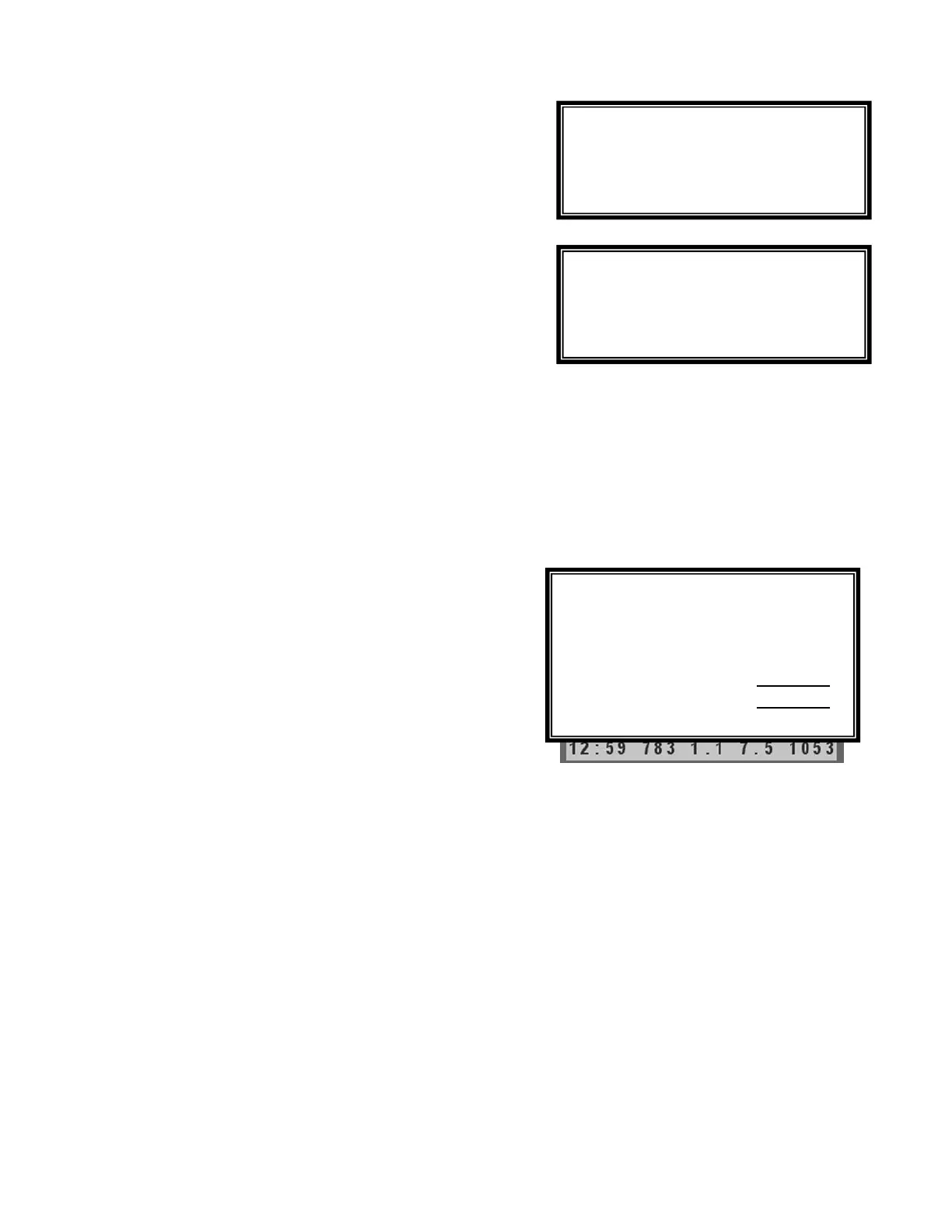
The Reset Submenu is used to take the calibration parameters
back to the initial factory settings. This may be done on initial
installation or whenever incorrect parameters have been
entered. Complete Reset resets all system parameters to
their initial "default" settings. Partial Reset allows partial
resetting of individual functions, such as ORP, Sanitizer, pH,
etc.
8.2.5 - Backup Battery
The CHEMTROL® PC uses a 3 V lithium battery to maintain
calibration, setup and test data in memory storage in case of
power shutdown. The battery is designed to last for more than
200 days without any power being supplied to the unit. The
minimum voltage required is about 2.5 V. The Battery
Submenu displays the voltage of the battery for information. A
flashing display on the Main Display screen indicates a low
battery voltage. To prevent loss of memory data, the battery
should be replaced when the voltage gets below 2.5 V.
If power to the memory is completely discontinued, all settings
revert automatically to the initial default values. If required,
they may have to be individually reset to their proper values by
the operator. When changing the battery, it is important to
keep power supplied to the unit to keep the proper settings in
memory.
8.2.6 - Probe Monitor
Probe monitoring is a very useful, patented CHEMTROL® PC
feature (US Patent No. 5,895,565) that allows dynamic
monitoring of the ORP and pH sensors to alert a probe failure
as soon as it happens.
Other controllers have to wait until there is an out-of-range or
alarm condition in order to alert the operator. This could result
in serious damage and liability.
To activate or disable the Probe Monitor function, use the
RIGHT ARROW to select YES or NO in Submenu 8.2, line 7.
8.3 - REPORT SUBMENU
8.3.1 - View Data Log
The View Data Log Submenu allows on-screen viewing of the
test data that has been logged in the internal memory chip of
the controller (see Submenu 8.1.6 - Data Logging), as shown
on Figure 29.
This is an exclusive new feature that was not previously
available on PC controllers. It eliminates the need for remote
or on-site download on computers or printers.
To view the data, just click on the Right Arrow after specifying
the start date and end date, if different from the default values.
Click on the Down Arrow to scroll the page down and see older
data. Click on the Right Arrow to see other parameters on the
right side of the screen.
To exit, click on the Left Arrow.
Submenu 8.2.4
Submenu 8.2.5
Submenu 8.3
Figure 29 - On-screen Data Log
Minimum voltage
required: 2.5 V
View Data Log
Print Reports
Start Date 07/24/01
End Date 07/25/01
Complete Reset
Partial reset



 To Next Page