MANUALPC-2010 CHAPTER IV - OPERATION Page 50
SHOCK AND SAVINGS SUBMENUS
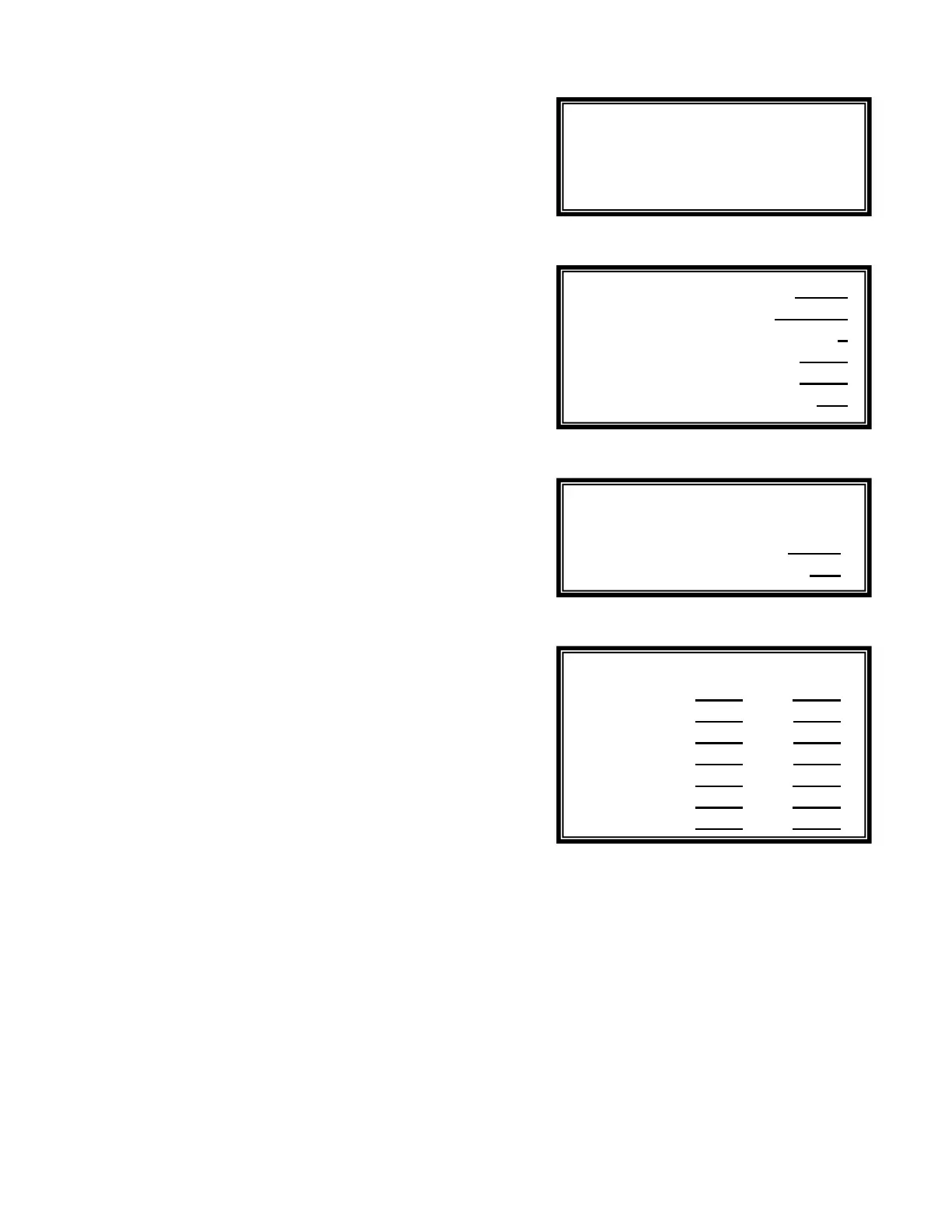
X.8 - Treatment Selection
Submenu X.8 is used to select the shock treatment and
savings program.
The Shock Treatment program is used to destroy harmful
elements, such as chloramines, germs and algae, by raising
the oxidizer or sanitizer level on a specified schedule. This can
be done either with the ORP function menu (Shock Treatment)
or with the Sanitizer function menu (SUPERCHLORINATION),
depending on which activation outlet is used.
The Deshock program can be used after the Shocking
program to return the concentration levels back to normal
values.
The Chemical Savings program is used to save chemicals by
reducing the treatment level when the facility is not in use,
such as at nighttime or on weekends.
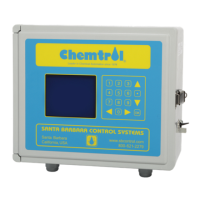
X.8.1 - Shock Treatment Program
The Shock Treatment Submenu X.8.1 allows the operator to
set the program to OFF, MANUAL or AUTO.
When set to MANUAL, the Shock Treatment program starts
immediately. When set to Automatic, the operator selects the
date of the first treatment and the cycle in weeks for repeat
treatments. He also sets the time to start and time to stop as
well as the level of shock treatment to reach, in mV for Shock
Treatment or in ppm or mg/l for Superchlorination.
Chemical injection stops when either the set level is reached or
the end time is reached.
X.8.2 - Deshock Program
The deshock program is set to feed a reducing agent - such as
Sodium Thiosulfate - to eliminate excessive amounts of
sanitizer after superchlorination. The operator may set the
desired level, and the time limit in hours for the deshock
process. When enabled, deshock immediately follows the
shock treatment process. It stops when either the set level or
the time limit is reached.
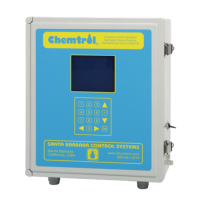
X.8.3 - Chemical Saver Program
The Chemical Saver program may be set to MANUAL, OFF or
AUTO. If set MANUAL, it will start immediately and will
continue until changed back to OFF or placed in AUTO. If
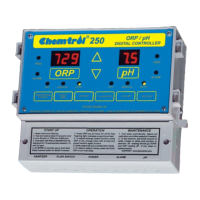
AUTO is selected, the Weekly Scheduling Submenu X.8.3.1 is
displayed.
All times are expressed in standard 24:00 time format. The
operator can select any start and end time for the chemical
saver program for any day of the week, as shown on the
sample screen.
Submenu X.8
Submenu X.8.1
Submenu X.8.3
Submenu X.8.3.1
Shock Treatment
Deshock
Chemical Saver
Shock date 08/10/96
Cycle (weeks) 1
Time on 21:00
Time off 23:30
Level 850
Saver AUTO
Level 650
Mo 20:00 06:00
Tu 20:00 06:00
We 20:00 06:00
Th 20:00 06:00
Fr 20:00 06:00
Sa 16:00 06:00
Su 16:00 06:00


 To Next Page