MANUALPC-2010 CHAPTER IV - OPERATION Page 31
1 - ORP MENU
Operation
The ORP sensor is used to monitor and control an oxidizing
sanitizer, like chlorine or bromine, or a true oxidizer like ozone.
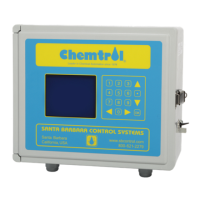
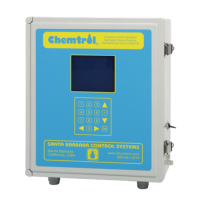
The ORP Menu screen is used to access all the ORP
submenus for Control Mode, setpoint and alarm settings as
well as shocking program (superchlorination if using chlorine).
It also displays the actual run time for individual feed events
and the cumulative run time since last reset to zero.
1.1 - Control Mode
L
ine 1 shows the Control mode that is currently selected to
control the ORP relay outlet: OFF, Manual, AUTO or Timer.
To change the Control Mode, select the first line with the UP or
DOWN ARROW keys and press the RIGHT ARROW key. The
Control Mode submenu 1.1 is then displayed.
The selection procedures for control are common to all the
control functions. See the CONTROL Submenu further down.
1.2 - Display and Calibration
The second line displays the current reading of the ORP
sensor in mV. There is no calibration menu for ORP since
there are no readily available calibration solutions in the range
of operation for water treatment.
1.3 - Setpoint
The ORP SETPOINT determines the ORP level that the
controller maintains automatically when placed in the
Automatic control mode.
To change the setpoint, press the RIGHT ARROW key and
enter the desired value. After pressing the OK key, the
SETPOINT Submenu 1.3 is displayed asking whether the
control is to be set for an Oxidizer or a Reducer. Use the UP
and DOWN keys to highlight the desired selection. Then press
the RIGHT ARROW key to confirm the selection (Oxidizer or
Reducer).
The controller includes two relays, one for oxidizer feed and
one for reducer (de-oxidizer) feed. The normal (default) setting
is for an oxidizer. This means that the oxidizer feed outlet is
automatically activated when the sensor reading falls below the
setpoint. If set for a reducer, the de-oxidizer outlet is activated
when the sensor reading is above the setpoint.
1.4 - Low Alarm
The ALARM LOW value is set to generate an alarm when the
ORP reading falls below the set value. To change the value,
press the RIGHT ARROW key and enter the numerical value
with the digital keypad.
After the alarm value is set, the ALARM OPTIONS Submenu
1.4.1 is displayed, to set the feed interlock and alarm buzzer
options. Use the UP and DOWN keys to highlight the desired
selection and press the RIGHT ARROW key to change to Yes
or No.
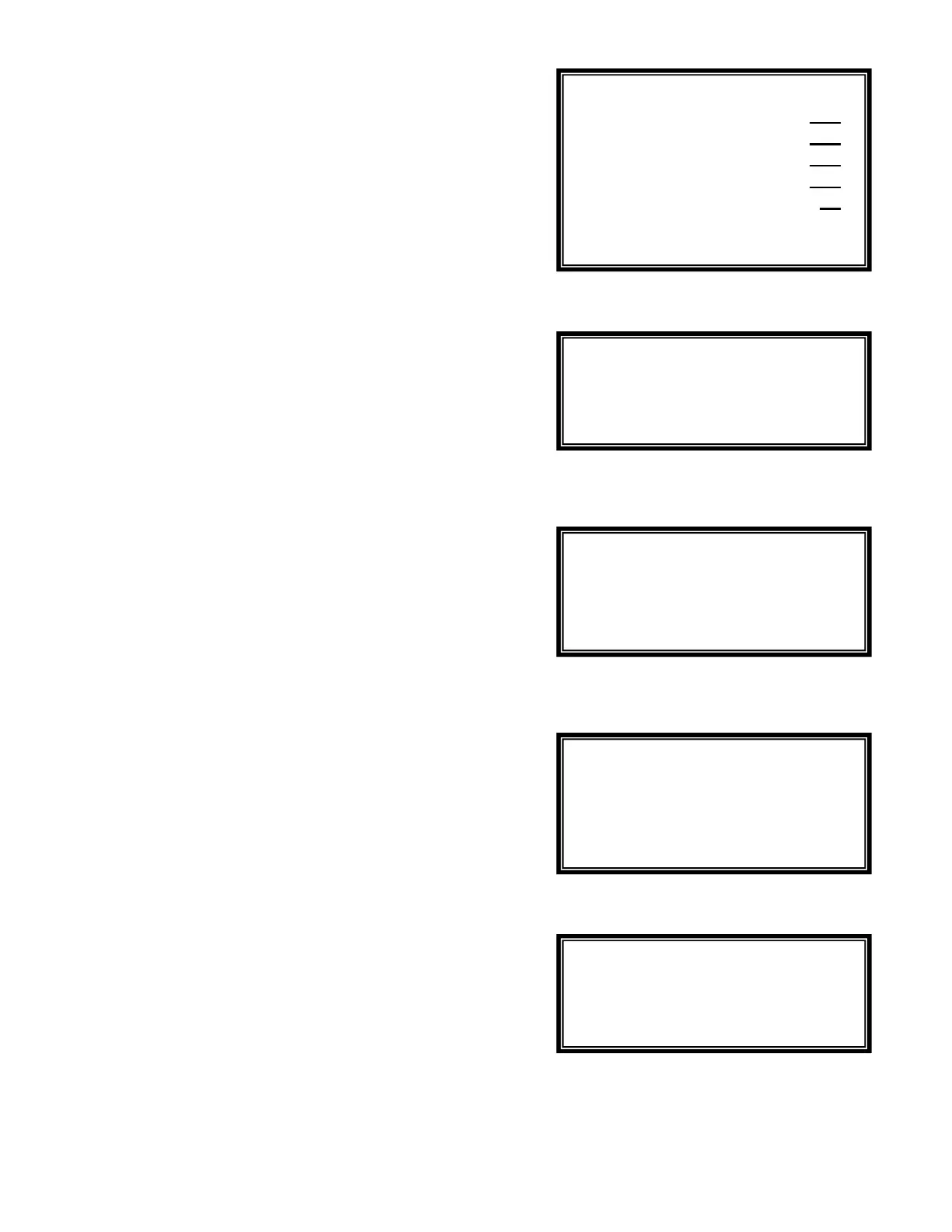
Menu 1
Submenu 1.1
Submenu 1.2
Submenu 1.3
Submenu 1.4.1
Calibrate mV 750
Setpoint mV 700
Alarm Low mV 650
Alarm High mV 850
Time Limit min 30
Run Time 10 125
Last Shock 05/01/96
Manual
Auto
Timer
Oxidizer
Reducer
Both
Do not change
ORP calibration
Feed lockout YES
Alarm buzzer YES


 To Next Page