MANUALPC-2010 CHAPTER IV - OPERATION Page 47
CONTROL SUBMENUS
Features
The CONTROL Submenus are common to all the functions
that require control of the operating variable at a fixed setpoint.
This includes ORP, pH, Conductivity and Temperature.
For all functions, control can be made more effective and
precise with the use of a deadband and a progressive zone.
Since they are the same for each variable, the Control
Submenus are identified below with the generic letter X.
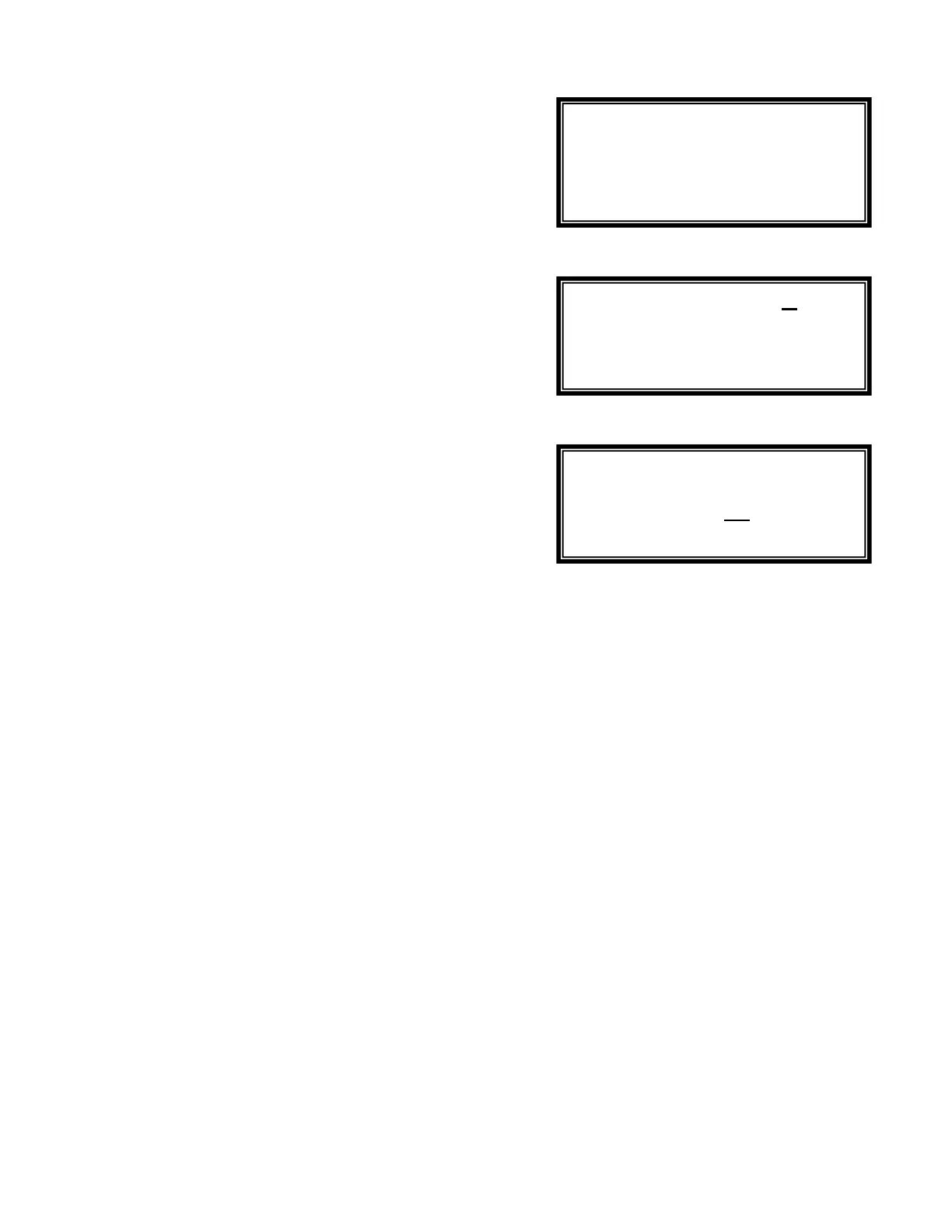
X.1 - Control Type
T
he Control Submenu X.1 is used to select the control type:
OFF, Manual, Automatic or Timer. Use the UP and DOWN
keys to highlight the desired selection and then press the
RIGHT ARROW key to confirm the selection.
If the operator selects OFF, the controller turns off the feed
control outlet immediately and returns to the previous menu.
If the operator selects Manual, the controller turns on the feed
control outlet immediately and returns to the previous menu.
CAUTION: On Manual setting, the outlet stays on until turned
off regardless of sensor readings. If the run time
exceeds the Time Limit set by the operator in the
specified submenu, the outlet will be turned off to
prevent accidental overfeeding.
X.0.1 - Deadband
In both automatic control modes (ON/OFF and Proportional),
the controller uses a deadband zone near the setpoint. In this
zone, there is no outlet activation. This is designed to prevent
chattering of the relay. The deadband is expressed as a
percentage of the setpoint value and can be adjusted by the
operator on the DEADBAND screen.
With the deadband, the outlet remains activated until the
sensor reading reaches the setpoint, at which point it is de-
activated. In order for the relay to be re-activated, the reading
has to get outside the deadband, thus eliminating the effect of
small fluctuations.
X.0.2 - Progressive Zone
The PROGRESSIVE ZONE is a control zone around the
setpoint where the outlet activation depends on how far the
sensor reading is from the setpoint (see Figure 30, Page 48).
If the sensor reading is outside of the zone, then the outlet is
turned on 100% of the time. The activation rate then
decreases progressively as the reading nears the setpoint
value. It goes to 0% when the reading reaches the setpoint.
This control mode is available in Proportional Control only (see
next page). It provides more precise control than ON/OFF
control and reduces overfeeding, particularly in small bodies of
water.
Submenu X.1
Submenu X.0.1
Submenu X.0.2
OFF
Manual
Automatic
Dead area to
prevent chatter
near setpoint
Zone: 10 %
around setpoint


 To Next Page