GPIB Commands
5-19
5.8 Operation Status Group
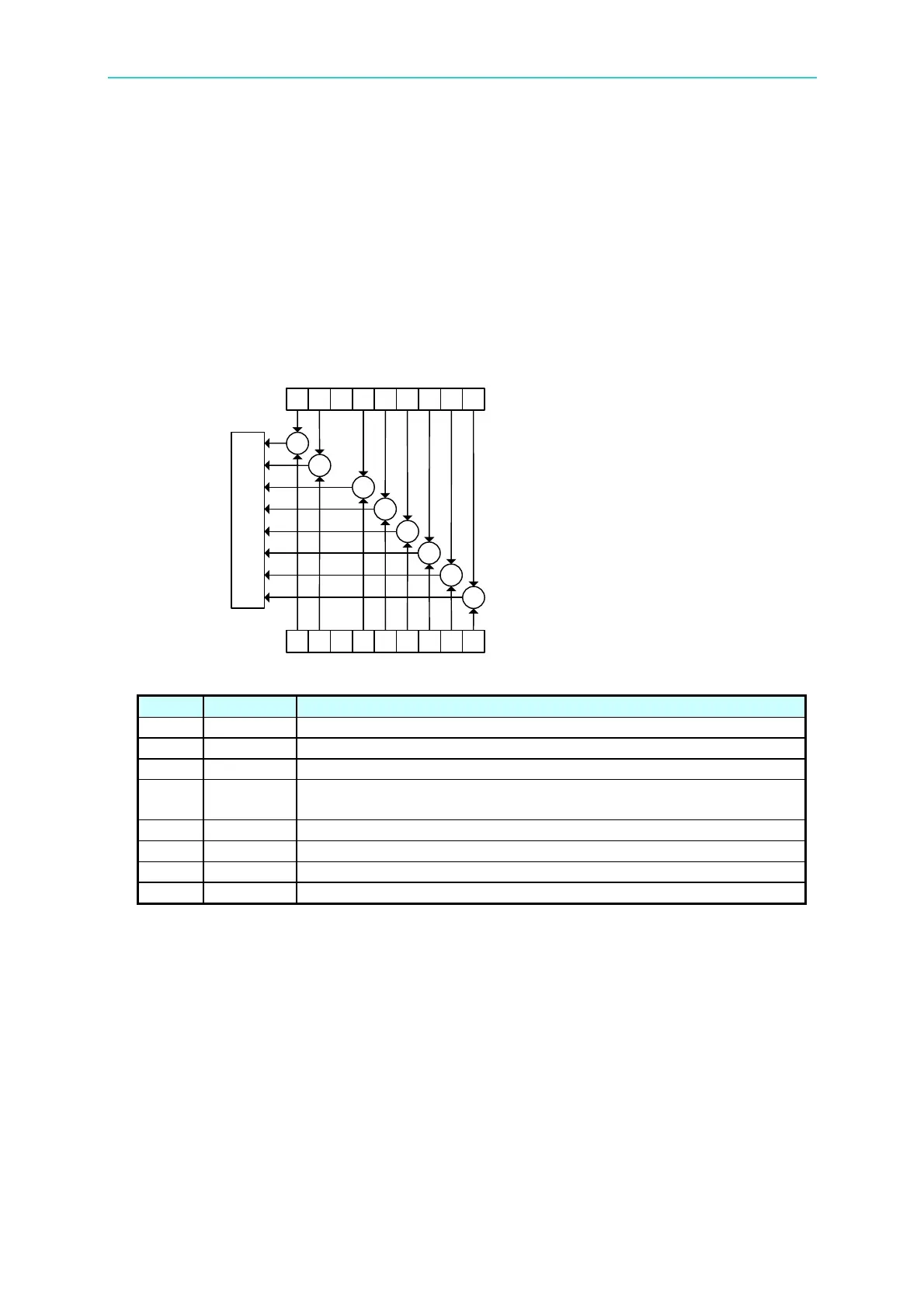
The 11021/11021-L LCR Meter has an Operation Status Register Group for STATus
subsystem commands to access, see also the STATus subsystem in GPIB commands. The
group contains an event register and an enable register. The enable register enables the
corresponding bit in the event register to set the status summary bit and bit 7 of the Status
Byte Register.
5 4 3 2 1 0
Use STATU:OPER:ENAB?
STATU:OPER:ENAB<value>
to query or set Enable Register
5 4 3 2 1 0
Enable Register
Event Register
Use STATU:OPER:EVEN?
to query Event Register
Use STATU:PRES
to clear Event Register &
Enable Register contents
15 14
Logical OR
15 14
Generate
summary
bit for
status byte
&
&
&
&
&
&
&
&
…
…
Figure 5-4 Operation Status Group
Bit No. Bit Weight Description
10 – 15 Always 0.
6 Always 0.
5 32 Always 0.
4 16
This bit is set when the 11021/11021-L LCR is executing the
measurement.
3 Always 0.
2 4 Always 0.
1 2 Always 0.
0 Always 0.
Table 5-3 Assignments of Operation Status Condition Register
5.9 Error Messages
Read error queue from remote interface:
SYSTem:ERRor?
Below is the format of error message (maximum 80 characters for an error string):
-102 “Syntax error”



 To Next Page