EasyManua.ls Logo

Chroma 63200 Series - Installation; Introduction

Chroma 63200 Series
164 pages
Print Icon
To Next Page IconTo Next Page
To Previous Page IconTo Previous Page
Loading...
Installation
2-1
2. Installation
2.1 Introduction
This chapter describes how to install the 63200 series Load as well as a turn-on check
procedure and application considerations.
2.2 Inspection
As soon as the instrument is unpacked, inspect any damage that might have occurred in
shipping. Keep all packing materials in case that the instrument has to be returned. If any
damage is found, please file a claim to the carrier immediately. Do not return the instrument
to Chroma without prior approval.
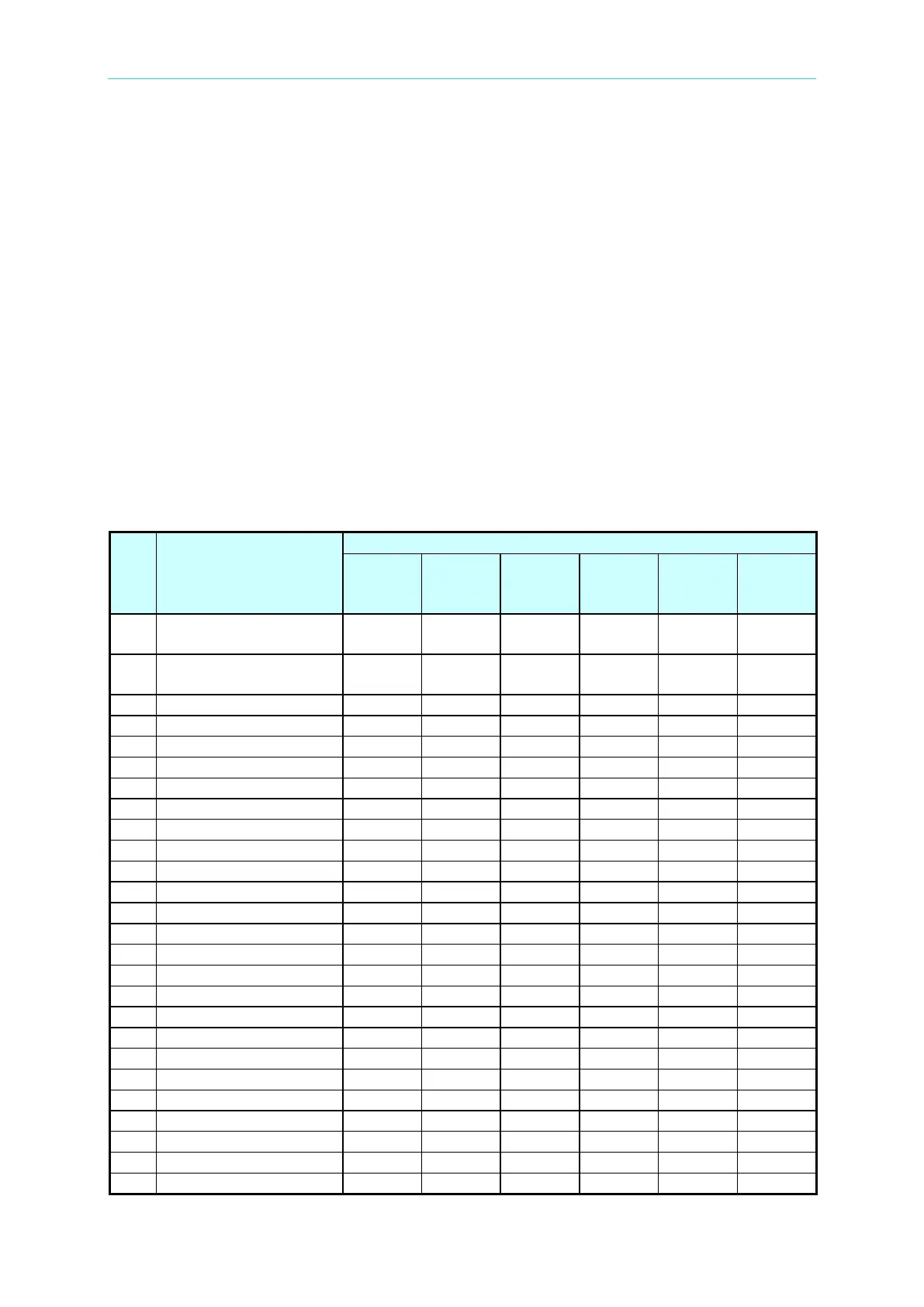
Please ensure the following items are received correctly.
Item
Name
Quantity for Each Model
63201
63202
63203
63204
63205
63206
63207
63208
63209
63210
63211
63212
1
Quick Start Guide
T-Chinese version
1 1 1 1 1 1
2
Quick Start Guide
English version
1 1 1 1 1 1

3
Fuse (2A/250V)
1
-
-
-
-
-
4
Fuse (2.5A/250V)
-
1
1
-
1
-
5
Fuse (3.15A/250V)
-
-
-
1
-
-
6
User's Manual CD
1
1
1
1
1
1
7
Installing kit for Rack
-
2
-
-
-
-
8
Handlebar
2
-
-
-
-
-
9
Installing kit for Rack
2
-
-
-
-
-
10
Installing kit for Rack
-
-
-
2
-
-
11
Installing kit for Rack
-
-
2
-
-
-
12
Insulating rubber cover
1
1
1
1
-
-
13
Insulated bakelite
2
2
2
2
-
-
14
Insulator
2
2
2
2
-
-
15
Wrench
-
-
-
-
1
1
16
Sleeve wrench
-
-
-
-
1
1
17
Screw M4x10L
4
-
-
8
-
-
18
Screw M6x10L
2
2
2
2
-
-
19
Screw M6x20L
6
6
6
6
-
-
20
Screw M6x25
4
4
4
4
-
-
21
Screw M8x20L
-
-
-
-
8
4
22
Hexagonal Nut M6
4
4
4
4
-
-
23
Hexagonal Nut M8
-
-
-
-
8
4
24
Washer
4
4
8
8
-
-
25
RS232 Cable
1
1
1
1
1
1
26
Test Wire
1
1
1
1
1
1

Table of Contents

Other manuals for Chroma 63200 Series

Related product manuals