diagnosis or service. Disconnect the IBS/negative battery cable assembly from the negative
battery post, then wait two minutes for the system capacitor to discharge before
performing further diagnosis or service. This is the only sure way to disable the SRS. Failure to
take the proper precautions could result in accidental airbag deployment.
SUPPLEMENTAL RESTRAINT SYSTEM VERIFICATION TEST
WARNING: To avoid serious or fatal injury on vehicles equipped with airbags, disable the Supplemental
Restraint System (SRS) before attempting any steering wheel, steering column, airbags, airbag
curtains, knee blocker, seat belt tensioner, impact sensor or instrument panel component
diagnosis or service. Disconnect the IBS/negative battery cable assembly from the negative
battery post, then wait two minutes for the system capacitor to discharge before
performing further diagnosis or service. This is the only sure way to disable the SRS. Failure to
take the proper precautions could result in accidental airbag deployment.
NOTE: The following procedure should be performed using a diagnostic scan tool to verify proper
Supplemental Restraint System (SRS) operation following the service or replacement of any SRS
component. Refer to the appropriate diagnostic procedures.
1. During the following test, the negative cable remains disconnected and isolated from the battery, as it was
during the Supplemental Restraint System (SRS) component removal and installation procedures.
2. Be certain that the diagnostic scan tool contains the latest version of the proper diagnostic software. Connect
the scan tool to the 16-way Data Link Connector (DLC). The DLC is located on the driver side lower edge of
the instrument panel, near the steering column opening cover and outboard of the steering column.
3. Transition the status of the ignition switch to On and exit the vehicle with the scan tool.
4. Check to be certain that nobody is in the vehicle, then connect the negative battery cable. If equipped with an
Intelligent Battery Sensor (IBS), connect the IBS connector.
5. Using the scan tool, read and record the active (current) Diagnostic Trouble Code (DTC) data.
6. Next, use the scan tool to read and record any stored (historical) DTC data.
7. If any DTC is found in Step 5 or Step 6, refer to the appropriate diagnostic information.
8. Use the scan tool to erase the stored DTC data. If any problems remain, the stored DTC data will not erase.
Refer to the appropriate diagnostic information to diagnose any stored DTC that will not erase. If the stored
DTC information is successfully erased, go to Step 9.
9. Transition the status of the ignition switch to Off for about 15 seconds, and then back to On. Observe the
airbag indicator in the instrument cluster. It should light from four to six seconds, and then go out. This
indicates that the SRS is functioning normally and that the repairs are complete. If the airbag indicator fails to
light, or lights and stays On, there is still an active SRS fault or malfunction. Refer to the appropriate diagnostic
information to diagnose the problem.
CLEANUP PROCEDURE
Following a Supplemental Restraint System (SRS)
component deployment, the vehicle interior will contain a
powdery residue. This residue consists primarily of
harmless particulate by-products of the small pyrotechnic
charge that initiates the propellant used to deploy a
SRS component. However, this residue may also contain
traces of sodium hydroxide powder, a chemical
by-product of the propellant material that is used to
generate the inert gas that inflates the airbag. Since
sodium hydroxide powder can irritate the skin, eyes,
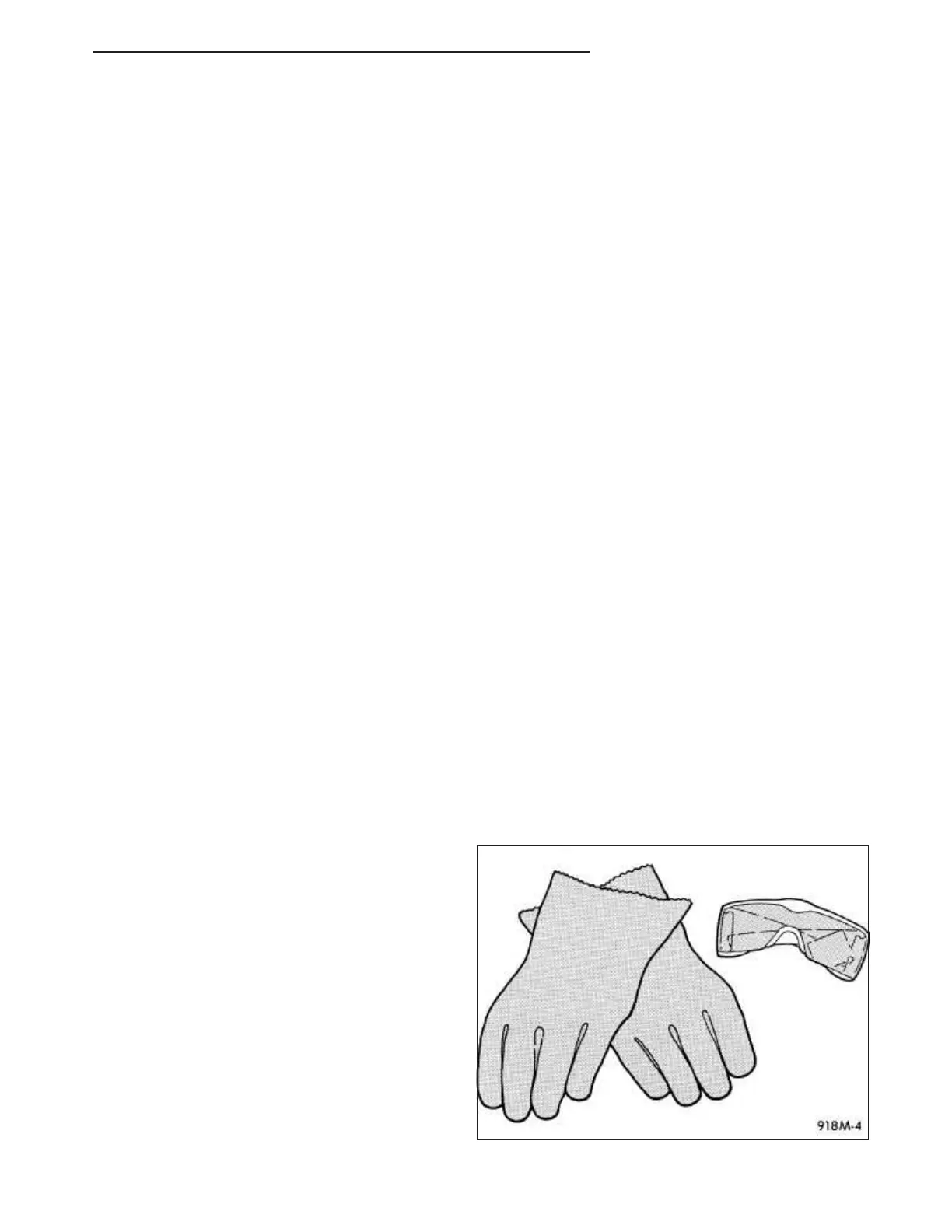
nose, or throat, be certain to wear safety glasses, rubber
gloves, and a long-sleeved shirt during cleanup.
WARNING: To avoid serious or fatal injury, if you experience skin irritation during cleanup, run cool water
over the affected area. Also, if you experience irritation of the nose or throat, exit the vehicle
RU 31 - Collision Information 31 - 7















 To Next Page