M B
P
S M O U L D E
R O C E S 1 S
P R O C E S 2 S
P R O C E S 3S
P R O C E S I N DS
→
≡
≡
≡
≡
≡
P I D
S H U T D O 1NW
S H U T D O 2NW
S H U T D O 3NW
≡
≡
≡
≡
A V
B
L E U I M T I I N
V D
G
4 8
S
5
A T T E R L Y
M O D B U S S R
D
D A T A L O
T
G
C A L I B
I O S E
C R
N
O S
U S E R P C
E
D
T & M
I
S
A
D I S P L A Y
E T D A T E
≡
S
E
L A G
O
L E R D A
C
S
M N
E
T R
E T S I
R
T E
S
E E
T
A C O Y
F
51
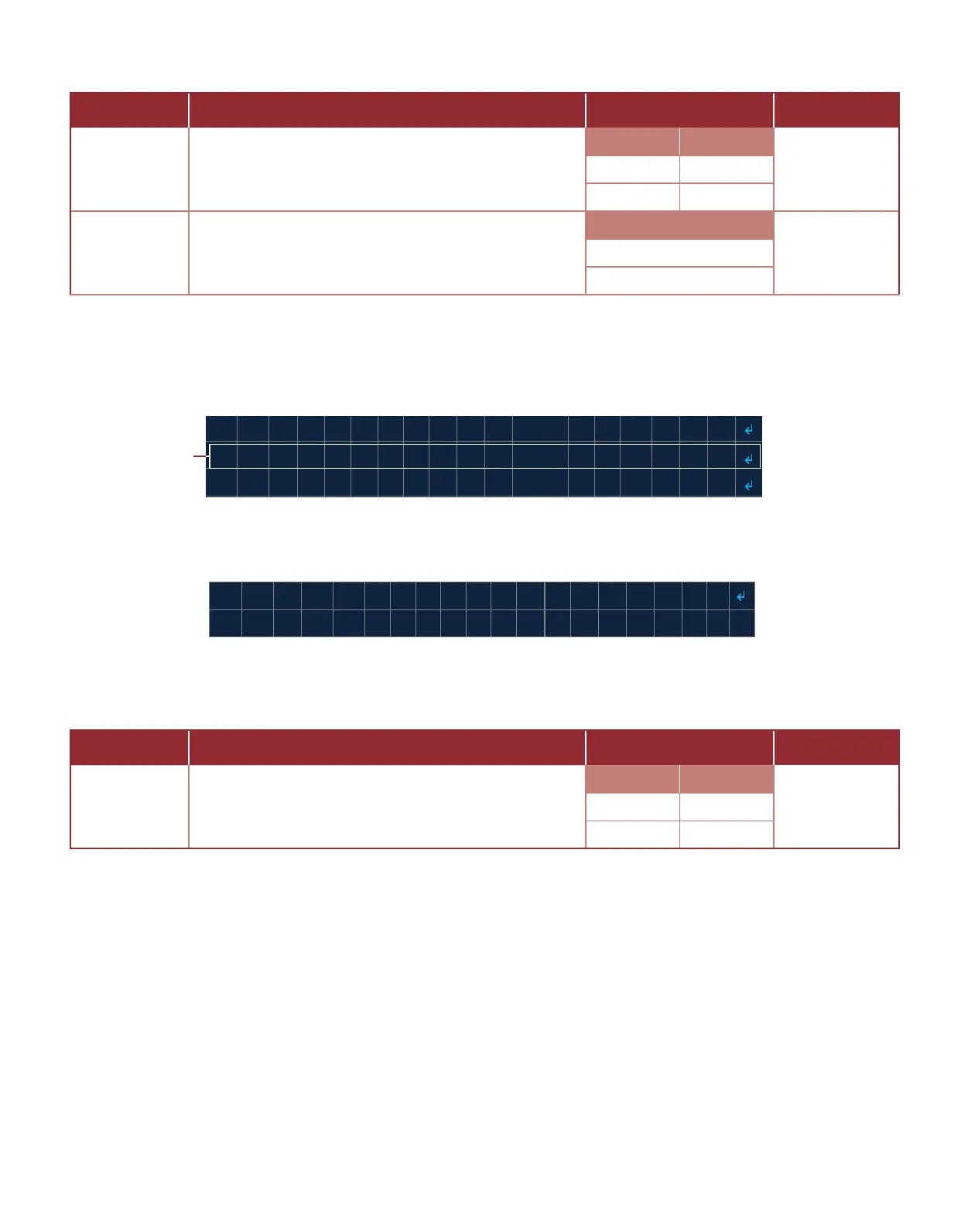
The following are seng descripons, sengs opons and default values for the PASSCODE sengs (Table 3.4.11).
3.4.12 DISPLAY
Select the DISPLAY menu (Image 3.4.37) to access the DISPLAY sengs.
DISPLAY sengs (Image 3.4.38) include: TIMEOUT.
T I M E 1 8 0 0 >
C O M M I T
O U
S E T T I N G
T = <
S
→
The following are seng descripons, sengs opons and default values for the DISPLAY sengs (Table 3.4.12).
Table 3.4.11 · PASSCODE seng descripons, opons and default values
Image 3.4.37 · DISPLAY menu
Select USER
PASSCODE menu
Image 3.4.38 · DISPLAY sengs
Table 3.4.12 · DISPLAY seng descripons, opons and default values
SETTING DESCRIPTION
OPTIONS
DEFAULT
PASSCODE
Sets the passcode to be used to access Sengs and
Diagnoscs Menus
Range Value
0000Min 0000
Max 9999
ENABLE
Enables or disables the use of a passcode to restrict
access to Sengs and Diagnoscs Menus
Mode
DISABLEDENABLED
DISABLED
SETTING DESCRIPTION
OPTIONS
DEFAULT
DISPLAY
Set the amount of me (in seconds) that the display
will remain on aer the last menu interacon
Range Value
1800Min 30
Max 1800



 To Next Page