0000 1999
-
+
English
31 EN
N.B. ONLY if the item “Customer Progr.” is set on
“YES" and the item “Program. block” is set on
“NO".
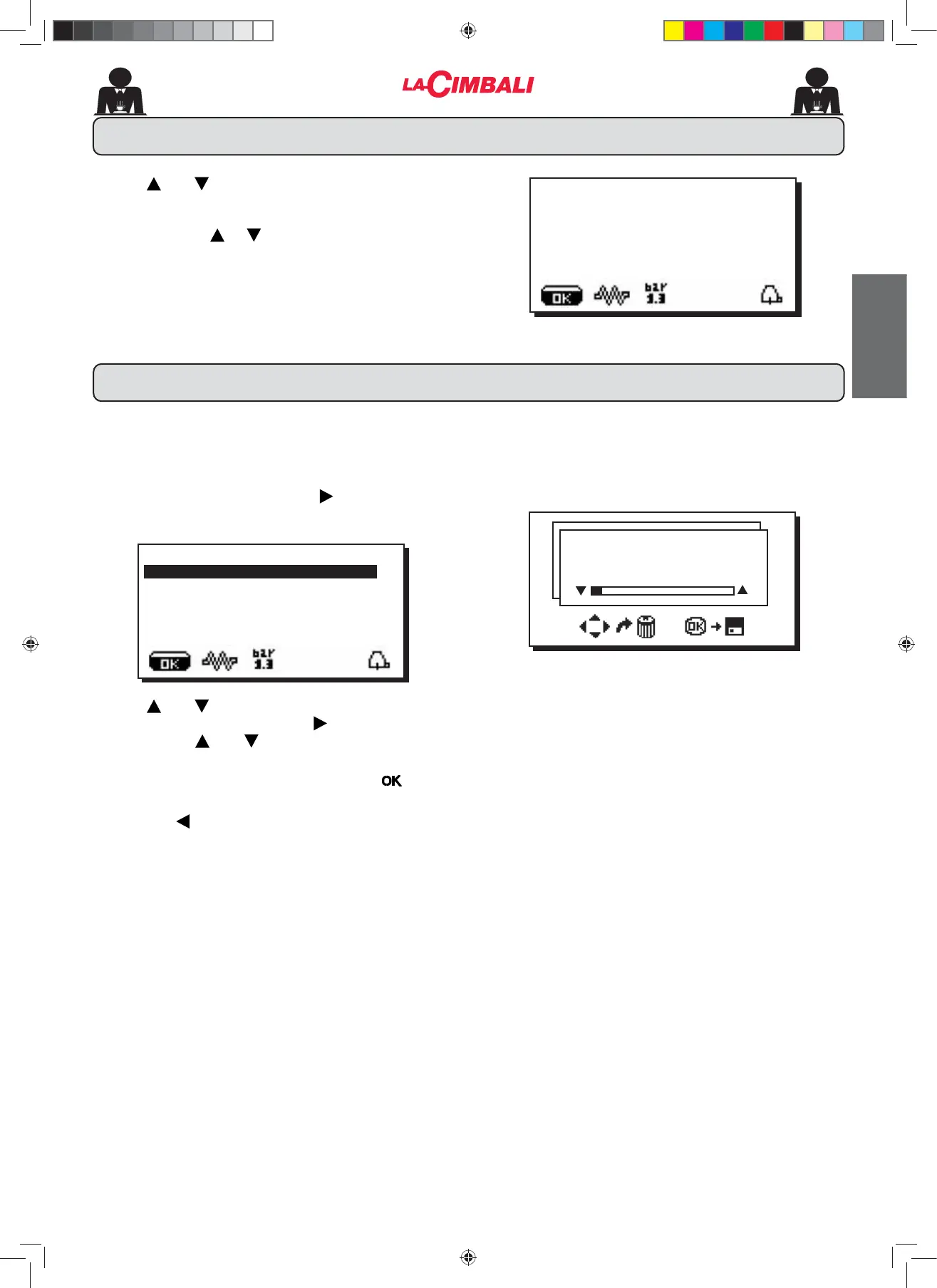
To access programming press the NH\WKHIROORZLQJ
message will appear on the display:
Use the and keys to position the cursor (black line)
on the desired line, then press the key.
Always use the and NH\VWRFKDQJHWKHVHWWLQJDW
this point there are two possibilities:
FRQ¿UPWKHFKDQJHVPDGHE\SUHVVLQJWKH key
2) exit the menu and leave the settings unchanged by
pressing the key.
Note: When modifying data, the cursor changes to "
Æ", or a slide bar with maximum and minimum
settings will appear:
22. How to access the programming mode
Water dose 0090
Use the and keys to adjust the clock.
The time increases (or decreases) one minute each time
the key is pressed.
If one of the keys ( or ) is pressed and held down for
more than 10 seconds, the minutes setting stops and the
hours setting increases (or decreases).
During the time setting phase, the seconds remain at "00".
21. Clock adjustment
20 September 2017
wednesday 15:18:12
À
CUSTOMER PROG.
KEY MENU
SELF-LEARNING
WASHING
DATA MENU
CUSTOMER
02_M26_UNICO_EU_2314.indd 31
02_M26_UNICO_EU_2314.indd 31
07/04/2023 12:05:55












 To Next Page