+
+
11
English
32 EN
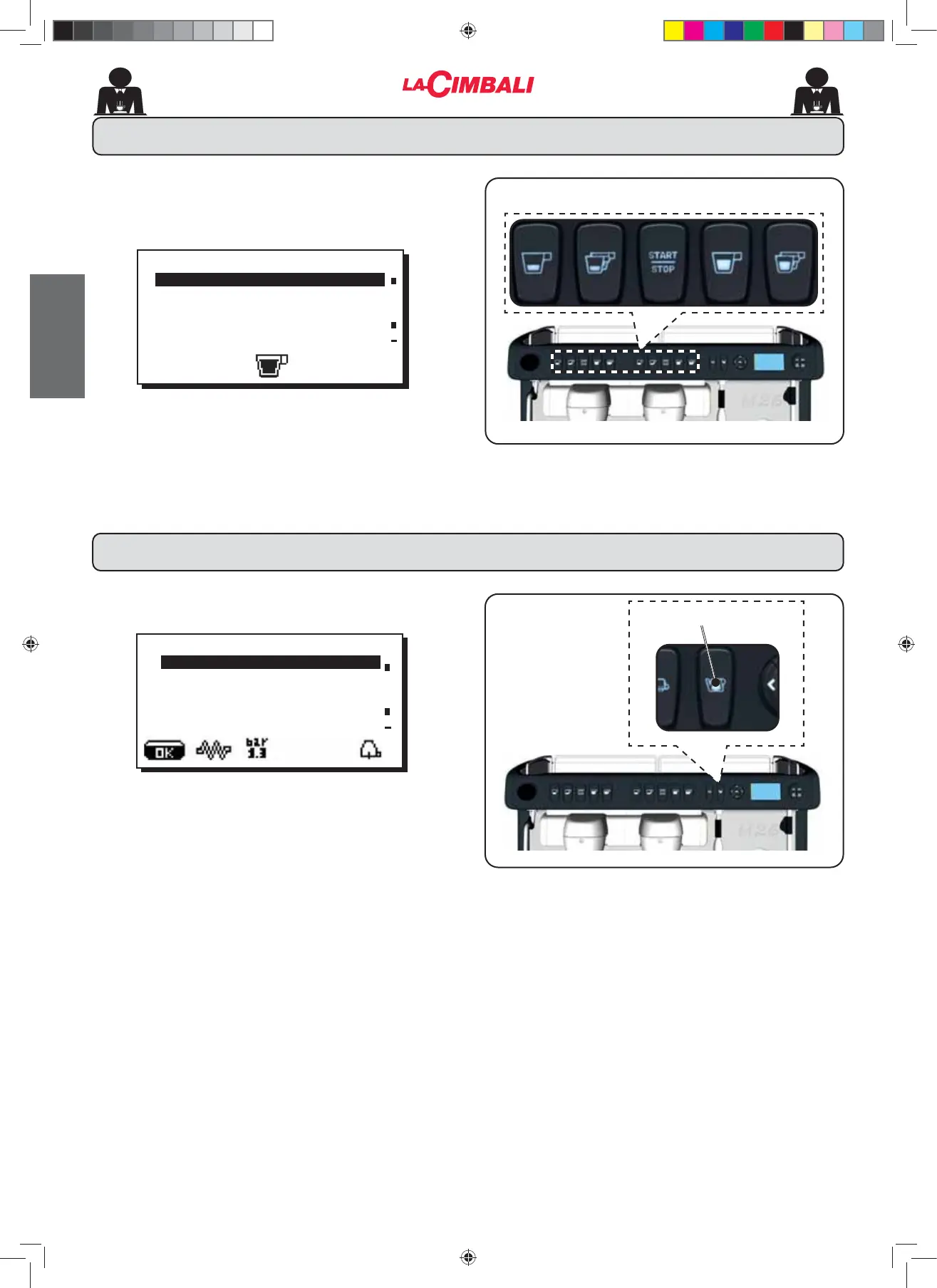
3UHVVRQHRIWKHFRႇHHGLVSHQVLQJNH\VRQWKHVHOHFWLRQ
SDQHOWKHUHODWLYHOHGZLOOUHPDLQRQQRWÀDVKLQJ7KH
following message will appear on the display:
Each dispensing unit is controlled by a panel that permits
programing the amount of desired dispensing for each
button.
7KHIROORZLQJFRႇHHVHOHFWLRQSDUDPHWHUVFDQEHPRGL¿HG
- water dose (volumetric dosage pulses)
.H\PHQX&RႇHHVHOHFWLRQ
ÀKEY MENU
7\SH FRႇHH
Water dose 110
Press the hot water dispensing key (11). The following
message will appear on the display:
The following hot water selection parameters can be
PRGL¿HG
- water dispensing time (dispensing time in seconds.).
ÀKEY MENU
Type water
dispens. time 20.0
24. Key menu - Hot water selection
02_M26_UNICO_EU_2314.indd 32
02_M26_UNICO_EU_2314.indd 32
07/04/2023 12:05:57












 To Next Page