+
+
English
35 EN
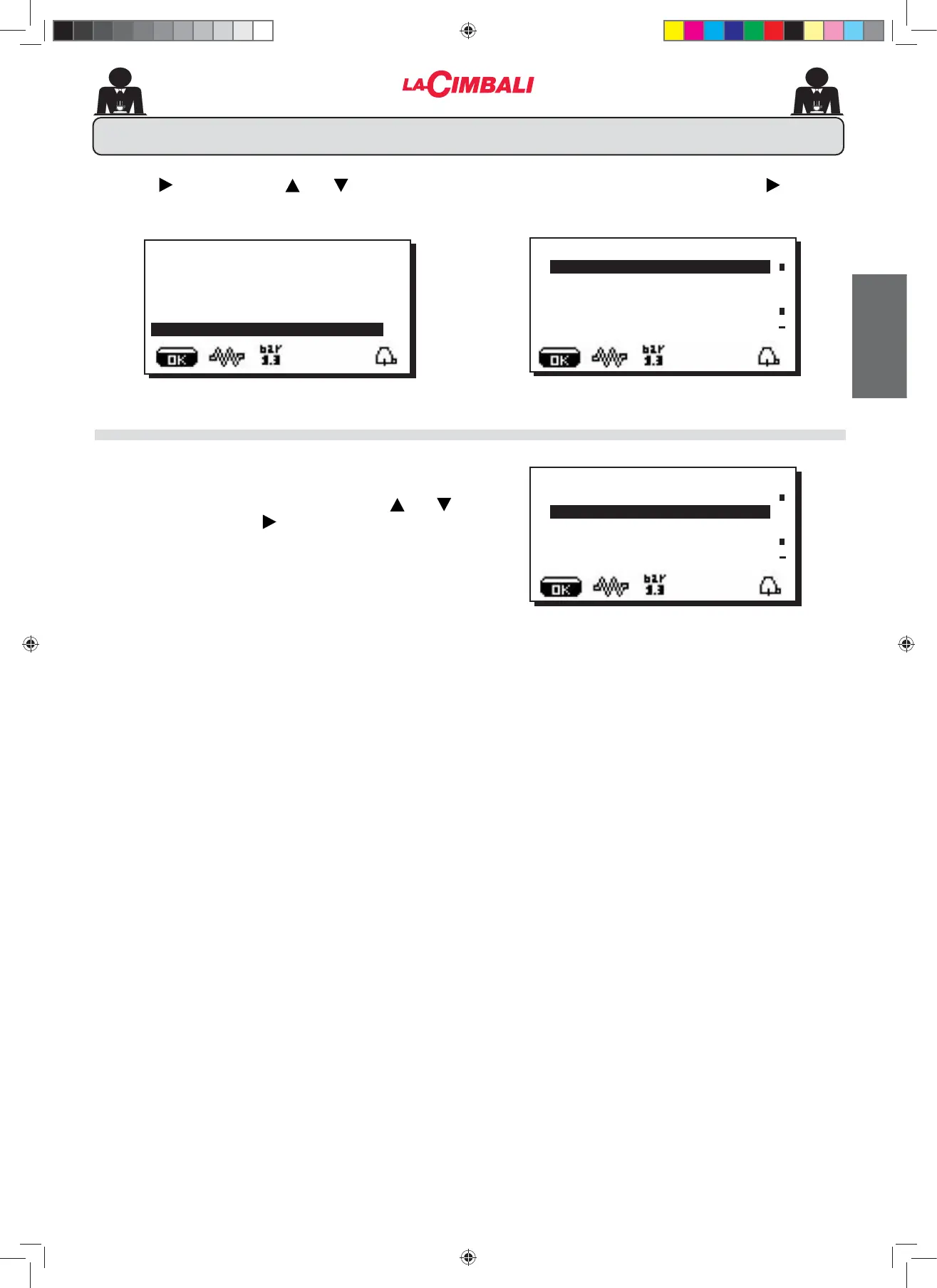
To access "Customer parameters" press NH\ the
following message will appear on the display:
28. Customer parameters menu
LANGUAGE SELECTION
À
CUSTOMER PARAMETERS
SERVICE TIME
ITALIANO
ENGLISH
FRANCAIS
DEUTSCH
À
CUSTOMER PARAMETERS
SERVICE TIME
ITALIANO
ENGLISH
FRANCAIS
DEUTSCH
7RGLVSOD\WKHPHVVDJHVLQDGLႇHUHQWODQJXDJHIURPWKDW
set, after entering into Programming mode, position the
cursor on the desired language by pressing the and
keys and then pressing the key. The machine will restart
with the messages provided in the selected language.
Press the key and use the and keys to position
WKHFXUVRU EODFNOLQH RQWKHGHVLUHG OLQHWKHIROORZLQJ
message will appear on the display:
À
CUSTOMER PROG.
KEY MENU
SELF-LEARNING
WASHING
DATA MENU
CUSTOMER
02_M26_UNICO_EU_2314.indd 35
02_M26_UNICO_EU_2314.indd 35
07/04/2023 12:06:06












 To Next Page