$
ITALIANO
ENGLISH
FRANCAIS
DEUTSCH
NEDERLANDS
ESPANOL
PORTUGÛES
ɊɭɋɋɄɂɣ
#
_
+
_
+
$
_
+
$
#
_
+
_
+
$
#
_
+
_
+
_
+
$
English
30 EN
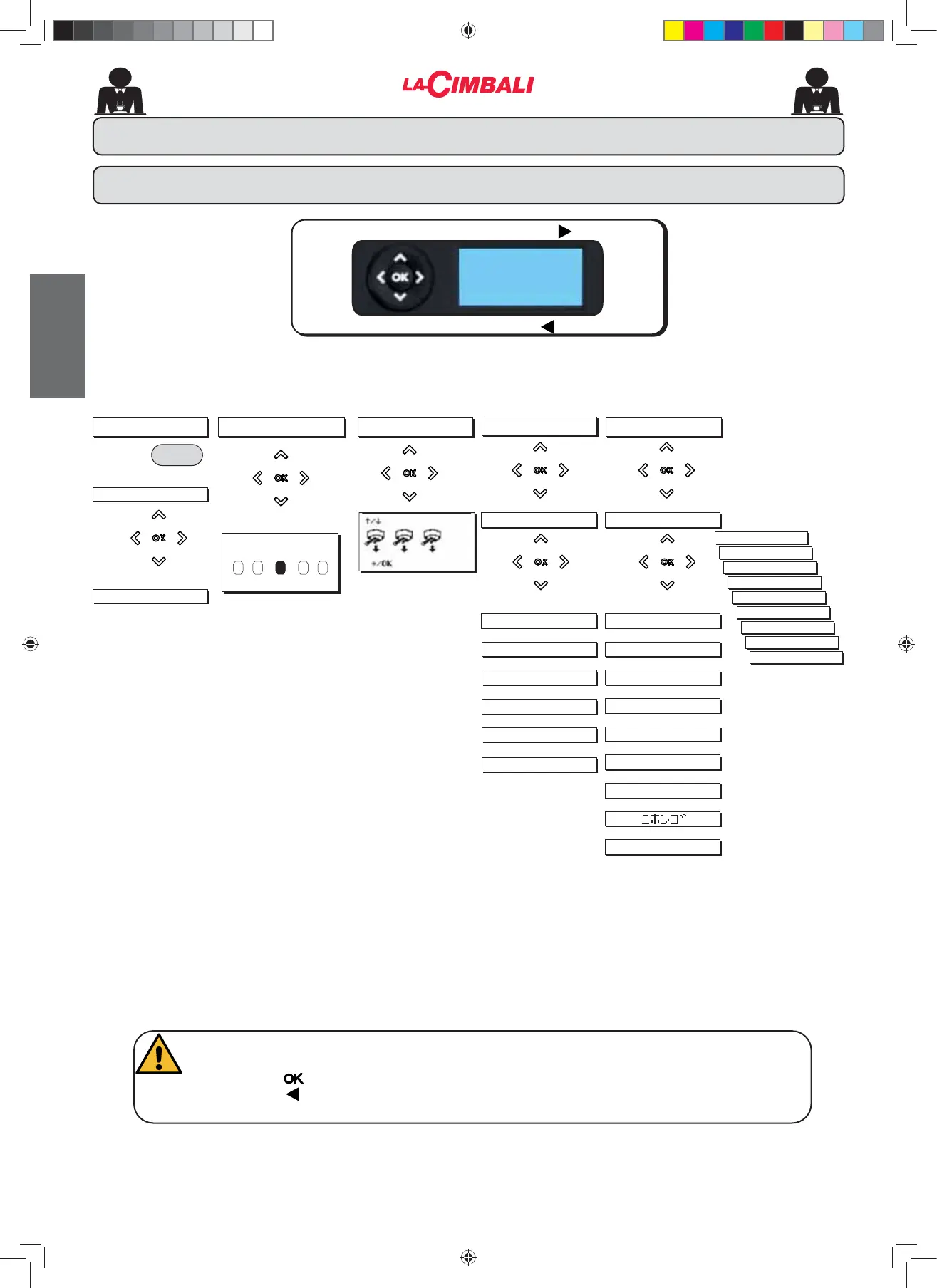
To ACCESS menu press
To EXIT menu press
Press
KEY MENU
SELECTION
KEY
Type
Water dose
DATA MENU
COUNTERS
Press
1FRႇHH
N° water
N° steam
N° steam + air
1WRWFRႇHH
CUSTOMER
Press
SERVICE TIME
EXITING THE PROGRAMMING MENUS
Before exiting the menus:
- Press the
NH\WRFRQ¿UPDQ\FKDQJHVPDGHWRVHWWLQJV
- Press the
key to leave settings unchanged
Only if "Prog. cliente" is YES and “Program. block” is NO
'DWDÀRZFKDUW
CUSTOMER PROGRAMMING (only DT version with display)
DATE AND TIME
ON time
OFF time
'D\Rႇ
Night ON
Night OFF
WASH
5H¿OO
Energy Saving
KEY MENU
to change sel.
to confirm
WASHING
Press
Press
SELF.LEARNING
Group 1 DV: 000
090 150 080 160
SELF.LEARNING
02_M26_UNICO_EU_2314.indd 30
02_M26_UNICO_EU_2314.indd 30
07/04/2023 12:05:53












 To Next Page