+
+
English
36 EN
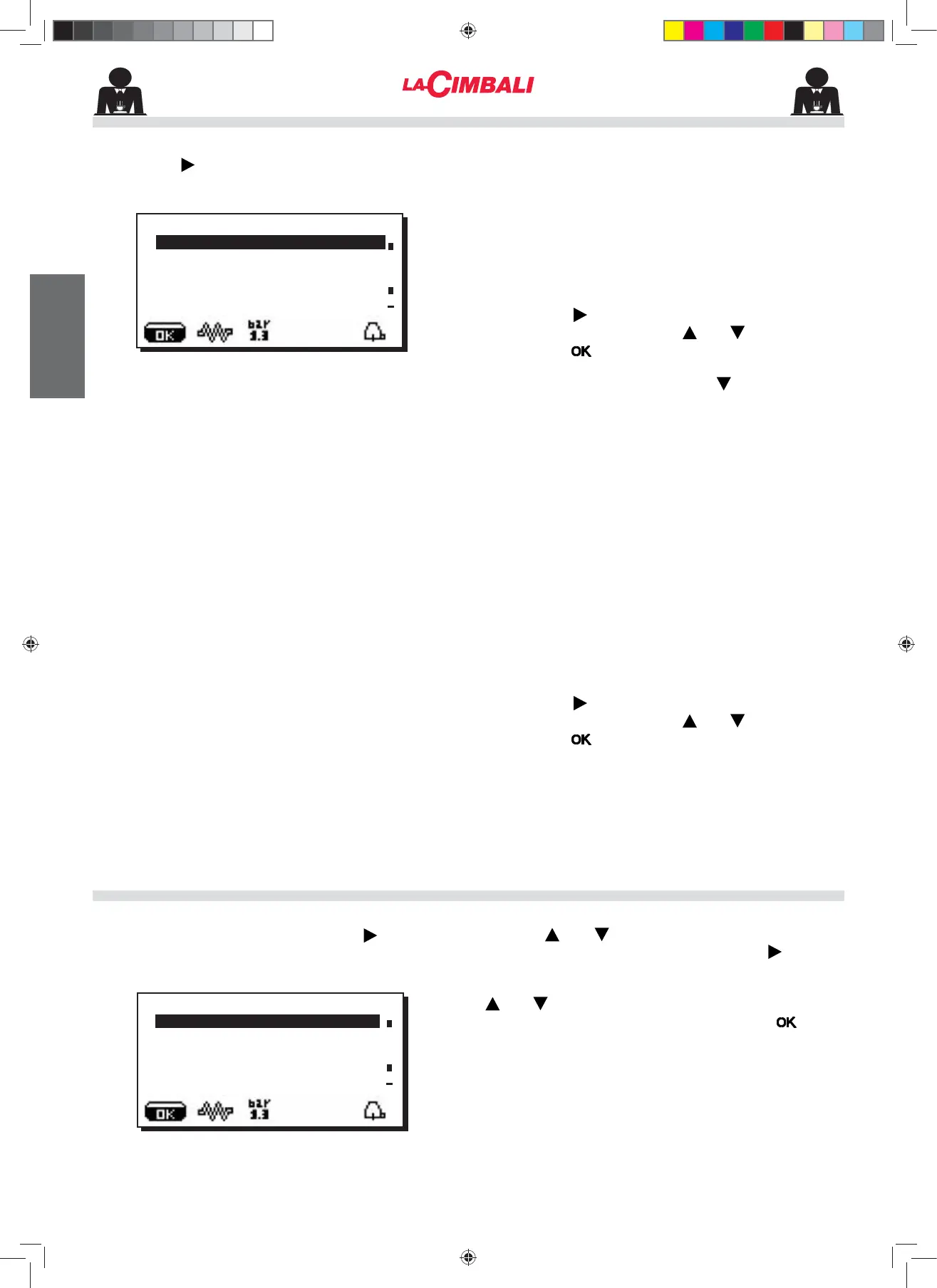
Pressing the key, the following message will appear
on the display:
7KHIROORZLQJVHUYLFHWLPHSDUDPHWHUVFDQEHPRGL¿HG
- ON timeWLPHWKHPDFKLQHVZLWFKHVRQ
- OFF timeWLPHWKHPDFKLQHVZLWFKHVRႇ
GD\R௺GD\RQZKLFKWKHHQWHUSULVHLVFORVHG
General indications
,IWKHUHLVQRGD\RႇLHWKHHQWHUSULVHQHYHUFORVHV
HQWHU³QRQH´IRUWKH³GD\Rႇ´LWHP
Enter the same time for the “ON time” and “OFF time”
parameters (for example:
ON time 22:00
OFF time 22:00)
LIWKHDXWRPDWLFVZLWFKRQVZLWFKRႇIXQFWLRQLVQRWUHTXLUHG
DQG\RXZLVKWRPDQXDOO\VZLWFKWKHPDFKLQHRQDQGRႇ
- Energy Saving (enable/disable the Energy Saving
IXQFWLRQ<(612
- Night ON (start time for evening beverage price: only
ZKHQSD\PHQWV\VWHPLVFRQQHFWHG
- Night OFF (end time for evening beverage price: only
ZKHQSD\PHQWV\VWHPLVFRQQHFWHG
- Wash (hour of scheduled wash
Washing cycle can be performed at pre-set time. At the
set time, the display will show: this message “EXECUTE
COFFEE WASHING”.
When requested, a washing cycle (simultaneous or
sequential) will be performed as described in the “Cleaning
Operations” paragraph.
Follow these steps to set the time for the washing cycle:
- Position the cursor on the line WASH
- Press the NH\
- Change the time, using the and NH\V
- Press the NH\WRFRQ¿UPWKHVHWWLQJ
Set OFF against the time so as to not activate these wash
cycles.OFF is displayed press the key the indicated
time is "00:00".
NOTES. The technical personnel has the ability to enable
or disable the "block" function.
With "block" enabled, if the washing cycle is not performed
within an hour, the machine prevents beverages from
being dispensed.
- Water Change water replacement can be set by time
The "Water Change" function with time request is set by
the technical personnel who can also enable or disable
the "block" function.
With "block" enabled, if the water change is not done
within an hour, the machine prevents beverages from
being dispensed.
With request scheduled the user can only change the
time the request appears.
Follow these steps to set the time:
- Position the cursor on the line Water Change
- Press the NH\
- Change the time, using the and NH\V
- Press the NH\WRFRQ¿UPWKHVHWWLQJ
To modify the date and hour, press the key on the
corresponding line. The following message will appear:
Use the and keys to move the cursor (black line)
WRWKHHQWU\WREHPRGL¿HGWKHQSUHVVWKH key. The
cursor will turn into an arrow è and it becomes possible
to change the number for the selected entry by using the
and keys.
Once the operation is completed, press the
key to
FRQ¿UPWKHGDWD
Note: the cursor changes back to black line.
Repeat the operation described above to modify
other parameters.
DATE AND TIME
SERVICE TIME MENU
ÀSERVICE TIME
DATE AND TIME
ON time 03:00
OFF time 03:00
'D\Rႇ QRQH
Energy Saving YES
ÀDATE AND TIME
Year 17
Month 09 SEP
Date 20 WED
Hour 17
Minutes 12
02_M26_UNICO_EU_2314.indd 36
02_M26_UNICO_EU_2314.indd 36
07/04/2023 12:06:09












 To Next Page